What Should Saudi Law Firms Consider Before Implementing Case Management Software?

Managing legal matters involves much more than keeping a record of cases. Lawyers and support teams need to track deadlines, hearings, documents, client communication, tasks, billing information, and ongoing developments across multiple matters.
When these activities are handled through spreadsheets, email threads, shared folders, and separate applications, it can become difficult to maintain a clear view of each case. Important information may be harder to find, routine follow-ups can take time, and teams may end up duplicating work.
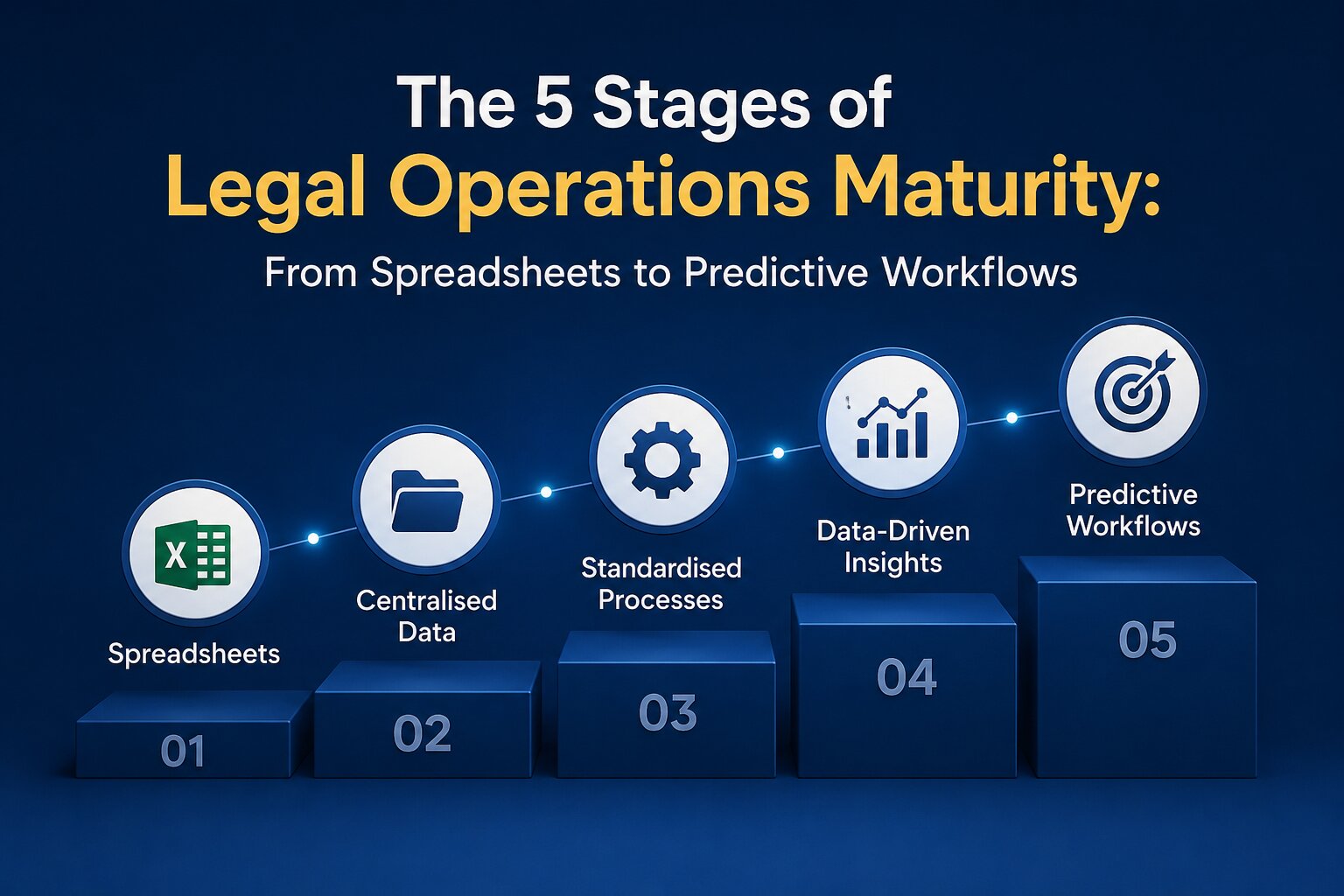
This is where case management software can help. A well-chosen platform can bring key legal workflows into one place and give firms better visibility over their matters. However, choosing software should not start with a list of features. Saudi law firms need to first understand how they work today, what they need to improve, and what regulatory, security, localisation, and business requirements the software must meet.
Assess Your Firm’s Current Case Management Processes
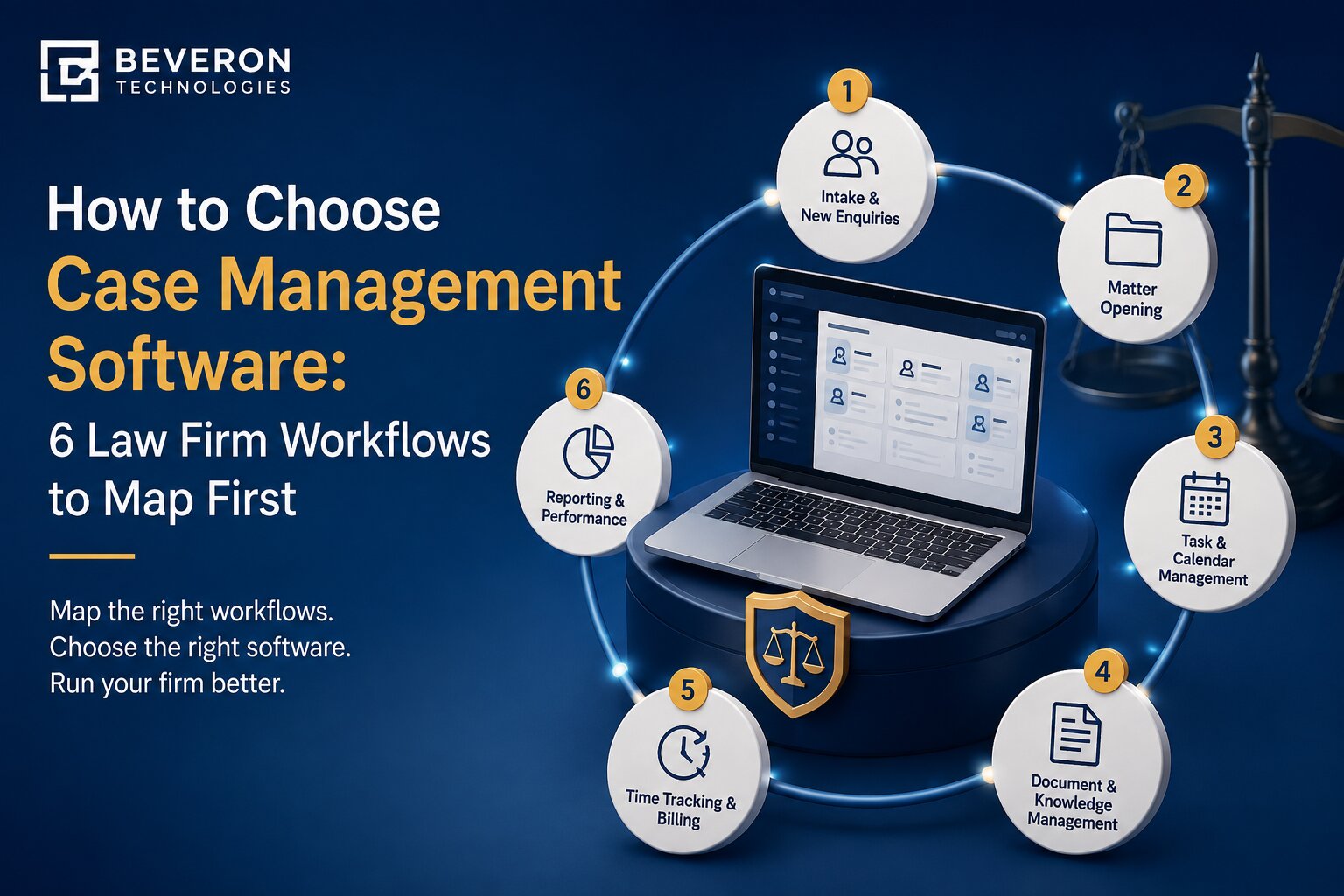
Before introducing new software, take a close look at how your firm currently manages its work. How are new matters opened? Where are case documents stored? How do lawyers track hearings and deadlines? How are clients updated? How are tasks assigned and followed up?
The answers can reveal where the biggest problems are.
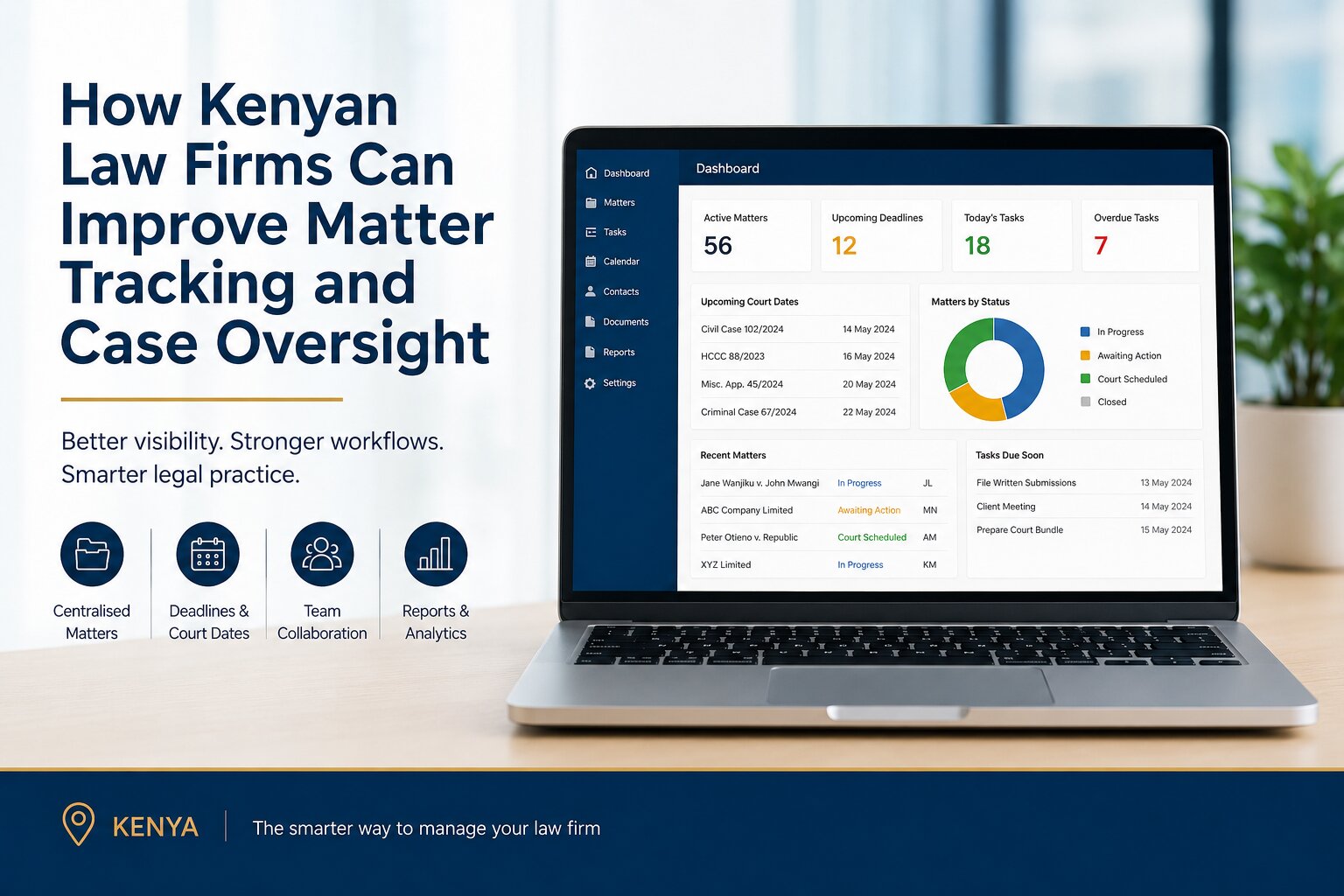
For example, a firm may keep client information in one system, documents in shared folders, deadlines in individual calendars, and billing information somewhere else. None of these tools may be a problem on its own, but the lack of connection between them can create unnecessary work. Start by mapping the current process from when a matter opens to when it closes. Law firms looking to strengthen this process can also explore practical ways to improve matter tracking and case management.
Look for:
- Repetitive administrative tasks
- Manual data entry
- Difficulties finding documents
- Missed or manually tracked deadlines
- Scattered client communication
- Duplicate records
- Limited visibility into case progress
- Time-consuming reporting
This gives the firm a practical starting point. The goal is not simply to digitise an existing process but to understand which parts can be made more structured and efficient.
Define Your Firm’s Case Management Software Requirements
Once current workflows are clear, the next step is to define what the software actually needs to do. Every law firm will have different requirements depending on its size, practice areas, clients, and internal processes. A small firm may prioritise matter tracking and document management, while a larger practice may need detailed reporting, billing, collaboration, and integration capabilities.
Common areas to consider include:
- Case and matter tracking
- Document and file management
- Task and deadline management
- Hearing and appointment tracking
- Client communication
- Follow-ups and reminders
- Time tracking and billing
- Reporting and dashboards
- Internal collaboration
- Remote and mobile access
It is also worth separating essential requirements from features that would simply be useful to have. This makes it easier to compare platforms objectively. It is also useful to understand the difference between legal case management and legal practice management software before defining your firm's software requirements.
Consider Saudi Legal and Regulatory Requirements
Data protection should be part of the software evaluation from the beginning, particularly because legal firms routinely handle personal and confidential information. Saudi Arabia's Personal Data Protection Law (PDPL) applies to the processing of personal data relating to individuals in the Kingdom, including certain processing carried out by parties outside the Kingdom. The framework is supported by implementing regulations and rules covering areas such as transfers of personal data outside the Kingdom.
For a law firm, this means software selection should include questions about how personal data is collected, stored, accessed, processed, transferred, and eventually deleted. The Saudi Data & AI Authority (SDAIA) also identifies principles such as lawfulness and transparency, purpose limitation, data minimisation, accuracy, storage limitation, integrity and confidentiality, and accountability within its guidance on the PDPL.
Firms should therefore consider:
- What types of personal data will be stored in the system?
- Why is that data being processed?
- Who can access it?
- Where is it stored?
- Is any personal data transferred outside Saudi Arabia?
- What controls are available for access, retention, and deletion?
- What happens to the data when the relationship with the software provider ends?
The specific requirements will depend on the firm's circumstances, so legal and compliance teams should assess the applicable rules rather than relying only on a vendor's marketing claims.
Evaluate Data Security Before Choosing Case Management Software
Legal case information can contain sensitive client details, contracts, identification documents, correspondence, financial information, and other confidential records. Security should therefore be treated as a core requirement rather than an optional feature.
When assessing a platform, ask about:
- Data encryption
- Secure user authentication
- Role-based access controls
- Audit trails
- Activity logs
- Data backup
- Disaster recovery
- Security monitoring
- Incident response procedures
- Vendor security policies and certifications
Role-based access is particularly useful for firms with different teams and responsibilities. It allows access to be managed according to a person's role instead of giving every user access to everything. Audit logs can also provide visibility into activities within the system, such as changes to records or access to information.
The objective is simple: the right people should have access to the right information, while unnecessary access should be restricted.
Check Integration With Existing Systems
New case management software should fit into the firm's wider technology environment. If lawyers have to repeatedly copy information between the case management system, email, calendars, accounting software, document storage, and other applications, some of the expected efficiency gains may be lost. Before implementation, identify the systems the firm already relies on and check whether the proposed platform can work with them.
Depending on the firm's setup, this may include:
- Email and calendars
- Accounting and billing software
- Document management systems
- CRM platforms
- Microsoft Office
- E-signature tools
- Client communication systems
- Other legal technology
Ask vendors whether integrations are built in, require additional configuration, or are available through APIs or other connection methods.
Evaluate Localisation for Saudi Law Firms
A system that works well in one market may not automatically fit every Saudi law firm's requirements. Language is one consideration. Firms working with Arabic and English documents may benefit from software that supports bilingual workflows rather than forcing teams to work around language limitations.
Other areas to examine include:
- Arabic-language support
- Arabic and English documents
- Regional date and currency formats
- Local billing requirements
- Saudi-specific workflows
- Reporting requirements
- User support for local teams
Localisation should be evaluated in the context of the firm's actual work. A platform does not become suitable simply because it offers an Arabic interface. The wider workflow should also make sense for the lawyers and staff using it.
Consider User Adoption and Change Management
Even capable software will not deliver much value if people struggle to use it. Lawyers are often managing several priorities at once, so a complicated system can create resistance. Staff may also be accustomed to existing ways of working and may need time to understand why the change is being introduced.
Consider:
- How easy the system is to learn
- What training is required
- Who will manage the implementation
- Which employees need administrator access
- How existing processes will change
- Whether a phased rollout would be more practical
It can be useful to start with a smaller group or a defined workflow before expanding across the firm. The purpose of training should not be to explain every feature. It should show people how the software fits into the work they already do.
Assess Vendor Support and Reliability
The relationship with a software provider does not end when implementation is complete. Firms should understand what support is available when users have questions, encounter technical issues, or need help with configuration.
Ask about:
- Customer support channels
- Support hours
- Response times
- Implementation assistance
- Training
- Software updates
- Maintenance
- Service-level agreements
- Data recovery
- Business continuity
It is also worth understanding the vendor's experience with legal organisations. A provider that understands legal workflows may be better positioned to support practical implementation questions than a provider offering a generic business platform.
Understand the Total Cost of Ownership
The subscription price is only one part of the cost.
Depending on the platform, a firm may also need to budget for:
- Implementation
- Data migration
- Training
- Integrations
- Customisation
- Additional users
- Ongoing support
- Additional storage or services
A lower initial price does not necessarily mean a lower overall cost if the firm later needs extensive customisation or additional services. Instead, look at the expected cost over the period in which the firm plans to use the platform.
Plan Data Migration Carefully
Moving existing information into a new case management system can be one of the most important parts of implementation. Legal firms may have years of case records, documents, client information, emails, and other files. Moving everything without preparation can create duplicate, incomplete, or incorrectly organised records.
A migration plan should cover:
- Identifying the data that needs to be moved
- Removing duplicate or unnecessary records
- Organising documents and case information
- Defining how existing data will map to the new system
- Creating backups
- Testing the migration
- Checking data accuracy
- Establishing a rollback plan if problems occur
Testing a small sample before completing the full migration can help identify problems early.
Determine Scalability and Future Needs
The firm's requirements today may not be the same in three or five years. A firm may add lawyers, open another office, expand its practice areas, take on more matters, or introduce new technology. The case management platform should be able to accommodate reasonable growth without requiring the firm to replace it quickly.
Think about:
- Growth in users
- Growth in matters and documents
- Multiple offices
- Additional practice areas
- New integrations
- Workflow automation
- Reporting requirements
- Future AI capabilities
This does not mean choosing the platform with the largest feature list. It means choosing a system that can support the firm's realistic plans. For smaller practices, it can also be useful to review the considerations involved in selecting case management software for small law firms in Saudi Arabia.
A Practical Legal Management Solution for Saudi Law Firms
For firms looking for a centralised approach to day-to-day legal work, Beveron Smart Lawyer Office is one option to evaluate. Smart Lawyer Office is designed around the operational needs of law firms, bringing areas such as matters, hearings, documents, client communication, follow-ups, billing, and reporting into a connected workflow.
For a Saudi law firm evaluating the platform, the important question should not simply be whether it has a particular feature. The firm should assess how well the system fits its own way of working.
For example, during a product demonstration, the firm can look at how easily lawyers can find a matter, review related documents, track upcoming activities, communicate with clients, and monitor the progress of work.
Firms should also evaluate the platform against their own requirements for security, bilingual workflows, integrations, user access, reporting, implementation, and data management.
This approach makes the evaluation more practical: instead of asking whether a platform has many features, the firm can ask whether those features solve the problems identified during its initial workflow assessment.
Questions to Ask Case Management Software Vendors Before Implementation
Before signing an agreement, Saudi law firms should ask vendors clear questions about how the platform will work in practice.
Some useful questions include:
- Where is firm data stored?
- How is the data protected?
- What PDPL-related controls are available?
- Is data transferred outside Saudi Arabia?
- What Arabic-language capabilities are supported?
- Can the system handle Arabic and English workflows?
- How does data migration work?
- What integrations are available?
- What happens to firm data if the contract ends?
- Can the firm export its data?
- What implementation and training services are included?
- What customer support is available after implementation?
Getting clear answers in writing can make it easier to compare different platforms and identify areas that need further review.
Create a Case Management Software Implementation Readiness Checklist.
Before moving forward, a firm should be able to answer “yes” to the following:
- Business objectives have been defined
- Existing workflows have been mapped
- Case management requirements have been documented
- Compliance requirements have been identified
- Security requirements have been documented
- Arabic and English requirements have been assessed
- Required integrations have been listed
- The budget has been approved
- An implementation team has been assigned
- A data migration plan has been prepared
- A training plan has been established
- Testing requirements have been defined
- Success measures have been agreed upon
This checklist can also be used when comparing vendors. Rather than evaluating software based only on demonstrations, firms can assess each platform against the same set of requirements.
Conclusion
Implementing case management software is not simply a technology purchase. For a Saudi law firm, it can affect how lawyers manage matters, access information, communicate with clients, track deadlines, and collaborate internally. That is why the evaluation should begin with the firm's own workflows.
Understand what is currently working, identify the gaps, define the required capabilities, and then assess each platform against operational, security, regulatory, localisation, integration, and cost considerations. The right choice is ultimately about firm–software fit, not the number of features listed on a product page. A structured evaluation can help Saudi law firms choose a system that supports their current work while giving them room to grow.
Ready to Explore Case Management Software for Your Saudi Law Firm?
If your firm is looking to bring case tracking, documents, hearings, client communication, follow-ups, billing, and reporting into a more structured workflow, explore Beveron Smart Lawyer Office.
Request a personalised demonstration to see how the platform can fit your firm's case management requirements and day-to-day legal workflows.
Frequently Asked Questions
1. What should Saudi law firms consider when choosing case management software?
Saudi law firms should consider case and matter tracking, document management, deadlines, client communication, billing, reporting, security, Arabic-language capabilities, integrations, data protection requirements, ease of use, and scalability.
2. Why is Arabic support important in case management software for Saudi law firms?
Many Saudi firms work with both Arabic and English information. Software that supports bilingual workflows can make it easier for lawyers and staff to manage documents and information without creating separate processes for different languages.
3. How does the Saudi PDPL relate to case management software?
The Saudi PDPL regulates the processing of personal data and is supported by implementing regulations and additional rules, including those relating to transfers of personal data outside the Kingdom. Firms should therefore understand how a software provider stores, processes, protects, accesses, and transfers personal data.
4. What questions should a law firm ask a case management software provider before implementation?
Firms should ask about data storage, security controls, PDPL-related requirements, Arabic support, integrations, data migration, training, customer support, data export, and what happens to firm data when the software agreement ends.
Best-case management software for lawyers in Saudi Arabia
Best law firm software in Saudi Arabia
Best legal practice management software in Saudi Arabia
If you need a free demo of the best case management software for lawyers in Saudi Arabia, please fill out the form.