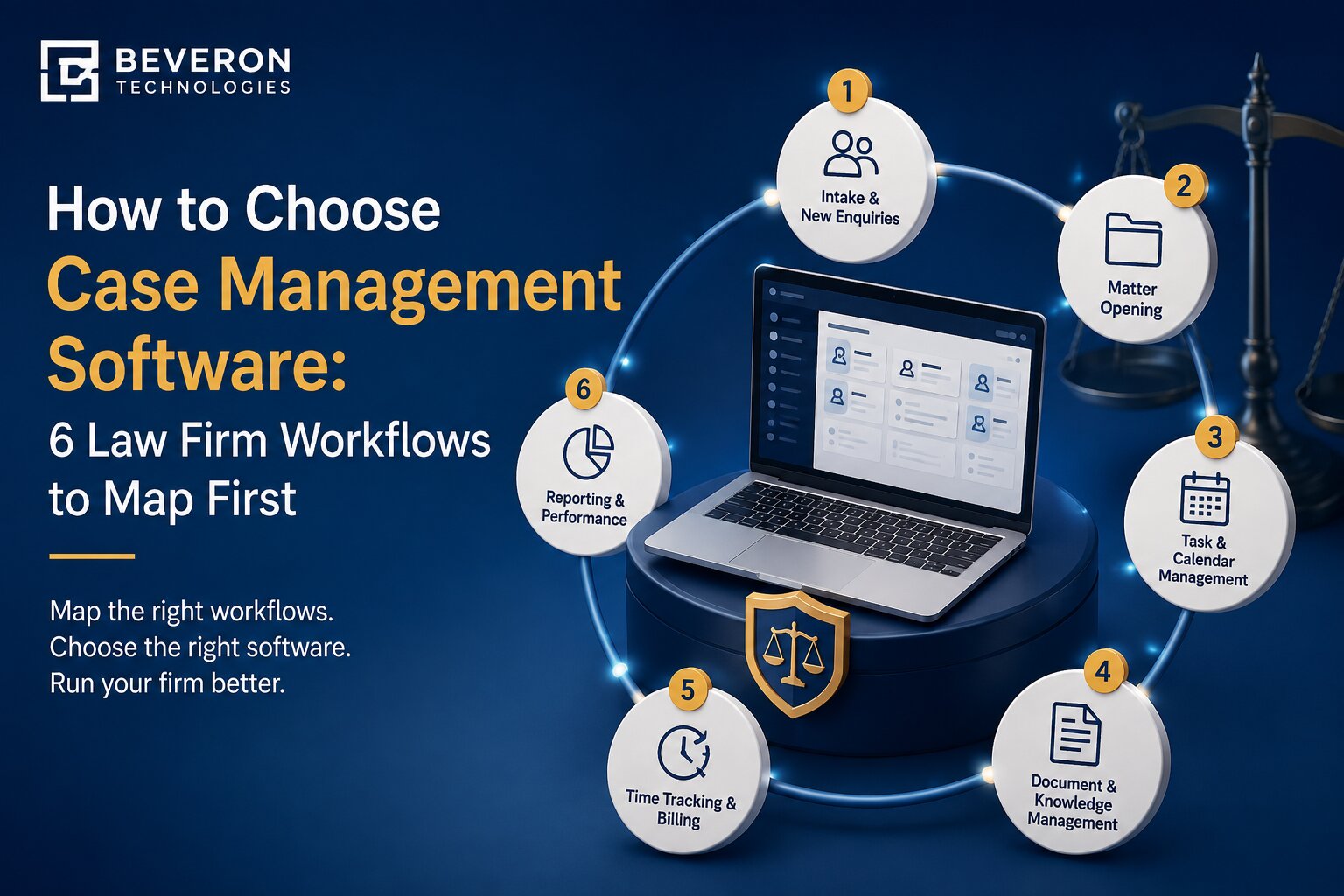
How to Choose Case Management Software: 6 Law Firm Workflows to Map First
Choosing case management software often starts with comparing features, prices and vendors. But a long feature list does not necessarily mean the software will fit your firm. The real test is whether the system supports the way work actually moves through your firm. How does a new enquiry become a client? How are matters assigned? Who tracks court dates and deadlines? Where are documents stored? How are invoices followed up?
Mapping these workflows before comparing software gives you a clearer basis for making a decision. For law firms operating across the GCC, the evaluation may also need to consider Arabic and English documents, different jurisdictions, local billing requirements and client expectations for timely communication.
Here are six workflows to map before choosing case management software for your law firm.
Why Workflow Mapping Comes Before Vendor Demos
It is easy to choose software based on brand recognition, price or the number of features shown in a sales presentation. But these factors do not tell you whether the system will fit your firm's day-to-day work. A poor fit can lead to low adoption, duplicate data entry and continued reliance on spreadsheets and email.
Before comparing platforms, map each workflow using five simple points:
Trigger → Steps → Owner → Output → Handoff
For example, a new client enquiry may trigger information collection, conflict checking, KYC, an engagement letter and matter creation. Different people may own different steps before the matter reaches the legal team. This gives you a practical picture of how work happens today and what the software needs to support.
Simple workflow-mapping template
| Workflow | What to map |
|---|---|
| Client intake | Enquiry, KYC, conflict check, engagement |
| Matter management | Matter creation, assignment, status |
| Deadlines | Hearings, tasks, reminders, escalation |
| Documents | Drafting, review, approval, storage |
| Billing | Time, invoices, payments, follow-up |
| Reporting | Updates, dashboards, client communication |
Workflow 1: Client Intake and Conflict Checks
The first workflow starts before legal work officially begins. A new enquiry may arrive through email, phone, a website or referral. Someone then needs to capture client information, perform conflict checks, collect documents, complete onboarding, and prepare the engagement letter.
When these activities happen across different systems, information can quickly become scattered.
For this workflow, look for:
- Centralised client records
- Structured intake and onboarding
- Conflict checking
- Engagement letter management
- Electronic signatures
- A clear connection between client and matter records
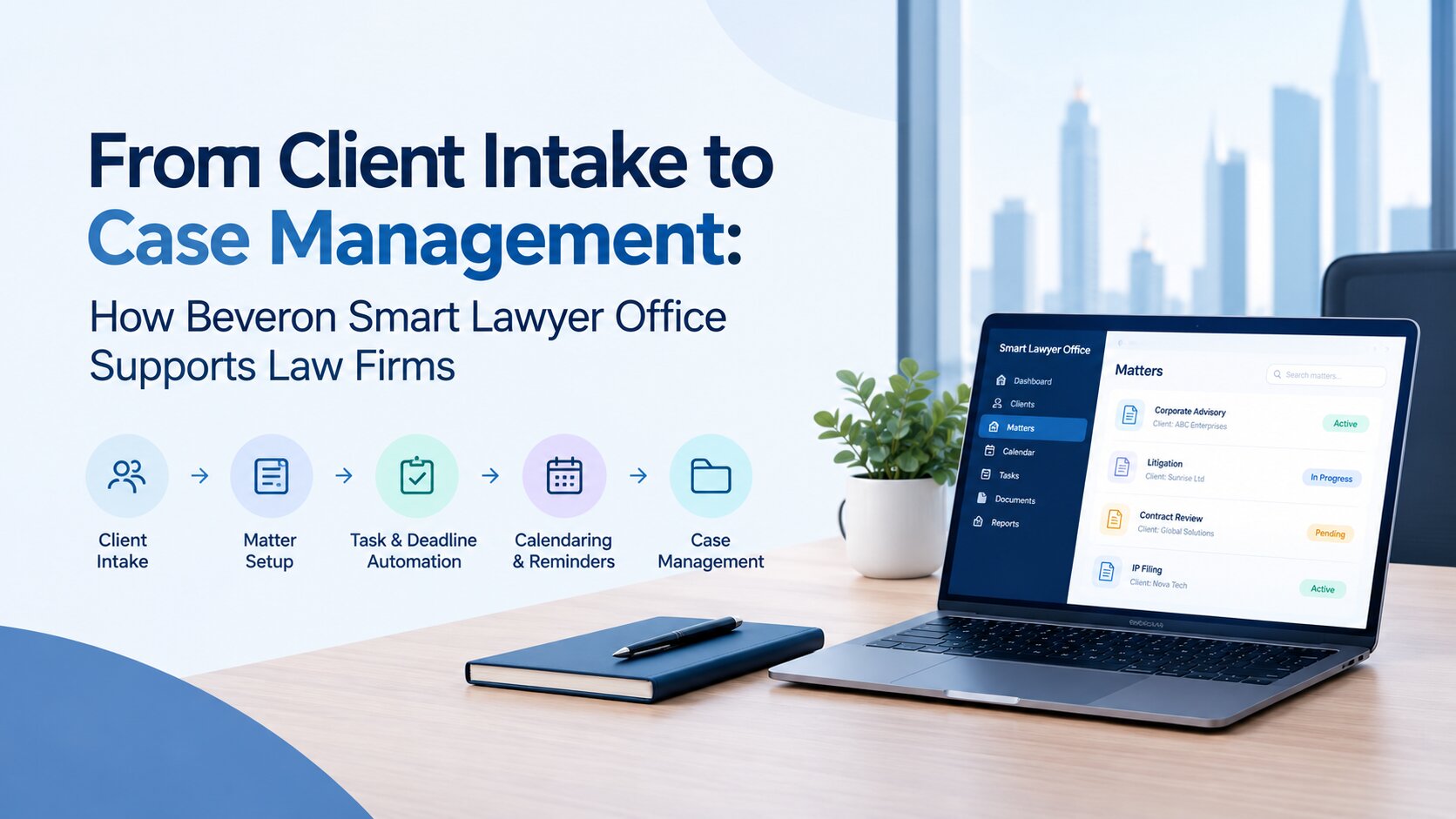
Smart Lawyer Office supports client and matter creation within the same working environment, helping firms keep client information connected to the legal work that follows.
Workflow 2: Matter Opening and Case Tracking
Once a client is onboarded, the firm needs a consistent way to open and manage the matter. Map how a new matter is created, how the responsible lawyer is assigned, what information needs to be recorded and how the matter moves through different stages. A lack of clear ownership can quickly create confusion. Lawyers may not know who is responsible for a matter, while partners may struggle to see its current status.
The software should support:
- Customisable matter types
- Practice-area templates
- Matter status and stage tracking
- Lawyer and team assignment
- Role-based access
- Centralised matter information
Smart Lawyer Office brings client information, matters, documents, tasks and related activities into one workspace.
Workflow 3: Deadlines, Court Dates and Task Management
Legal teams manage more than court dates. They may also need to track filing deadlines, limitation periods, internal review dates, follow-ups and other actions connected to a matter. Map each type of date and identify who records it, who is responsible for the related action and how the team is reminded. A calendar entry alone may not be enough. A hearing date can be recorded correctly while the preparation tasks leading up to it remain unassigned.
Important capabilities include:
- Court and hearing date tracking
- Task assignment
- Automated reminders
- Internal deadlines
- Escalations and follow-ups
- Calendar integration
Smart Lawyer Office supports hearing, task and reminder management as part of the wider matter workflow.
Workflow 4: Document and Contract Management
Documents are central to legal work, but managing them becomes difficult when files are spread across inboxes, shared drives and individual folders. Map what happens from the moment a document is received or created.
Who reviews it?
How are changes tracked?
Where is the final version stored?
Can another lawyer find it months later?
Common problems include duplicate files, unclear versions and documents stored outside the relevant matter.
Look for:
- Matter-linked document storage
- Search
- Version history
- Access controls
- Document organisation
- Arabic and English document support
For GCC firms, Arabic support should be tested against actual documents rather than treated as a checkbox.
Smart Lawyer Office connects documents with client and matter information, helping firms keep relevant files associated with the work they support. If contract drafting and review are a major part of the firm's work, it may also be worth considering whether dedicated contract management capabilities are needed alongside the core case management system.
Workflow 5: Time Tracking, Billing and Collections
The legal workflow continues after the lawyer completes the work. Time needs to be recorded, invoices prepared and payments monitored. Map the process from time capture through to payment.
Consider how your firm handles:
- Time recording
- Different lawyer or service rates
- Invoice preparation
- Invoice approval
- Payment tracking
- Overdue payment follow-up
Manual processes can result in unbilled time and delayed collections. For this workflow, useful capabilities include time tracking, flexible rate structures, invoice generation, payment status tracking and financial reporting. GCC firms should also check whether the system supports the currencies, tax requirements and billing processes relevant to their operations. Smart Lawyer Office supports the billing and financial side of legal work as part of the broader practice management workflow.
Workflow 6: Reporting, Collaboration and Client Communication
The final workflow connects the firm's internal teams, management and clients. Lawyers need to share updates with colleagues. Partners need visibility into matters. Management needs reliable reports. Clients want timely information about their cases. Map how this information currently moves through the firm. If a partner asks for a matter update and someone has to search through emails, spreadsheets and folders before responding, the firm is spending time finding information rather than using it.
Useful capabilities include:
- Management dashboards
- Matter and workload visibility
- Role-based access
- Activity records
- Internal collaboration
- Client communication
- Structured reporting
Smart Lawyer Office brings matter information and reporting into a connected workspace, helping firms get a clearer view of ongoing legal work.
Turn Your Workflow Map into a Software Checklist
Once the six workflows are mapped, turn your findings into three categories:
Must have: Requirements the firm cannot work effectively without.
Nice to have: Features that would improve the workflow but are not essential.
Not needed: Features that sound useful but do not solve a real problem for your firm.
Then compare platforms against the same requirements.
| Workflow | Key requirement | Question to ask |
|---|---|---|
| Client intake | Centralised records | Can we manage enquiries and client information in one place? |
| Matter management | Flexible tracking | Can we customise matter types and stages? |
| Deadlines | Tasks and reminders | Can tasks be linked to hearings and deadlines? |
| Documents | Matter-linked storage | Can users find the correct version quickly? |
| Billing | Time and invoice tracking | Can we manage our existing billing process? |
| Reporting | Dashboards | Can partners see matter and workload status? |
Beyond the six workflows, consider security, access controls, Arabic and English support, integrations, scalability, implementation support and pricing. For firms in the UAE and Saudi Arabia, data-handling and relevant regulatory requirements should also be part of the assessment.
Questions to Ask During a Demo
Once your requirements are clear, use them to structure vendor demonstrations. Rather than sitting through a standard feature presentation, ask vendors to address the workflows that matter most to your firm.
Useful questions include:
- How does a new enquiry become an active matter?
- How are hearings, deadlines and related tasks managed?
- How are documents organised and versioned?
- How are time, invoices and payments tracked?
- What can partners see from management dashboards?
- How are user roles and access permissions controlled?
- Can the system support our Arabic and English document workflows?
- What does implementation and data migration involve?
The goal is to see how closely the platform matches the requirements you identified before the demo.
Implementation and Adoption
Choosing the software is only part of the process. The firm also needs a practical plan for implementation. Start with one or two important workflows rather than changing everything at once. Client intake and matter management can provide a foundation before expanding into billing, reporting and other processes. Plan data migration early. Decide which client, matter and document information needs to move into the new system and what can be archived.
Training should focus on real tasks rather than every feature available. Internal users who understand the new processes can also help colleagues during the transition. After implementation, track a few practical measures, such as faster matter opening, fewer missed tasks, less duplicate data entry, faster billing or better visibility into active matters.
Why Law Firms Consider Smart Lawyer Office
The right case management software should support the way your firm works while making everyday processes easier to manage. Smart Lawyer Office brings key law firm activities into one connected environment, including client and matter management, hearings, tasks, document workflows, billing and reporting.
For GCC law firms, the value lies in having these processes connected rather than managed through separate spreadsheets, inboxes and tools. The best starting point is your own workflow. Once you know how work moves through the firm, you can determine which capabilities matter and which features you can do without.
Bring your workflow map to a Smart Lawyer Office demo and explore how your firm's processes can work in the platform.
FAQs
What is case management software for law firms?
Case management software helps law firms organise information and activities related to their legal matters. Depending on the platform, this can include client records, matter tracking, documents, tasks, hearings, billing and reporting.
How do I choose the right legal case management software?
Start by mapping your firm's workflows and identifying the people, tasks, information and handoffs involved in each process. Then compare platforms against those requirements rather than choosing based only on features or price.
What features should law firm software have in the UAE or GCC?
Common requirements include matter management, client records, document management, deadline tracking, billing, reporting and access controls. Firms should also assess Arabic and English support, security, relevant local requirements, integrations and data-handling arrangements.
How long does implementation usually take?
Implementation depends on the firm's size, number of users, amount of data and level of workflow customisation. Smaller firms can often begin with a limited number of workflows and expand over time.
What is the difference between case management and practice management software?
Case management generally focuses on managing legal matters, while practice management can cover a broader range of firm operations, including billing, time tracking, client management and reporting. The exact meaning varies between software providers.
Can small law firms benefit from case management software?
Yes. Small firms can use case management software to reduce repetitive administrative work and keep client information, matters, deadlines and documents organised. The key is choosing a system that matches the firm's actual needs without unnecessary complexity.
Conclusion
Choosing case management software should start with your firm's workflows, not a vendor's feature list. Map how work moves from client intake through matter management, deadlines, documents, billing and communication. Once those workflows are clear, you can identify the capabilities that genuinely matter, compare vendors more objectively and avoid paying for features your firm will never use.
Map your workflows first. Then choose the software that fits them.
Best case management software for law firms in the UAE
Best law firm case management software in the UAE
Best law practice management software for lawyers in the UAE
If you need a free demo of the best case management software for law firms in the UAE, please fill out the form.