How to Choose AI Case Management Software for Law Firms
The right choice depends on more than the number of features a platform offers. Law firms need to consider their daily workflows, the sensitivity of their client information, the jurisdictions they operate in and how easily their teams can adopt a new system.
A careful evaluation helps firms identify software that addresses their actual needs rather than paying for features they may rarely use.
Why Law Firms Are Considering AI Case Management Software
Managing a legal matter involves more than preparing documents and attending hearings. Lawyers and support staff must maintain client records, monitor deadlines, organise correspondence, track case progress and keep relevant information accessible throughout a matter's lifecycle.
When these activities are spread across spreadsheets, email inboxes, shared folders and separate applications, important details can become difficult to locate. Staff may spend time searching for documents, updating records in multiple places or checking whether a task has been completed. These difficulties become more noticeable as a firm's caseload grows.
AI case management software can help address some of these challenges by bringing case information into a central system and assisting with selected tasks, such as retrieving information, summarising documents or organising records. The precise capabilities vary between platforms, so firms should distinguish between standard case management features and functions that genuinely use AI.
AI should support legal professionals rather than replace their judgement. Lawyers remain responsible for reviewing information, checking legal reasoning and making decisions that affect clients.
Identify Your Law Firm's Case Management Requirements
Before comparing software providers, identify the activities your firm needs to manage more effectively. A small practice handling straightforward matters may have different requirements from a large firm managing several practice areas, multiple offices and a high volume of active cases.
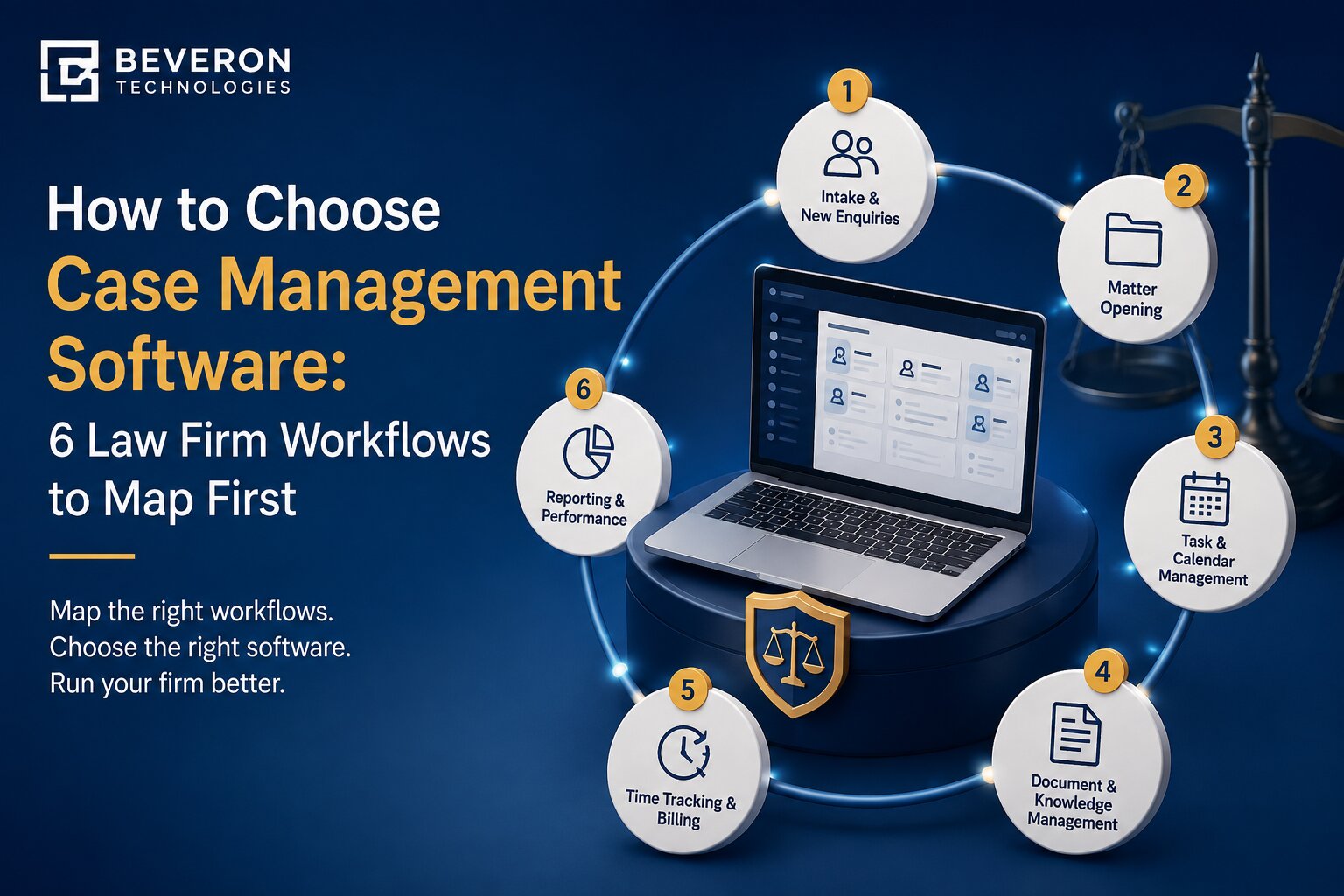
Start by examining how your team handles a matter from the first client enquiry to its conclusion. Consider where client information is collected, how documents are stored, how responsibilities are assigned and how lawyers keep track of upcoming hearings and deadlines.
Client intake and matter management are important starting points. The software should make it possible to maintain client details, record relevant documents, link information to the correct matter and monitor progress without unnecessary duplication.
Scheduling and task management deserve equal attention. Lawyers need a clear view of upcoming hearings, important dates, assigned tasks and outstanding actions. Consider whether the platform can send reminders, record progress and help team members understand what needs attention.
Financial management may also be relevant. Depending on the firm's needs, useful functions can include timesheets, fee tracking, invoicing, payment records and financial reports. Partners and practice managers may also need reports showing active matters, workloads and outstanding work.
Create a list of essential requirements before reviewing vendors. Separate features your firm must have from those that would be useful but are not essential. This makes comparisons more objective and helps prevent an impressive demonstration from distracting your team from its actual needs.
Which AI Case Management Features Should Law Firms Look For?
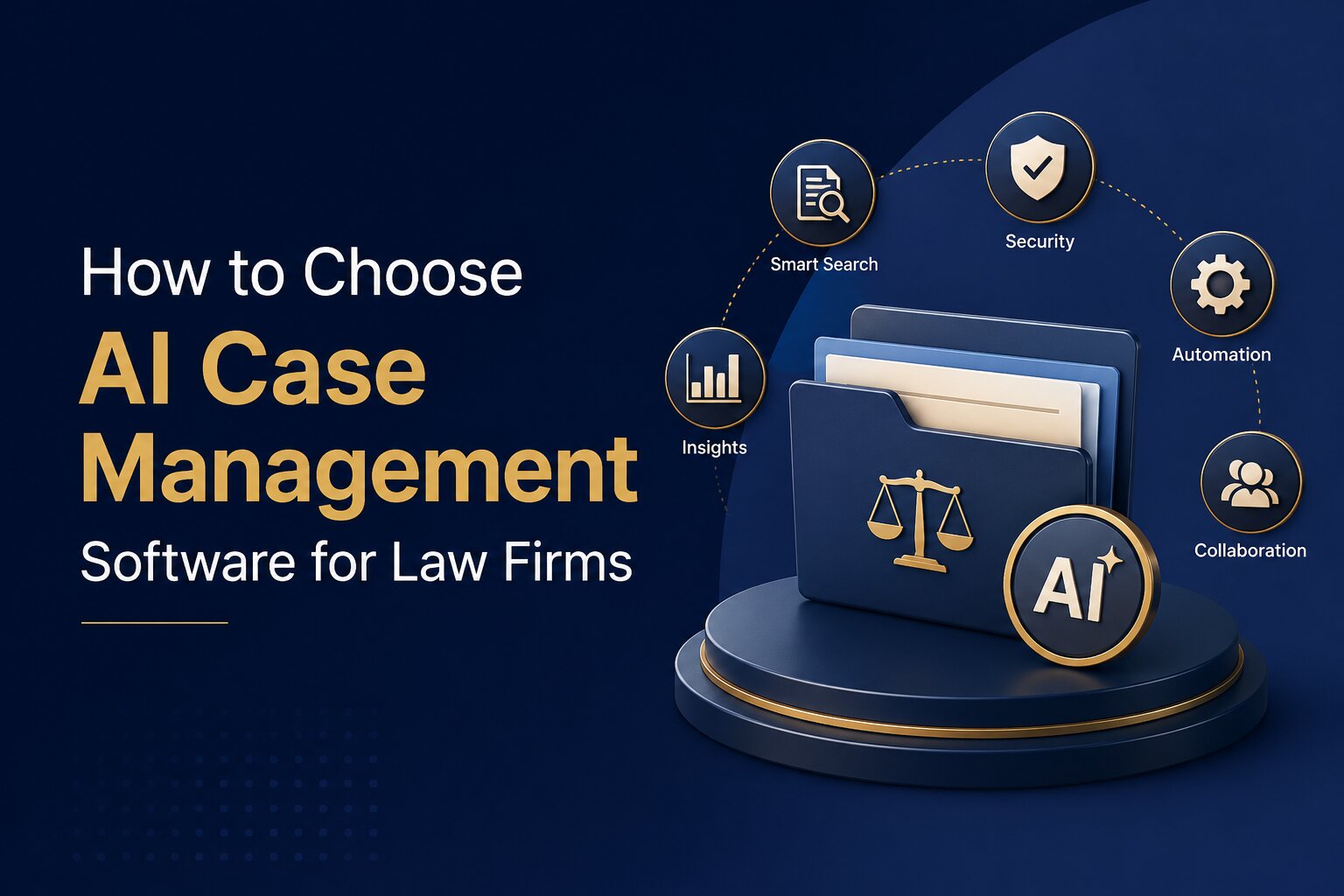
Once you understand your firm's requirements, assess which features can address them. A platform should support everyday legal work while offering AI capabilities that are relevant, reliable and easy to review.
AI-assisted document review and information retrieval can help lawyers locate relevant information in large collections of documents. Depending on the software, this may include extracting key details, identifying relevant passages or summarising document contents. Check which file types the system supports and whether lawyers can verify the original source of the information.
Workflow management and task reminders help teams organise recurring activities and track outstanding work. For example, a firm may want to assign tasks when a new matter is opened, set reminders for upcoming hearings or establish approval steps for particular documents. Ask vendors which activities can be configured and which require manual intervention.
Case summaries and matter information can help lawyers understand the current position of a case without reviewing every record from the beginning. If a platform offers AI-generated summaries, check whether it identifies the information used to produce them and whether users can verify important dates, names and events against the original records.
Document organisation and search are equally important. Lawyers should be able to retrieve relevant case files, correspondence and supporting documents without navigating multiple folders. Search options should suit the way your team works, whether it searches document names, metadata or the content of supported files.
Finally, assess how the system handles mistakes. AI can produce incomplete summaries, misunderstand context or generate inaccurate information. Look for clear review processes, appropriate user controls and the ability to correct records. No AI-generated output should be treated as legally reliable without suitable verification.
Assess Data Security, Confidentiality and Access Controls
Law firms handle sensitive client information, including contracts, financial records, personal details and confidential correspondence. Before selecting software, understand how the provider protects this information and what control your firm retains over its data.
Start with user permissions. The system should allow appropriate access levels so that employees can view or modify information according to their responsibilities. This is particularly important when different teams handle confidential matters or when external parties need limited access to particular records.
Ask where data is stored, how it is protected during transfer and storage, and what happens when a contract ends. You should also understand the provider's backup, recovery, retention and deletion arrangements. Where relevant, request information about independent security assessments and available audit records.
AI introduces additional questions. Find out whether client documents are sent to an external AI provider, whether they are retained after processing and whether they can be used to train AI models. The answers may differ depending on the AI service and the deployment arrangement.
Firms operating in the UAE, Saudi Arabia or other jurisdictions should also assess the applicable data protection rules, professional confidentiality obligations and any relevant requirements for cross-border data transfers.
Do not rely on a general statement that a platform is secure. Ask for specific documentation and ensure that its data handling arrangements meet your firm's legal and contractual obligations.
Check Language Support and Regional Requirements
Language support can be an important consideration for law firms serving clients across the Middle East. A platform may offer an Arabic interface without necessarily providing the same level of support for Arabic documents, search, text extraction or AI-assisted tasks. If your firm handles English and Arabic matters, test both languages using realistic examples. Check whether users can enter and retrieve information in both languages, whether Arabic text displays correctly and whether the system can handle the documents your lawyers commonly receive.
It is also important to distinguish between interface translation and language processing. A bilingual menu does not automatically mean that AI features can accurately interpret Arabic legal terminology or summarise Arabic-language documents.
Regional suitability extends beyond language. Firms should consider whether the software accommodates their working practices, document requirements, reporting needs and relevant legal obligations. Organisations operating across several countries may need different workflows or access arrangements for different offices. Ask vendors to demonstrate these capabilities rather than relying solely on product descriptions. If Arabic document processing is essential to your firm, make it a specific requirement during the evaluation.
Compare Integration, Implementation and Ongoing Costs
Even a capable platform can create difficulties if it does not fit into your existing working environment. Before making a decision, assess how the software will work with the tools your team already uses. Consider integration with email, document storage, office applications, calendars and financial systems. Check whether information can be transferred between applications, which integrations are included and whether additional configuration or development is required.
Data migration also needs attention. Moving from spreadsheets, shared drives or an older case management system can involve duplicate records, inconsistent naming conventions and incomplete information. Ask the vendor how migration will be handled, what information can be transferred and how the accuracy of migrated records will be checked.
Staff adoption is another factor. A system that is difficult to learn may result in incomplete records or continued reliance on older processes. Ask about training, onboarding, technical support and the availability of guidance for different user roles. When comparing costs, look beyond the advertised subscription price. Consider implementation, data migration, training, additional users, integrations, AI usage limits, support and future upgrades. The lowest initial price may not represent the lowest overall cost.
How to Evaluate Software Before Making a Decision
After identifying your requirements and reviewing the main capabilities, narrow your options to a shortlist. Evaluate each platform against the same criteria so that the final decision is based on practical suitability rather than presentation quality. Begin with a requirements checklist. Identify which features are essential, which are optional and which would be unnecessary for your firm's current operations. Use this checklist to eliminate platforms that cannot meet your basic needs.
Next, arrange demonstrations using realistic legal workflows. Instead of asking a vendor to show only its most impressive features, ask it to demonstrate how a new client matter is created, how documents are linked to a case, how tasks are assigned and how a lawyer retrieves information about an active matter.
If AI is a key reason for considering the platform, test the relevant functions separately. Ask the vendor to demonstrate a document summary, information retrieval or another supported AI task using suitable sample material. Check whether the output is accurate, whether its sources can be reviewed and how errors are corrected.
Involve the people who will use the system regularly. Lawyers can assess whether it supports their casework, administrative staff can evaluate routine processes, and managers can review reporting and oversight. Their feedback can reveal usability issues that may not be apparent during a short demonstration.
Finally, compare the results against your original requirements, including security, language support, integration, implementation and total cost. Request clarification on any feature that remains uncertain and confirm important commitments in writing before signing an agreement.
How Beveron's Smart Lawyer Office Supports Case Management
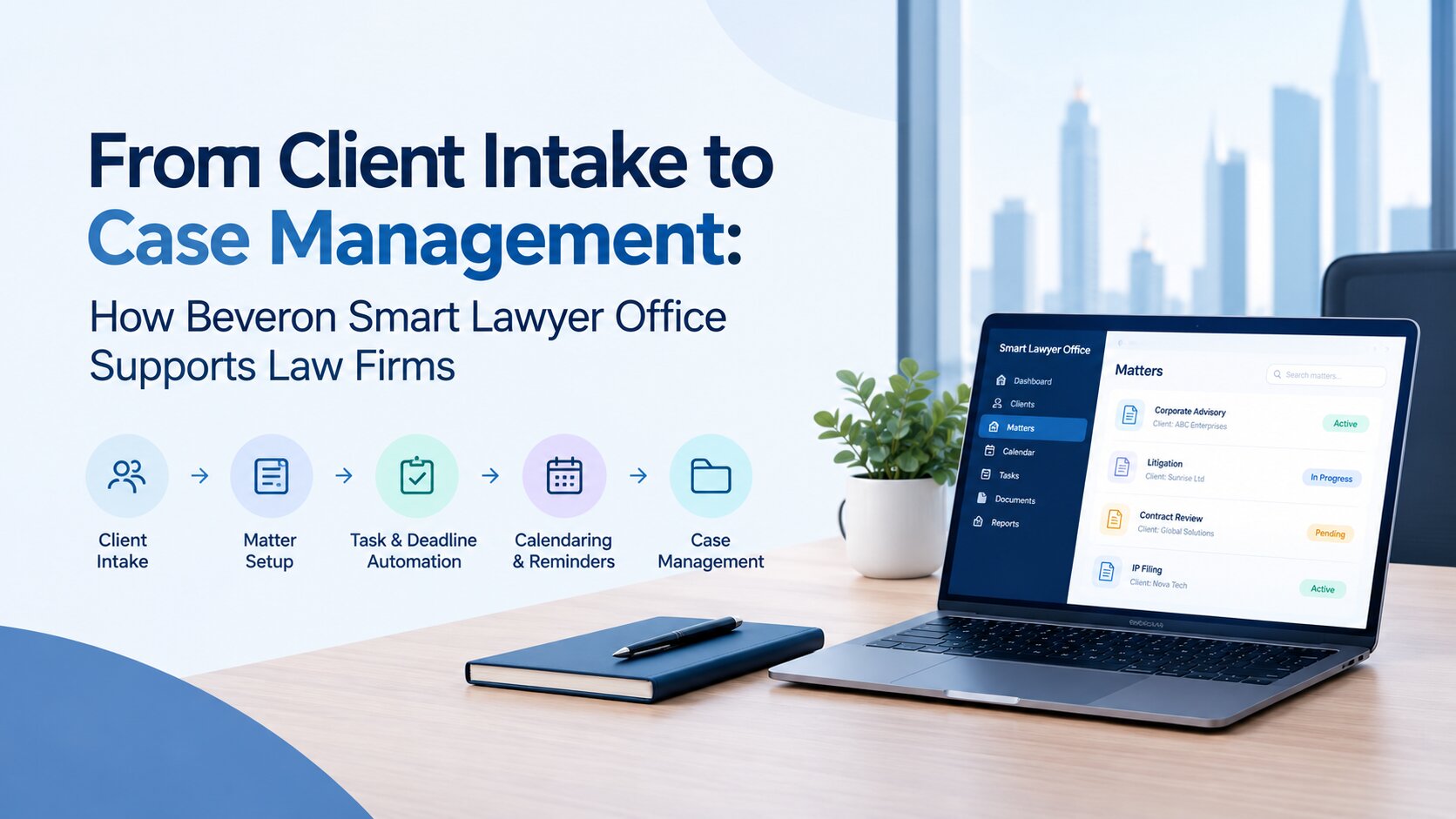
For law firms looking to bring case-related work into a more organised environment, Beveron Technologies offers Smart Lawyer Office, a legal practice and case management solution designed for law firms and legal consultancies.
Smart Lawyer Office supports activities across the client and matter lifecycle. Its capabilities include client records, enquiries, fee proposals, service agreements, document collection, matter and case tracking, hearing schedules, lawyer profiles, timesheets, billing and payment tracking. Workflow management and reporting help firms organise work and maintain visibility into ongoing activities.
When evaluating the platform, firms should consider how these capabilities align with their existing processes. For example, a firm struggling to maintain consistent client records can assess its client management functions, while a team that finds it difficult to track hearings and outstanding tasks can examine its scheduling and workflow capabilities.
Firms considering AI-assisted case management should also establish which AI features are available in the specific Smart Lawyer Office offering being evaluated. AI capabilities should not be assumed simply because a product falls within the broader legal technology category.
A product demonstration can help your team understand the available functions, ask questions about implementation and determine whether the platform meets its requirements. You can explore Beveron's Smart Lawyer Office to learn more about the solution.
Frequently Asked Questions
What is AI case management software for law firms?
AI case management software helps law firms organise client records, legal matters, documents, schedules and related tasks, with additional AI capabilities that may assist with activities such as document summarisation or information retrieval. The available functions vary by provider. Firms should check which AI features are included and how their outputs can be verified.
Which features matter most when choosing legal case management software?
The most important features depend on the firm's size, practice areas and workflows. Common requirements include matter tracking, client management, document organisation, hearing schedules, task reminders, billing, reporting and appropriate access controls. Firms considering AI should also assess the accuracy, transparency and review processes of the relevant functions.
Is AI case management software suitable for small law firms?
Yes. Small law firms may find it useful when managing client information, deadlines, documents and routine administrative tasks becomes difficult. However, they should choose a solution that matches their current needs, budget and expected growth rather than paying for unnecessary complexity.
How can law firms protect confidential information when using AI software?
Law firms should review access permissions, data storage arrangements, retention policies, security controls and the provider's use of client information for AI processing or model training. They should also establish internal review procedures and ensure that the software's data handling practices meet applicable legal and professional obligations.
What should law firms ask during a case management software demonstration?
Ask the vendor to demonstrate essential workflows using realistic examples. Questions should cover matter creation, document retrieval, deadline tracking, reporting, integrations, data migration, security, training and ongoing costs. If AI features are important, ask how outputs are checked, how errors are handled and whether the original information can be accessed for verification.
Conclusion
Choosing AI case management software requires a clear understanding of how your law firm works and where its current processes fall short. Features alone are not enough. The right platform should support daily casework, protect confidential information, fit the firm's language and regional requirements, and remain practical for the people who use it.
Evaluate shortlisted solutions against consistent criteria, test them with realistic workflows and confirm important technical and commercial details before committing. For firms exploring a more organised approach to legal practice management, Beveron's Smart Lawyer Office is one option worth assessing against those requirements.
The goal is not simply to introduce AI into legal work. It is to choose software that helps your team manage matters more effectively while keeping accuracy, confidentiality and professional judgement at the centre of its work.
Best AI case management software for law firms in the UAE
Best AI software for law firms in the UAE
Best AI-powered legal software for lawyers in the UAE
If you need a free demo of the best AI case management software for law firms in the UAE, please fill out the form.