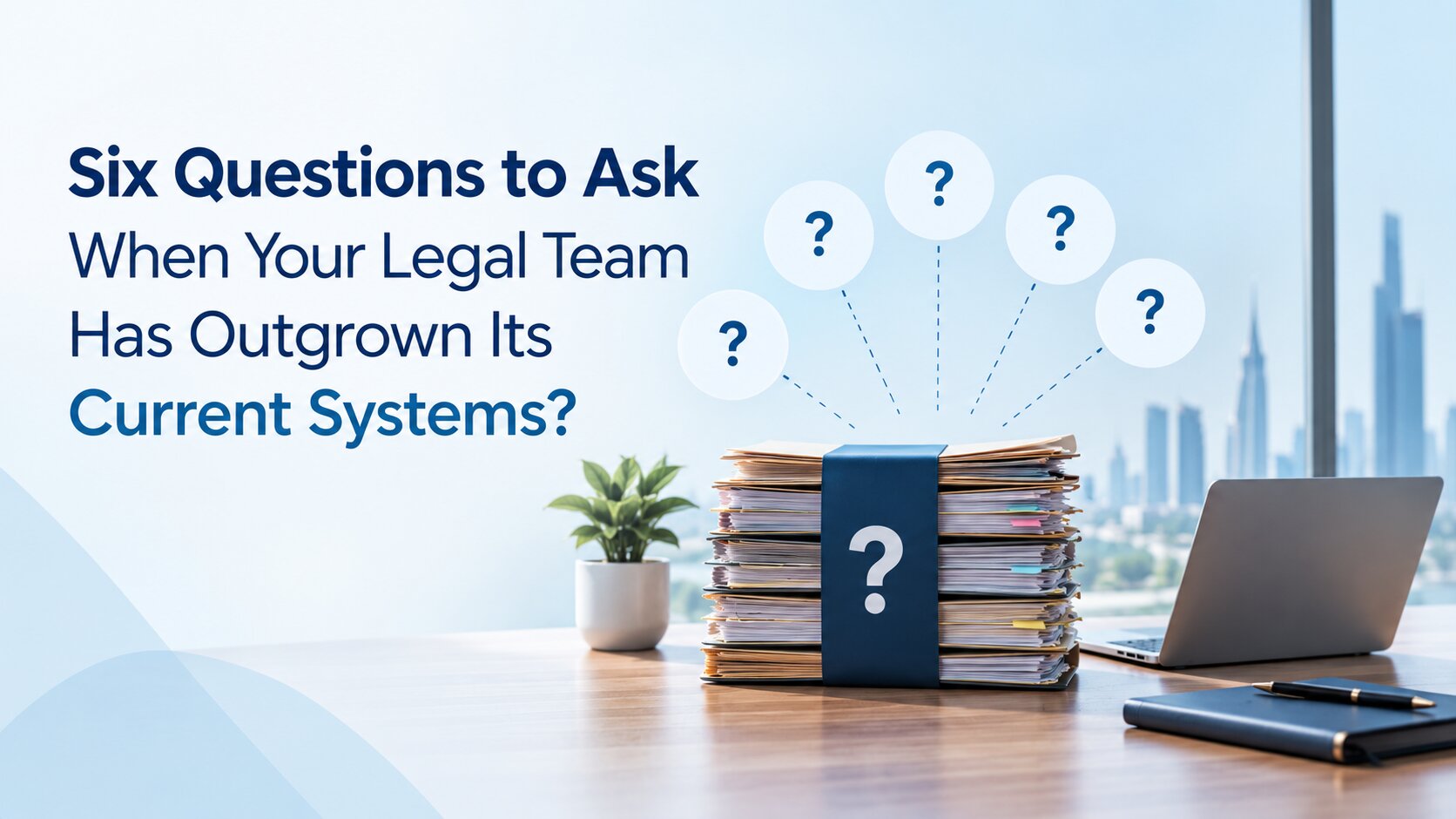
Six Questions to Ask When Your Legal Team Has Outgrown Its Current Systems
A legal department does not necessarily outgrow its systems because the team becomes larger. More often, it happens because the work becomes harder to coordinate.
A team that once managed matters through email, spreadsheets and shared folders may find those methods increasingly difficult as contracts, compliance activities, disputes, business requests and outside counsel relationships grow. Information may still be available, but finding the right information at the right time can take more effort than it should.
That is usually the point at which a legal team starts asking a different question: Is our current system still supporting the way we work?
The answer is not always to replace the software. Sometimes the underlying problem is the process, unclear ownership or inconsistent use of existing tools. But when the system itself has become a source of friction, it may be time to evaluate legal management software that better fits the department's current needs.
Has Your Legal Team Actually Outgrown Its Current System?
“Outgrown” does not simply mean that the organisation has more employees or that the legal department has more matters. It can mean that the system no longer fits the way the team operates.
For example, a legal department might start with a simple spreadsheet for tracking matters. As the workload increases, separate spreadsheets appear for contracts, compliance deadlines and external counsel. Email becomes the place where approvals and updates happen. Shared folders become the document repository. Eventually, the team has several sources of information but no easy way to see the whole picture.
That creates a subtle problem. The legal team may still be getting its work done, but more time is spent finding, checking, updating and consolidating information.
Some common signs include:
- increasing reliance on spreadsheets and manual trackers;
- repeated requests for status updates;
- difficulty determining who owns a task;
- information spread across different systems;
- manual preparation of management reports;
- increasing dependence on individual team members who know where information is stored.
These signs do not automatically mean that new software is required. They are signals that deserve closer examination.
Six Questions to Ask Before Replacing Your Current Legal System
1. Can Your Current System Keep Up With the Volume and Complexity of Legal Work?
The first question is about scale. A system that worked well when the legal department handled a limited number of matters may become harder to manage as the organisation expands. The department may now be handling litigation, contracts, compliance requests, internal legal enquiries and work across multiple business units.
The issue is not simply the number of matters. It is the variety and complexity of the work being managed.
Consider:
- How many active legal matters does the team manage?
- How many new requests arrive each month?
- Are contract volumes increasing?
- Does the team support several business units or entities?
- Are more people outside legal becoming involved in legal workflows?
- Does adding more work require creating more spreadsheets or manual trackers?
If the answer to the last question is frequently yes, the current system may not be scaling with the department. Suitable legal team management software should support growth without requiring the team to create a new workaround every time the workload increases.
2. Can Your Team Find the Information It Needs Without Chasing It?
Legal work depends heavily on information. A matter may involve correspondence, documents, deadlines, approvals, contracts, external advisers and decisions made months earlier. If those records are spread across inboxes, shared folders and individual files, finding the complete picture can become difficult.
A useful test is simple:
If the General Counsel asks for the current status of several important matters, how quickly can the team provide an accurate answer?
If someone has to contact multiple colleagues, search through email threads and update a spreadsheet before answering, there may be a visibility problem. The goal is not necessarily to put every piece of information into one enormous database. It is to give authorised users a reliable way to find the information they need and understand its context. This is one of the areas where legal department management software can become useful: it can provide a structured environment for matters, documents, tasks and related information instead of leaving each element in a different place.
3. How Much of Your Legal Work Still Depends on Manual Tracking?
Manual work is not automatically inefficient. Legal professionals will always need to review documents, exercise judgement, communicate with stakeholders and make decisions. The concern is the administrative work surrounding those activities.
For example:
- Is someone manually checking a spreadsheet for upcoming deadlines?
- Are reminders being sent individually by email?
- Does the same information have to be entered into multiple places?
- Are status reports prepared manually for every management meeting?
- Are approvals being followed up through long email chains?
When these activities become a significant part of the team's routine, it is worth examining whether the process can be structured more effectively. This is where legal operations software can support the department. A structured workflow can make ownership, tasks, deadlines and status easier to track without requiring lawyers to maintain several separate trackers.
The objective is not to remove every manual activity. It is to reduce unnecessary administrative effort around legal work.
4. Can Legal Work Effectively With People Outside the Legal Department?
In-house legal teams rarely work in isolation. A contract may involve procurement and finance. An employment matter may require HR. A regulatory issue may involve compliance or senior management. Litigation may involve outside counsel. Business teams may need legal input before a transaction or commercial decision can move forward.
If the legal system does not support these interactions well, the department can end up relying heavily on email and informal follow-ups.
Ask:
- Can the right business stakeholders access the information they need?
- Is it clear who needs to take the next action?
- Can legal keep a record of important requests and approvals?
- Can outside counsel collaboration be managed in a structured way?
- Can access be controlled according to people's roles?
This is an important part of evaluating legal technology for in-house teams. The system should support the way legal interacts with the wider organisation, while still protecting sensitive information.
5. Can Your Current System Support the Legal Team's Expanding Responsibilities?
The role of an in-house legal department can extend well beyond managing disputes. As the business grows, legal may become responsible for a broader mix of contracts, compliance activities, risk matters, internal requests, litigation and external counsel relationships.
That creates a different question:
Has the legal team's role expanded beyond what the current system was originally designed to manage?
A system that focuses on only one part of legal work may leave the department maintaining separate processes for everything else. For example, the team might track litigation in one application, contracts in another, compliance obligations in a spreadsheet and outside counsel information somewhere else.
The issue is not that every legal function must necessarily sit in one system. Rather, the department should understand whether its current technology creates unnecessary gaps between related areas of work. A more connected approach to legal operations management can give the team a clearer operating structure as its responsibilities expand.
6. Can Legal Leadership Get the Information It Needs to Make Decisions?
The final question moves from day-to-day work to management visibility. Legal leaders increasingly need to understand not just what the team is doing, but also where work is concentrated, what is approaching, where risks may exist and how resources are being used.
Consider how easily the department can answer questions such as:
- How many active matters are currently being managed?
- Which matters require immediate attention?
- What contracts have important upcoming dates?
- What compliance activities are outstanding?
- Which business units are generating the most legal requests?
- What work is being handled by outside counsel?
- Where is the legal team's workload concentrated?
If answering these questions requires manually collecting information from different sources, reporting may be consuming more time than it should. The important question is therefore not whether a platform has a dashboard. It is whether the underlying information is structured well enough for leadership to obtain a useful view of the legal function.
What Do Your Answers Tell You?
Once the six questions have been answered, the next step is not automatically to start comparing software vendors. First, determine what kind of problem the department actually has.
When the issue is mainly process
If the system is capable of supporting the work but the team uses different processes for similar tasks, the first step may be to standardise those processes. Reviewing core workflows and making targeted process upgrades for better legal performance can sometimes address operational friction before a technology replacement is considered.
That could mean defining clearer ownership, removing unnecessary approval steps, improving adoption or agreeing on where information should be stored. Replacing software will not necessarily solve an unclear process.
When the current system has become the limitation
The situation is different when the technology itself prevents the department from working in the way it needs to.
This may happen when:
- important information remains fragmented;
- workflows cannot reflect actual legal processes;
- reporting requires significant manual effort;
- related legal activities remain disconnected;
- the system cannot accommodate the department's growing requirements.
At that point, evaluating legal management software may make sense.
When both need to change
In many organisations, the answer is a combination of process and technology. A new system can provide better structure, but it cannot decide how a legal department should operate. Before implementation, the team should understand which processes need to change and which requirements the technology needs to support. It is also worth considering the risks of moving too quickly when adopting legal technology, particularly around process fit, user adoption, security and implementation.
That preparation can make the difference between simply replacing an old system and actually improving the way legal work is managed.
What Should You Evaluate in a New Legal Management System?
Once a legal team has established that its current system is no longer sufficient, the evaluation should be based on its actual needs rather than a long list of software features. For broader context on the changing legal technology landscape, see the rise of legal tech and the tools modern legal teams are evaluating.
Scalability
Can the system support increasing numbers of matters, users, contracts and business units without creating additional workarounds?
Information management
Can authorised users find relevant matter information, documents and tasks without searching across multiple disconnected sources?
Workflow
Can recurring legal processes be structured so that responsibilities, tasks and deadlines are clear?
Collaboration
Can legal work effectively with business stakeholders and outside counsel while maintaining appropriate access controls?
Functional coverage
Can the system support the areas that matter to the department, such as matters, litigation, contracts, compliance, risk and external counsel management?
Reporting
Can legal leadership obtain useful information without asking team members to manually consolidate data?
Security and access
How does the system protect sensitive legal information? What controls are available to determine who can access particular information?
Integration
Can the platform work with the business tools the organisation already uses, rather than creating another isolated source of information?
These questions are more useful than simply asking whether a product has “more features” than the system currently in place.
What Should UAE Legal Teams Check Before Choosing a System?
For UAE organisations, technology selection also needs to take the local operating environment into account. Data protection is one consideration. The UAE's Federal Decree-Law No. 45 of 2021 concerns the protection of personal data, and the UAE Government lists it among the country's cyber laws. The legislation defines personal data broadly and includes sensitive personal data within its scope.
For a legal department, that makes it sensible to ask prospective technology providers practical questions about how sensitive information is handled, who can access it, how access is controlled and what security measures are in place. The assessment should also consider the organisation's working environment.
For some UAE businesses, Arabic and English workflows may matter. Others may need to consider how the system fits with existing Microsoft tools, internal identity systems or business applications. The right requirements will depend on the organisation, but they should be established before selecting a platform.
The point is not to choose software simply because it is marketed as being “for the UAE”. It is to make sure the technology fits the organisation's actual legal, operational and security requirements.
Choosing the Right Legal Technology for Your Team
If the six questions reveal that your legal department needs a more connected way to manage its work, Beveron Technologies can be considered as part of the technology evaluation.
Beveron provides legal software designed for different areas of legal work, with products supporting law firms, in-house legal teams and contract management. Its legal technology solutions for the legal sector cover different operational requirements across legal teams.The focus is not simply on digitising individual tasks, but on bringing more structure to the workflows, information and responsibilities that legal teams manage every day.
For in-house legal departments, Smart Legal Counsel supports areas such as matter management, litigation, contracts, compliance, risk, expenses, outside counsel and reporting. It also supports integration with Microsoft Office and SharePoint, along with Active Directory single sign-on.
Beveron's wider legal technology portfolio includes:
- Smart Lawyer Office – legal practice management software designed for law firms, covering matters, enquiries, client communication, hearings, billing, documents and related workflows.
- Smart Legal Counsel – legal management software for in-house legal teams, supporting matters, litigation, contracts, compliance, risk, expenses, outside counsel and reporting.
- Smart Legal Contract – contract lifecycle management software for organising contracts, reviewing clauses, tracking key information and managing renewal and expiry workflows.
The right product depends on where the operational gap sits. A law firm dealing with fragmented matter and client workflows may need a different system from an in-house legal department managing contracts, compliance and outside counsel. Similarly, a team whose main challenge is contract visibility may have different requirements from one looking for broader legal department management.
That is why Beveron's products should be evaluated against the specific problems identified in your current systems — rather than simply against a list of software features. The question is whether the technology fits the way your legal team actually works and whether it can support the areas where your existing systems are beginning to fall short.
Before You Replace Your System, Start With These Six Answers
A legal team has not necessarily outgrown its system because it has become bigger. It may have outgrown it because the way it works has become more complex. More matters, contracts, compliance responsibilities and business stakeholders can expose weaknesses that were not obvious when the system was first introduced. The right response may be to improve processes, make better use of existing technology or consider a new platform.
The important first step is to understand where the friction actually comes from.
Start by answering six questions:
- Can the current system keep up with the team's workload?
- Can people find the information they need without chasing it?
- How much work still depends on manual tracking?
- Can legal collaborate effectively with the wider business?
- Can the system support the department's expanding responsibilities?
- Can legal leadership get the information it needs to make decisions?
Those answers give the legal team a much stronger basis for evaluating its next system.
If your UAE legal department is reviewing whether its current systems can support its growing workload, exploring Smart Legal Counsel can be a practical next step. It provides a structured environment for managing key areas of in-house legal work and assessing how a more connected legal operations model could fit your organisation.
See What a More Connected Legal System Could Look Like
If your answers to these six questions point to gaps in how your legal team manages matters, contracts, compliance or reporting, it may be time to reassess your current systems.
Explore how Beveron Technologies’ legal software can support a more structured approach to legal operations, or speak with the team to see which solution fits your organisation’s needs.
Explore Beveron Legal Technology →
Frequently Asked Questions
1. What are the signs that a legal team has outgrown its current system?
Common signs include increasing reliance on spreadsheets, fragmented information, manual reporting, repeated follow-ups and difficulty getting a clear view of matters, deadlines and responsibilities.
2. Should a legal team replace its software or improve its processes first?
It depends on the source of the problem. If the existing system can support the required workflows, process improvements may be enough. If the technology itself creates limitations, the team may need to evaluate a new legal management system.
3. What should legal teams look for in legal management software?
Key considerations include scalability, information management, workflow support, collaboration, functional coverage, reporting, security, access controls and integration with existing business systems.
4. What should UAE companies consider when evaluating legal management software?
UAE legal teams should consider their specific operational requirements alongside data protection, security, access controls, integrations and, where relevant, Arabic and English workflows. The UAE's Federal Decree-Law No. 45 of 2021 should also be considered when assessing how systems handle personal data.
5. Can legal management software support multiple areas of in-house legal work?
Yes. Depending on the platform, legal management software can bring areas such as matters, litigation, contracts, compliance, risk, outside counsel and reporting into a more structured environment. The right scope depends on the legal department's requirements.
Best legal team management software in the UAE
Best legal department management software in the UAE
Best legal operations software for legal teams in the UAE
If you need a free demo of the best in-house legal counsel software in Kenya, please fill out the form.