How UAE Law Firms Can Automate Client Intake and Matter Management
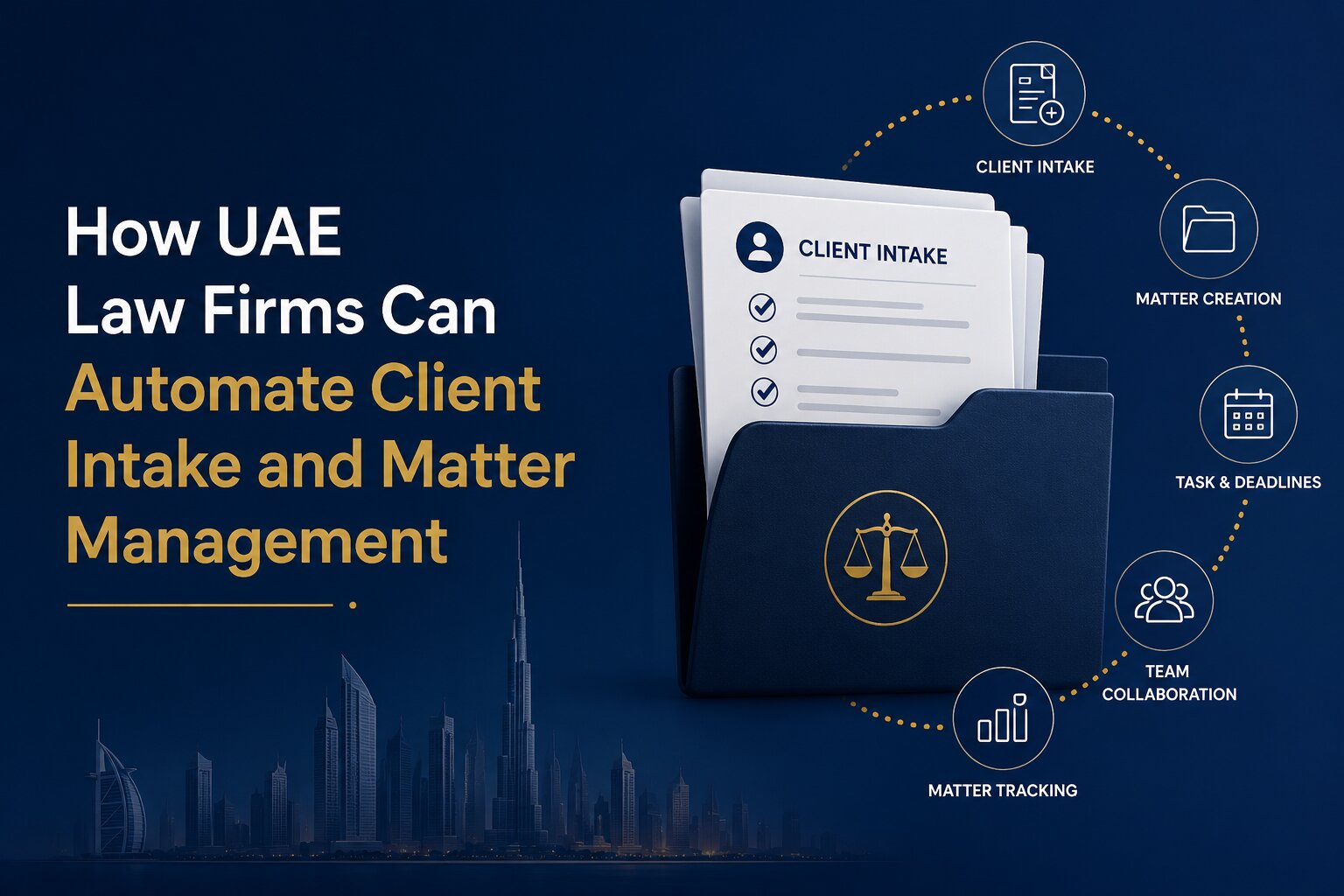
Managing a law firm involves much more than handling cases. From the first client enquiry to collecting documents, preparing service agreements, tracking court hearings and managing invoices, every stage requires accurate information and timely action. When these activities are handled through separate spreadsheets, email threads and paper files, keeping everything organised can become difficult.
For law firms in the UAE, where teams may handle multiple clients, practice areas and ongoing matters at the same time, a structured approach to these processes can make everyday work easier to manage. Client intake and matter management software helps bring related activities into a more organised workflow, reducing repetitive administrative tasks and giving lawyers better visibility into their work.
The key is to understand which parts of the process can be automated, how they connect and what a law firm should consider before introducing new software.
Why Client Intake and Matter Management Can Become Difficult to Manage
Client intake and matter management are closely connected, but they serve different purposes. Client intake covers the activities involved in receiving an enquiry, gathering information, assessing requirements and establishing an engagement. Matter management begins when the firm needs to organise and oversee the legal work associated with a client or engagement.
Problems often arise when these activities are handled separately. An enquiry might be recorded in a spreadsheet, client documents stored in email attachments, and case information maintained in a different system. When the client becomes an active engagement, staff may need to enter the same information again or search through previous correspondence to find important details.
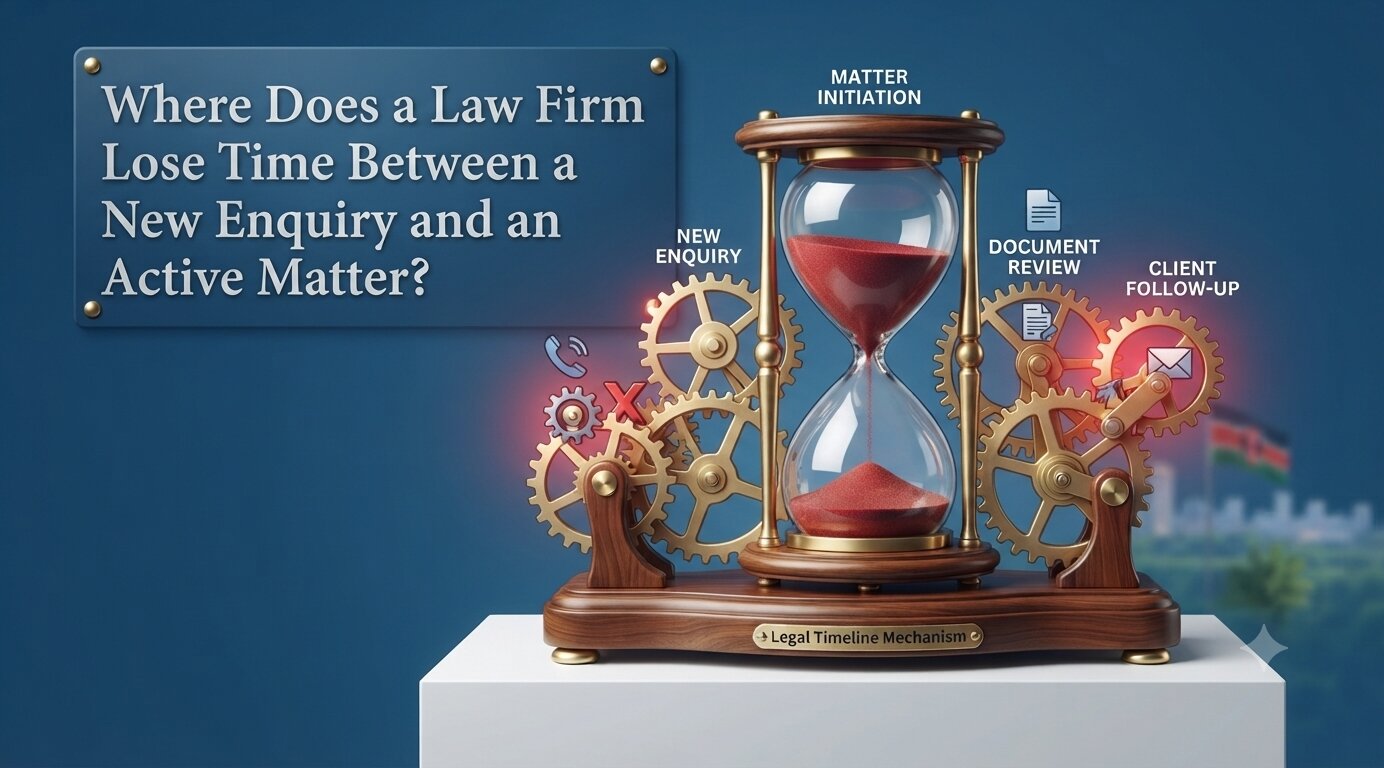
These gaps can create practical difficulties. A missing document may delay onboarding, an unanswered enquiry may go unnoticed, or a lawyer may struggle to find the latest version of a file. As the number of clients and active matters grows, keeping track of responsibilities, deadlines and outstanding work can require considerable administrative effort.
Automation helps address these issues by introducing clear steps for routine activities and keeping relevant information connected. It does not replace a lawyer's judgement or eliminate the need for staff oversight. Instead, it helps the firm manage routine processes more consistently.
How to Automate Client Intake in a Law Firm
Capture and Track New Client Enquiries
The client relationship often begins with an email, telephone call, website enquiry or referral. If these enquiries are recorded inconsistently, it can be difficult to determine who contacted the firm, what assistance they need and whether anyone has responded.
An organised intake process provides a consistent way to record prospective client details, the nature of the enquiry, the responsible team member and the next action required. Enquiries can be assigned to the appropriate person, while follow-up reminders help staff keep track of conversations that still need attention.
For example, when a business contacts a law firm about a commercial dispute, the enquiry can be recorded with the relevant contact details and a brief description of the issue. The assigned team member can then review the information, arrange an initial discussion and update the enquiry as it progresses. The firm should also establish suitable conflict-checking and client acceptance procedures before confirming an engagement. Automation can help organise the information required for these checks, but the relevant decisions should remain with authorised staff.
Organise Client Information and Required Documents
Once an enquiry progresses, the firm may need identity documents, company information, supporting records and other details relevant to the proposed engagement. Collecting these items through scattered emails can make it difficult to see what has been received and what remains outstanding.
A centralised client record provides a clearer view of the information collected and the documents still required. Staff can record outstanding requirements, follow up on missing items and monitor expiry dates where relevant. This is particularly useful when several team members are involved in onboarding the same client.
For UAE law firms, the exact documents and verification steps will depend on the nature of the engagement, the firm's procedures and applicable legal and regulatory requirements. A software workflow should reflect those requirements rather than assume that every client follows an identical process. Centralised records also need appropriate access permissions and secure document-handling procedures. Keeping information organised is valuable, but confidentiality and access control remain essential.
Standardise Proposals and Client Onboarding
Preparing proposals and service agreements can involve repeated administrative work, particularly when a firm uses similar documents for different engagements. Staff may need to prepare a draft, collect internal approvals, send it to the client and monitor whether it has been accepted.
Templates and structured workflows can make these steps more consistent. The firm can establish a process for preparing the relevant documents, reviewing terms, obtaining approvals and tracking the agreement's status. Follow-up tasks can be assigned when an approval or client response is outstanding.
Standardisation does not mean every engagement should use identical terms. Lawyers must still review the scope of work, fees, conditions and other details appropriate to each client. The main advantage is that routine administrative steps become easier to follow, while the legal team retains control over the substance of the agreement and the decision to accept the engagement.
Move from Client Onboarding to Matter Creation
One of the most important stages is the transition from an accepted engagement to active legal work. If client intake and matter management operate independently, staff may need to copy contact details, engagement information and documents into another system. A connected workflow can reduce this duplication by allowing the firm to use existing client information when creating a matter record. The new record can then be organised around the relevant client, matter type, assigned lawyer, documents and required activities.
Consider a firm that accepts an instruction to handle a commercial dispute. Rather than starting with a blank record, the responsible team can use the information already collected during onboarding and add the details needed to manage the dispute. This creates a more logical handover between administrative staff and lawyers. It also gives the team a clearer starting point for managing the work that follows.
How to Automate Matter Management After Client Onboarding
Create a Central Record for Every Legal Matter
Once an engagement begins, lawyers need reliable access to the information relevant to that matter. Depending on the work involved, this may include client details, instructions, correspondence, supporting documents, assigned team members and important dates. A central matter record helps bring this information together. Instead of searching through multiple folders or email conversations, authorised staff can use a structured record to understand the matter's current position and locate related documents.
Firms should also establish consistent naming conventions and procedures for updating records. A central system is only useful when staff know where information belongs and keep it current. For firms handling litigation alongside advisory work, matter records can be organised according to the requirements of each practice area. This makes it easier to manage different types of legal work without forcing every matter into the same workflow.
Track Court Cases, Hearings and Important Dates
Court-related work requires careful attention to hearing dates, filing deadlines, procedural requirements and follow-up activities. When these details are maintained in individual calendars or informal notes, the team may have limited visibility into upcoming commitments. A structured matter management process allows relevant dates and activities to be recorded against the appropriate matter. Reminders and assigned responsibilities can help staff prepare for upcoming hearings, complete required tasks and follow up on pending actions.
For example, if a matter has a hearing scheduled for a particular date, the team can record the hearing, link relevant documents and assign preparation tasks to the responsible lawyer or support staff. Automation can support the tracking process, but it should not be treated as a substitute for checking official court information or confirming applicable deadlines. Firms need clear procedures for verifying dates, updating records and ensuring that important reminders are not overlooked.
Manage Tasks, Workflows and Team Responsibilities
Legal matters often involve several people performing different activities. A lawyer may review documents, a paralegal may organise supporting records, and an administrator may coordinate appointments or client communications. Without clear task ownership, work can become delayed or duplicated. Workflow management helps define the steps involved in recurring activities and assign responsibility for each stage. Tasks can be linked to a matter, given due dates and tracked as they move from one stage to another. Managers can then review outstanding work and identify matters that need attention.
For instance, a firm handling a commercial contract dispute might establish tasks for document review, evidence preparation, client updates and hearing preparation. The exact sequence will depend on the case, but a structured workflow makes responsibilities easier to follow. Not every legal matter should follow a rigid process. Lawyers need flexibility to respond to changing circumstances, new instructions and unexpected developments. A useful system combines repeatable steps for routine work with the ability to adapt workflows when a matter requires a different approach.
Connect Legal Work with Timesheets and Billing
Time recording and billing are closely linked to matter management. Lawyers may work across several matters in a single day, making accurate records important for preparing invoices and reviewing how time is spent. When time entries, matter records and billing activities are disconnected, staff may need to reconcile information manually before an invoice can be prepared. This can create additional work and make it harder to identify outstanding payments.
A connected process allows time to be recorded against the relevant matter and used in billing workflows. Firms can organise invoice records, monitor payment status and review related financial information without treating these activities as entirely separate from legal work. The appropriate process will depend on the firm's fee arrangements and accounting procedures. Software can organise the records and support the workflow, while fee reviews, invoice approvals and financial decisions remain subject to the firm's controls.
What an Automated Client-to-Matter Workflow Looks Like
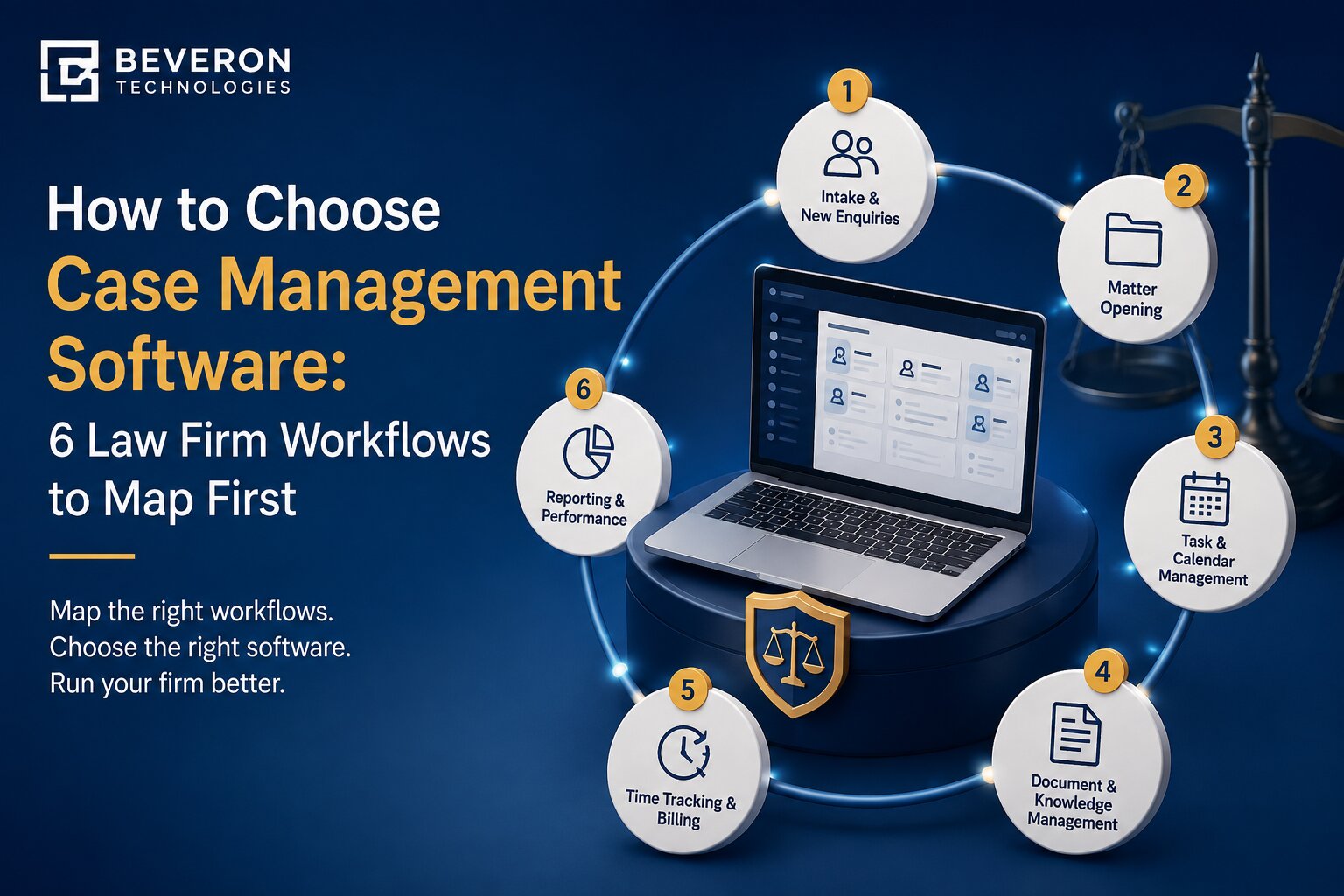
The value of automation becomes clearer when the entire process is considered as one connected workflow. Imagine a UAE law firm receiving an enquiry from a business seeking assistance with a commercial dispute. The enquiry is recorded, assigned to the appropriate team member and reviewed in line with the firm's client acceptance procedures. The firm gathers the required information, completes the relevant checks and prepares a proposal and service agreement.
Once the engagement is accepted, the team creates a matter record using the available client information. Relevant documents are organised, responsibilities are assigned, and any required court dates, deadlines and follow-up activities are recorded. As work progresses, the team updates the matter, records time where required and manages billing and payment activities. Each stage builds on the information collected earlier. Staff spend less time recreating records, while lawyers have a more consistent process for locating information and monitoring outstanding work.
This does not mean every step should happen automatically. Client acceptance, legal assessments, document reviews and other professional decisions still require human involvement. The aim is to automate suitable administrative tasks while keeping people responsible for decisions that require legal judgement.
What UAE Law Firms Should Consider Before Automating These Workflows
Confidentiality, Data Protection and Access Permissions
Law firms handle sensitive client information, legal correspondence, financial records and confidential documents. Before introducing automation, firms should consider who needs access to each type of information and how that access will be managed. Role-based permissions can help restrict access according to staff responsibilities. Document access controls, activity records and appropriate security measures can also help firms manage confidential information more carefully.
UAE law firms should assess their processes against applicable data protection laws, professional obligations and any requirements relevant to their practice. They should also understand where information is stored, how it is protected, how long it is retained and what happens when access needs to be withdrawn.
Automation should support the firm's confidentiality obligations rather than create additional risks through poorly managed access or unnecessary sharing.
Flexibility for Different Legal Practice Areas
A law firm's workflow depends on the type of legal work it handles. Litigation may involve court hearings, filing deadlines and evidence preparation, while corporate advisory work may require document reviews, client approvals and ongoing compliance activities. A suitable system should allow firms to organise matters according to their actual working practices. Before choosing software, it is worth mapping the steps involved in the firm's most common matters and identifying which processes can be standardised. This also helps firms avoid automating unnecessary steps. A workflow should make work easier to manage, not introduce additional administrative requirements that do not serve a clear purpose.
Integration with Existing Tools and Records
Lawyers frequently rely on email, office applications, document repositories and calendars to complete their work. Introducing a new platform without considering these existing tools can create another disconnected system rather than solve the original problem. Firms should assess whether the software can work with the applications they already use and how existing client records and matter documents will be transferred. They should also consider whether information needs to be entered more than once and how staff will access the latest version of a document. The goal is to create a practical working environment in which information can be located and updated efficiently, with fewer unnecessary handovers between systems.
Reporting, Staff Adoption and Deployment
Software selection should also account for how the firm intends to monitor its operations. Partners and managers may need to review active matters, upcoming hearings, pending tasks, lawyer workloads and billing information. Reporting requirements should therefore be identified before implementation. Staff adoption is equally important. Even a well-designed system may deliver limited value if lawyers and administrators find it difficult to use or continue maintaining separate records out of habit. A gradual rollout, practical training and clearly defined responsibilities can help the team adjust. Firms should also assess deployment options, support arrangements, implementation requirements and future growth needs before making a decision.
How Beveron Smart Lawyer Office Supports Client Intake and Matter Management
For law firms looking to bring client onboarding and everyday legal operations into a more organised process, Beveron Smart Lawyer Office provides a platform for managing client information, legal matters and related administrative activities. Rather than treating intake, case records and billing as entirely separate responsibilities, firms can assess how the platform's capabilities fit into their existing workflows and where a more connected process would be useful.
Client Intake and Onboarding Management
Smart Lawyer Office supports the management of client enquiries, proposals, service agreements, client records and document collection. These capabilities can help firms organise information gathered during onboarding and maintain visibility into the steps required before work begins. For example, a firm can use structured client records and enquiry tracking to keep prospective client information organised while staff manage the relevant onboarding activities. Document collection and expiry tracking can also help teams monitor outstanding requirements where applicable.
The precise workflow should be configured around the firm's procedures, including its client acceptance and verification requirements.
Matter, Case and Hearing Management
After an engagement begins, Smart Lawyer Office supports the organisation of legal matters, court cases, documents, hearing information and related activities. Bringing these records into a structured working environment helps staff locate relevant information and follow the progress of ongoing work. For a firm managing several matters simultaneously, this can provide a clearer way to organise case information, maintain records and coordinate the activities associated with each engagement.
The value comes from applying the system consistently to the firm's actual legal work, rather than simply moving existing paper files into digital storage.
Legal Workflows, Timesheets and Billing
Smart Lawyer Office also supports legal workflows, timesheets, billing, payment collection and reporting. These functions allow firms to consider administrative and financial activities alongside their matter management processes. When time entries and billing records are maintained against the relevant work, staff can organise information needed for invoicing and monitor payment-related activities. Workflow tools and reports can also help managers review outstanding tasks and understand the status of ongoing matters.
Firms considering the platform should evaluate these capabilities against their existing processes, required integrations and reporting needs to determine the most appropriate setup.
Frequently Asked Questions
What is client intake automation in a law firm?
Client intake automation uses software to organise the process of receiving enquiries, recording client information, collecting documents, tracking follow-ups and managing onboarding activities. It helps staff follow a consistent process from the first enquiry to the start of an engagement.
How can law firms automate client onboarding in the UAE?
UAE law firms can begin by standardising how they record enquiries, gather client details, collect required documents and manage proposals and service agreements. Suitable software can help track outstanding requirements and organise the transition from an accepted engagement to an active matter. The process should reflect the firm's applicable legal and regulatory obligations.
What is the difference between client intake and matter management?
Client intake focuses on receiving enquiries, gathering information and establishing an engagement. Matter management focuses on organising and overseeing the legal work that follows, including documents, tasks, hearings, deadlines, time records and billing activities. Connecting the two helps reduce duplicate data entry and unnecessary handovers.
Can law firms manage client documents, court hearings and deadlines in one system?
Yes. Legal case management platforms can bring client records, matter documents, hearing schedules and task information into a central working environment. The available functions depend on the software and its configuration. Firms should also maintain procedures for verifying official court dates and important deadlines.
How does matter management software reduce repetitive administrative work?
Matter management software can organise information in reusable records, assign routine tasks, track workflow stages and connect related activities. This reduces the need to maintain the same information across multiple spreadsheets and documents, although staff still need to review records and update information as matters progress.
What should UAE law firms consider when choosing case management software?
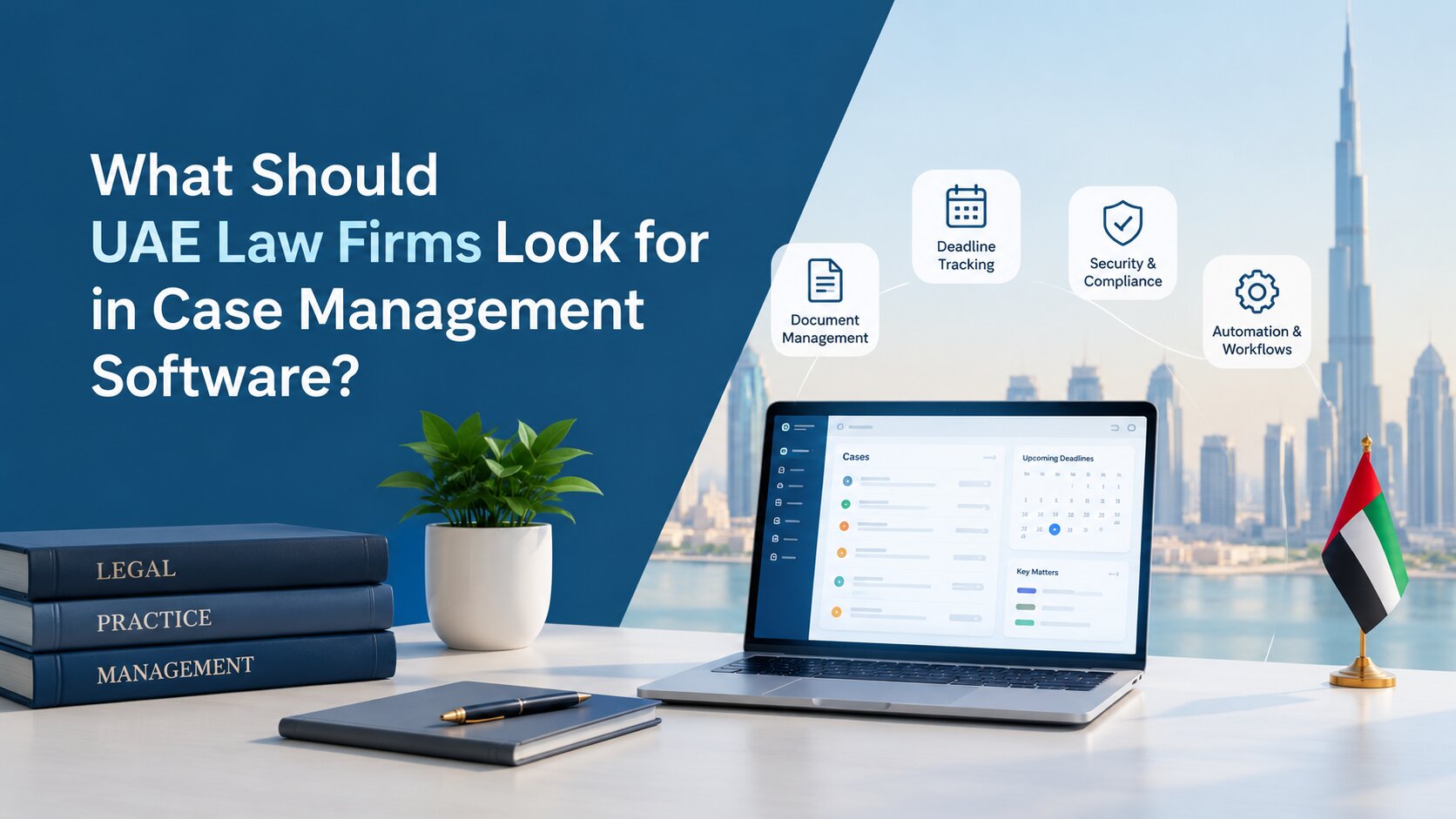
Firms should assess the system's matter management capabilities, client intake workflows, document security, access permissions, reporting, integrations, deployment options and ease of use. They should also consider how well the software supports their practice areas and applicable UAE legal and data protection requirements.
Conclusion: Connect Client Onboarding with Everyday Legal Work
Client intake and matter management are two parts of the same process. When information collected during onboarding is carried forward into the active matter, lawyers and support staff can spend less time searching for records, repeating administrative tasks and coordinating disconnected activities.
For UAE law firms, the starting point is to understand how work currently moves through the firm, identify the steps that cause delays and decide which activities are suitable for automation. Clear responsibilities, reliable records and appropriate security controls remain essential, regardless of the software used.
Beveron Smart Lawyer Office offers capabilities for managing client onboarding, legal matters, documents, workflows, timesheets and billing within a structured platform. Law firms can explore how these functions align with their requirements and identify opportunities to improve their existing processes.
Looking to organise your firm's client intake and matter management?
Request a personalised demonstration of Beveron Smart Lawyer Office to explore how its features could fit your firm's day-to-day legal workflows.
Best law firm automation software for lawyers in the UAE
Best law firm case management software in the UAE
Best matter management software for law firms in the UAE
If you need a free demo of the best law firm automation software for lawyers in the UAE, please fill out the form.