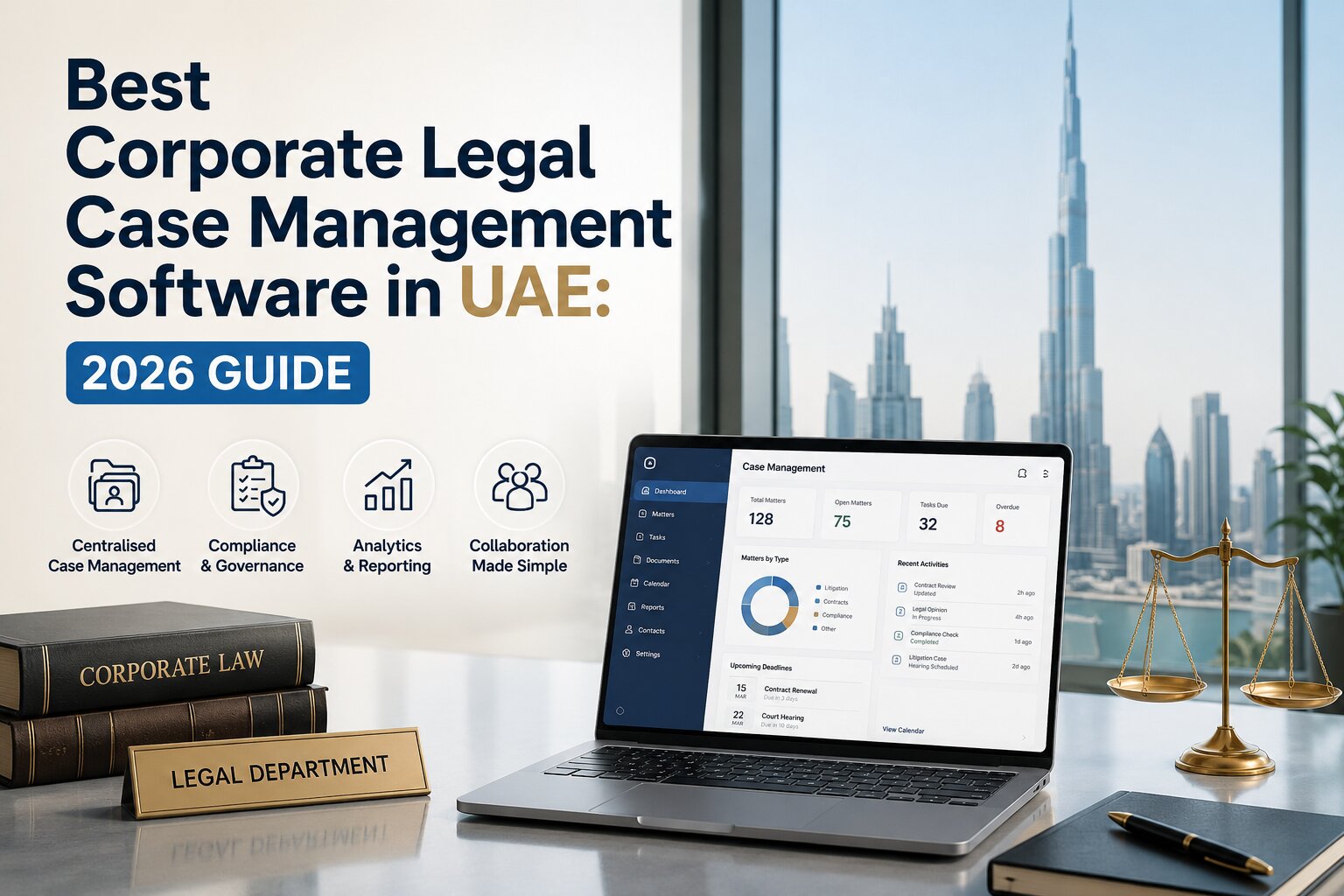
Best Corporate Legal Case Management Software in UAE: 2026 Guide
Corporate legal teams in the UAE are managing far more than contracts and court cases. Their day-to-day work can include disputes, regulatory matters, compliance requests, internal legal enquiries, approvals, legal documents, deadlines, external counsel, and communication with different departments.
When all of this is managed through spreadsheets, email threads, shared folders, and disconnected systems, it becomes difficult to maintain a clear view of what is happening. Information can be scattered across different locations, follow-ups may be missed, and lawyers can spend too much time on administration.
This is where corporate legal case management software can make a difference.
A legal case management platform brings matters, documents, tasks, deadlines, communications, workflows, and reporting into one central system. Modern platforms are also introducing AI and automation to help legal teams find information faster and reduce repetitive work. But choosing software is not simply about finding a system with the longest feature list. The right solution should fit your organisation's workflows, security requirements, legal operations, team size, and future plans.
This guide explains what corporate legal case management software is, why UAE companies use it, which features matter, how AI is changing legal operations in 2026, what businesses should compare, and how to choose the right solution.
What Is Corporate Legal Case Management Software?
Corporate legal case management software is a digital platform designed to help in-house legal teams organise, manage, and monitor legal work from a central location. Instead of keeping case information in spreadsheets, documents in shared drives, deadlines in calendars, and conversations across email, the software connects these activities within a structured legal workspace.
Depending on the platform, a legal matter may include:
- Matter and case information
- Documents and files
- Tasks and assignments
- Important dates and deadlines
- Legal calendars
- Notes and communications
- Approvals
- Workflows
- Reports and dashboards
- User permissions
- Notifications and reminders
- AI-assisted tools
The main objective is straightforward: give the legal team a clearer view of its work while reducing unnecessary administrative effort.
How Does Corporate Legal Case Management Software Work?
A typical system creates a central workspace for every legal matter. For example, an in-house lawyer handling a commercial dispute could create a matter and record the relevant parties, documents, deadlines, tasks, communications, and status in one place. The team can then assign tasks, set reminders, upload documents, monitor progress, and generate reports without relying on several separate tools.
For recurring processes, workflows can also automate steps such as assigning tasks, requesting approvals, sending notifications, or moving a matter to the next stage.
This creates a more structured way of managing legal work.
Who Uses Corporate Legal Case Management Software?
Corporate legal case management software is mainly used by:
- In-house legal departments
- Corporate legal teams
- Legal operations teams
- Compliance teams
- Risk management teams
- Organisations managing high volumes of legal matters
- Businesses working with external law firms or legal service providers
It can be particularly useful for companies where legal teams need to manage multiple matters across departments, business units, locations, or jurisdictions.
Why Do UAE Companies Need Legal Case Management Software in 2026?
Legal departments are increasingly expected to do more with the same resources. They need to respond quickly to business requests while maintaining accurate records and managing legal risk. For UAE companies, several common challenges make legal case management software valuable.
1. Managing Increasing Legal Workloads
Legal teams may handle contracts, disputes, employment matters, regulatory requests, compliance activities, claims, and internal enquiries at the same time. A central platform makes it easier to see what is active, what needs attention, and who is responsible for each matter.
2. Reducing Manual Administration
Legal professionals can lose significant time searching for documents, updating spreadsheets, sending reminders, and preparing status reports. Automation can reduce some of this repetitive work and allow lawyers to spend more time on legal analysis and business support.
3. Improving Visibility Across Matters
When information is stored across different systems, managers may struggle to understand the overall workload. A centralised system can provide dashboards and reports showing matter status, deadlines, workloads, activities, and other useful information.
4. Reducing the Risk of Missed Deadlines
Legal work is deadline-sensitive. Hearings, filing dates, renewals, approvals, response deadlines, contract dates, and internal commitments all need to be tracked carefully. Automated reminders and legal calendars can provide an additional layer of visibility.
5. Supporting Collaboration
Legal teams rarely work in isolation. They may need information from finance, HR, procurement, sales, compliance, management, and external counsel. A shared system can make it easier to coordinate requests and maintain a record of relevant activities.
What Features Should the Best Corporate Legal Case Management Software in UAE Have?
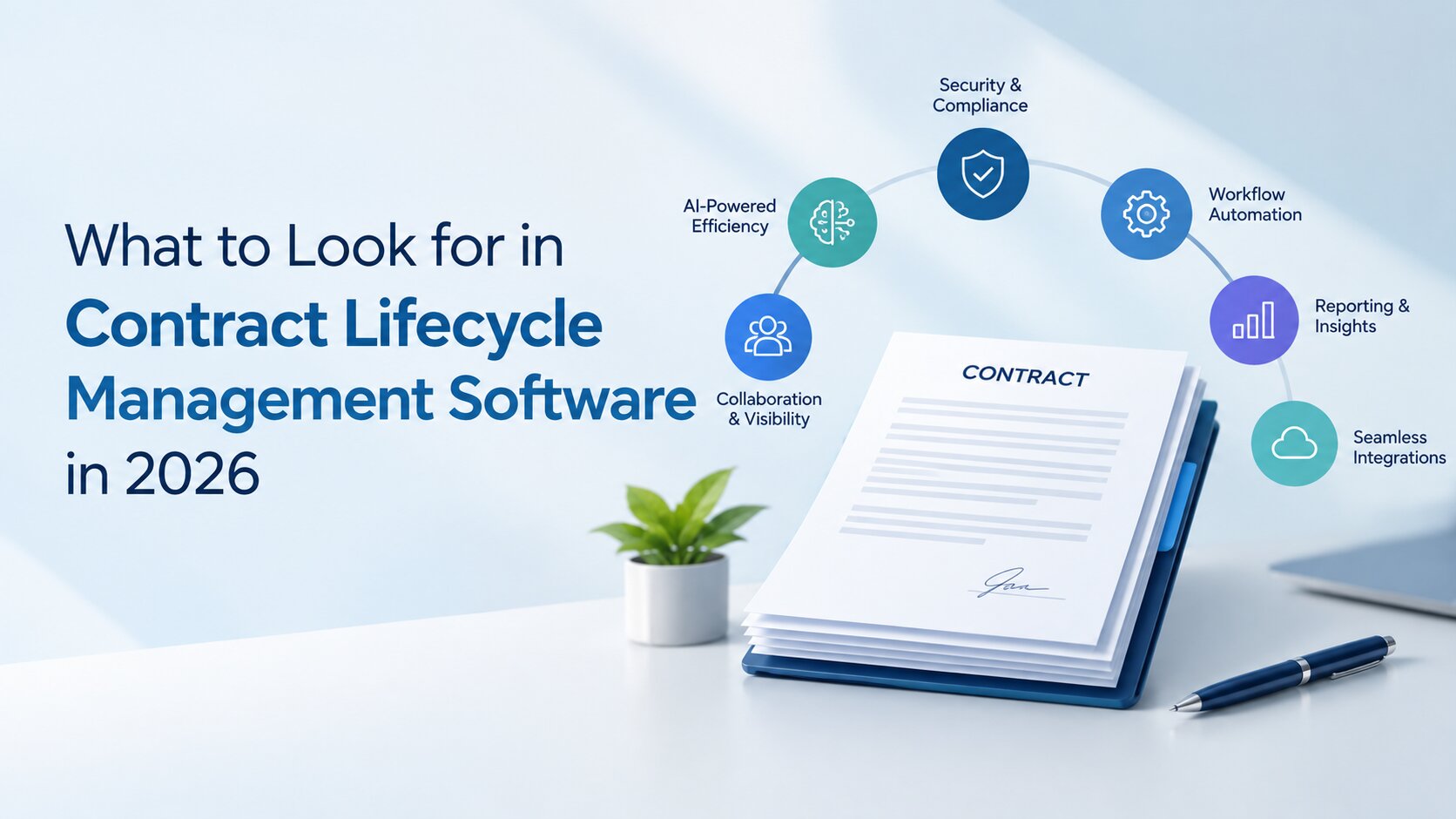
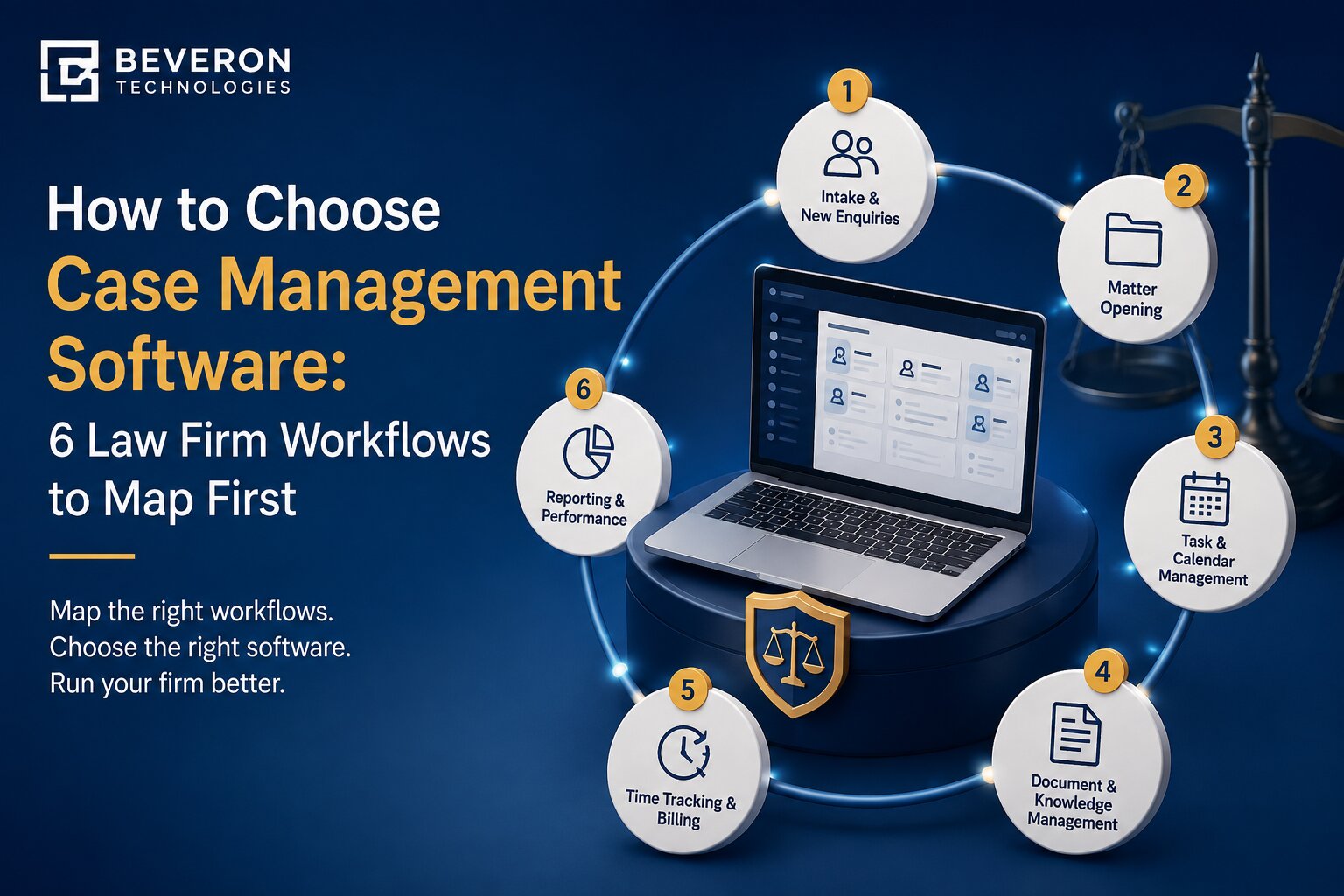
The right feature set depends on the organisation, but a strong corporate legal case management platform should generally provide the following capabilities:
| Feature | What It Helps With |
|---|---|
| Matter Management | Organising legal matters and related information |
| Case Tracking | Monitoring matter progress and status |
| Document Management | Storing, searching, and managing legal documents |
| Deadline Management | Tracking important legal and business dates |
| Legal Calendar | Managing hearings, meetings, deadlines, and events |
| Task Management | Assigning and monitoring responsibilities |
| Workflow Automation | Automating repetitive legal processes |
| Reporting and Analytics | Understanding workload, performance, and matter activity |
| AI Capabilities | Supporting summarisation, extraction, search, and other legal tasks |
| Access Controls | Restricting sensitive information to authorised users |
| Audit Trails | Recording relevant system activity |
| Integrations | Connecting legal work with other business systems |
| Cloud Access | Allowing authorised users to access the platform remotely |
These features provide the foundation. However, simply having a feature does not mean the software will work well for your legal department. The next step is to compare how each capability actually works.
What Are the Benefits of Legal Case Management Software for UAE Businesses?
The value of legal case management software goes beyond storing case information. When implemented properly, it can improve how the entire legal function operates.
Better Legal Visibility and Control
A central platform gives legal teams a clearer view of active matters, upcoming deadlines, outstanding tasks, and overall workload. Instead of asking different team members for updates, managers can use the system to understand the current status of legal work.
Faster Access to Legal Information
Lawyers often need to find specific documents, matter details, correspondence, or previous actions quickly. Centralised search and structured matter records can make this process easier than searching through multiple folders and email conversations.
Better Deadline and Task Tracking
Automated reminders and task assignments help teams keep track of important activities. This does not replace professional judgement, but it can reduce reliance on memory and manual follow-ups.
Improved Collaboration
A shared legal workspace allows authorised users to access the same matter information. This can be particularly useful when multiple lawyers or departments are working on the same issue.
Reduced Administrative Work
Automation can handle repetitive activities such as notifications, task assignments, approvals, and routine updates. The result can be less administrative effort for the legal team.
Better Legal Reporting
Legal leaders increasingly need to demonstrate workload, performance, risks, and business value. Reporting tools can help turn matter data into useful management information.
Improved Risk Management
When deadlines, matters, documents, and activities are easier to monitor, legal teams can identify potential issues earlier and respond more systematically.
Best Corporate Legal Case Management Software in UAE: What Should You Compare?
Choosing legal software should involve more than comparing feature lists. Two platforms may both offer matter management, AI, and reporting but provide very different experiences. Here are the main areas to compare.
1. Matter Management
Start by asking whether the platform can handle the types and volume of matters your organisation manages. Look for flexible matter records, custom fields, categories, statuses, ownership, and workflows.
The system should make it easy to understand the history and current status of a matter without searching across multiple systems.
2. Document Management
Legal teams work with large volumes of sensitive documents. The software should make it easy to upload, organise, search, access, and manage documents connected to a matter. Also consider version control, permissions, document sharing, and search capabilities.
A good document system should reduce the time spent looking for information rather than simply becoming another digital folder.
3. Workflow Automation
Legal teams often repeat the same processes. For example, a legal request may need to be submitted, reviewed, assigned, approved, completed, and reported. Workflow automation can connect these steps and reduce manual coordination. When comparing solutions, ask whether workflows can be configured by the legal team or require extensive technical support.
4. AI and Legal Intelligence
AI is becoming an important part of legal technology, but businesses should look beyond a simple "AI-powered" label. Ask what the AI actually does.
Useful capabilities may include:
- Document summarisation
- Information extraction
- Matter summaries
- Classification
- Intelligent search
- Drafting assistance
- Identifying relevant information
- Supporting workflow decisions
Also ask how the system handles confidential information, what human review is required, and what controls are available.
5. Security and Access Control
Security should be treated as a core selection criterion rather than an optional feature. Check whether the system provides role-based access, authentication controls, encryption, audit trails, secure document handling, backup processes, and appropriate access restrictions.
The exact requirements will depend on the organisation and the information it processes.
6. Reporting and Analytics
Legal leaders need more than a list of open matters.
Look for reporting capabilities that can help answer questions such as:
- How many matters are currently open?
- Which matters require immediate attention?
- How is the team's workload distributed?
- How long are matters taking?
- Which categories generate the most work?
- What trends are appearing over time?
Useful reporting can turn legal operations data into information that supports better decisions.
7. Integrations
Legal departments often depend on other business systems. Depending on your organisation, integrations may be required with document platforms, email, finance systems, CRM tools, HR systems, identity providers, or other enterprise applications.
Check whether integrations are available through built-in connectors, APIs, or other supported methods.
8. Scalability
Your legal department may look very different in three years from how it looks today. Consider whether the platform can support additional users, matters, departments, business units, locations, and workflows as your organisation grows.
9. Ease of Use
A powerful system is of limited value if people do not use it consistently. Look at the user interface, navigation, search, mobile or remote access, onboarding process, and overall user experience.
Ask the vendor to demonstrate real workflows rather than only showing a list of features.
10. Customer Support
Implementation does not end when the software is switched on. Ask what support is available during implementation and after launch. Consider training, documentation, technical support, response times, product updates, and account management.
AI-Powered Legal Case Management: What Has Changed in 2026?
AI in legal software has moved beyond simply searching documents or providing basic automation. Modern legal platforms are increasingly designed to help users work with information rather than simply store it.
For example, AI can help a lawyer summarise a lengthy document, identify key information, prepare a matter overview, classify documents, or find relevant content faster. This changes the role of legal software. Agentic AI is becoming the next major shift in legal technology, allowing legal platforms to move beyond individual AI-assisted tasks and support connected, multi-step workflows.
Traditional software mainly helped teams record and organise information. AI-enabled software can also assist users in understanding and working with that information.
What Is Agentic AI in Legal Case Management?
Agentic AI takes this concept further. Learn more about how agentic AI is transforming in-house legal departments in the UAE to understand how AI agents can automate multi-step legal workflows and support corporate legal teams.
. Instead of only responding to one request, an AI agent may be designed to complete a sequence of related tasks based on defined instructions, permissions, and business rules.
For example, a legal workflow could involve receiving a request, identifying the relevant matter, gathering information, preparing a summary, creating tasks, and routing the request to the appropriate person.
The important point is that agentic AI should operate within clearly defined controls. Legal professionals should still determine where human review is required, particularly for decisions involving legal advice, risk, rights, obligations, or sensitive information.
What Should Companies Check Before Using AI?
Before adopting AI-enabled legal software, ask:
- What specific legal problem does the AI solve?
- What information does the AI use?
- How is confidential data handled?
- Can users control access to AI-related information?
- Is human review built into the workflow?
- Can AI activity be monitored?
- What governance controls are available?
- Can the organisation configure or restrict AI features?
AI should improve legal work, not introduce an additional source of unmanaged risk.
How Secure Is Corporate Legal Case Management Software?
Legal departments handle highly sensitive information, including contracts, disputes, employee matters, commercial information, personal data, and confidential communications. Security therefore needs to be evaluated carefully.
Important controls to consider include:
Role-Based Access
Users should only have access to information appropriate for their role.
Audit Trails
Audit logs can help organisations understand relevant system activity and support accountability.
Data Encryption
Encryption can help protect information during transmission and storage.
Secure Document Management
Legal documents should be protected through appropriate permissions and security controls.
Backup and Recovery
Businesses should understand how data is backed up and how the system handles recovery in the event of an incident.
AI Data Protection
If AI features are included, ask specifically how legal documents and other sensitive information are handled. Do not assume that every AI feature has the same data practices.
UAE Data Protection Considerations
The UAE has a federal personal data protection framework under Federal Decree-Law No. 45 of 2021. The UAE Government also lists the Personal Data Protection Law among the country's cyber-related laws. However, software selection should not be based on a simple claim that a product is "UAE compliant". Organisations should assess the specific data they process, their legal obligations, contractual requirements, sector-specific rules, and the technical and organisational controls provided by the vendor.
For the latest legislation and amendments, businesses should refer to the official UAE legislation platform.
What UAE-Specific Factors Should Companies Consider?
A legal case management system used by a UAE business may need to fit local operational and regulatory realities.
Data Protection and Privacy
Review how the vendor collects, stores, processes, transfers, and protects personal data. Also understand where data is hosted and what contractual arrangements apply to data processing.
Arabic and English Support
Many UAE businesses operate in both Arabic and English. If bilingual work is part of your legal team's workflow, check whether the software supports the languages your team actually needs across its interface, documents, search, reporting, and AI functionality.
Do not assume that "multilingual" automatically means full support for every legal workflow.
Local Legal Workflows
The system should be flexible enough to accommodate the processes your legal team follows. This may include matter intake, hearings, approvals, compliance activities, external counsel management, internal legal requests, and document workflows.
Hosting and Data Location
Ask the vendor where information is hosted and how data is managed across different environments. Data location can be an important consideration depending on the company's internal policies, contractual commitments, sector requirements, and applicable law.
Integration With Existing Systems
The legal department may already use enterprise software for finance, HR, procurement, CRM, identity management, or document storage. The legal platform should fit into the existing technology environment rather than create another isolated system.
Cloud-Based vs On-Premise Legal Case Management Software
Businesses may need to decide between cloud-based and on-premise deployment.
| Factor | Cloud-Based | On-Premise |
|---|---|---|
| Infrastructure | Managed through the vendor or cloud environment | Managed by the organisation |
| Maintenance | Usually less internal infrastructure management | Greater internal IT responsibility |
| Remote Access | Generally easier to support | Depends on the organisation's infrastructure |
| Scalability | Often easier to scale | May require additional infrastructure |
| Updates | Typically managed by the provider | Usually managed internally |
| Control | Depends on vendor and configuration | Greater direct infrastructure control |
| Implementation | Can be faster depending on the solution | May require more infrastructure planning |
Neither option is automatically better for every organisation. The right choice depends on security requirements, IT strategy, internal resources, budget, integration needs, and organisational policies. For organisations with strict data security requirements, secure on-premise AI for legal teams can provide greater control over where legal data is processed and stored.
Legal Case Management Software vs Traditional Methods
Many legal departments still rely on spreadsheets, email, shared folders, and separate calendars.
These tools can work for small workloads, but they can become difficult to manage as the legal function grows.
| Area | Traditional Methods | Legal Case Management Software |
|---|---|---|
| Matter Tracking | Often spread across spreadsheets and emails | Centralised matter records |
| Documents | Shared folders and email attachments | Matter-linked document management |
| Deadlines | Manual calendars and reminders | Centralised deadlines and automated reminders |
| Tasks | Emails and manual follow-ups | Assigned and trackable tasks |
| Reporting | Manual spreadsheet preparation | Automated dashboards and reports |
| Workflows | Mostly manual | Configurable workflow automation |
| Collaboration | Multiple communication channels | Shared matter workspace |
| Scalability | Can become difficult at higher volumes | Designed to manage growing workloads |
The goal is not necessarily to replace every tool your team uses. Instead, legal case management software should provide a central system for organising legal work.
How to Choose the Right Corporate Legal Case Management Software in UAE
Choosing a legal platform becomes easier when the evaluation process is structured.
Step 1: Define Your Requirements
Start by documenting what your legal team actually needs.
Identify the types of matters you manage, the number of users, current processes, existing systems, and major operational problems.
Step 2: Identify Workflow Problems
Do not start with features. Start with problems.
For example:
- Are deadlines difficult to track?
- Is document retrieval taking too long?
- Are legal requests arriving through different channels?
- Is reporting mostly manual?
- Are lawyers spending too much time on repetitive administration?
These answers will help determine which features actually matter.
Step 3: Separate Must-Have and Nice-to-Have Features
Create two lists.
Your must-have list might include matter management, document management, reporting, security, and workflow automation. AI tools, advanced integrations, or additional customisation may fall into the second category depending on your needs.
Step 4: Review Security and Data Protection
Ask vendors detailed questions about access controls, encryption, audit logs, hosting, backups, data processing, and AI data handling.
Avoid relying only on marketing statements.
Step 5: Evaluate AI and Automation
Look at actual use cases. Ask the vendor to demonstrate how AI or automation would work with your team's real workflows.
Step 6: Check Integrations
Identify which systems need to connect with the legal platform. Then confirm what integrations are available and whether additional development is required.
Step 7: Consider Scalability and Total Cost
Do not evaluate price only by the initial subscription. Consider implementation, migration, configuration, integrations, training, support, additional users, and future requirements.
Step 8: Request a Product Demonstration
A demo should focus on your workflows. Ask the vendor to demonstrate how a real matter would be created, assigned, managed, updated, reported, and closed.
Step 9: Test With Realistic Use Cases
If possible, test the platform using scenarios your legal team actually handles.
This can reveal usability issues that are difficult to see during a standard sales presentation.
Step 10: Plan Implementation and Training
A successful implementation needs more than software installation. Define responsibilities, data migration requirements, user training, workflow configuration, launch dates, and post-launch support.
How Much Does Corporate Legal Case Management Software Cost in the UAE?
There is no single standard price for corporate legal case management software in the UAE. Pricing can vary significantly depending on the provider and the organisation's requirements.
Common pricing factors include:
- Number of users
- Number of legal matters
- Features included
- AI capabilities
- Workflow automation
- Integrations
- Customisation
- Cloud or on-premise deployment
- Data migration
- Implementation services
- Training
- Customer support
Businesses should therefore compare the total cost of ownership, not just the monthly or annual licence. A lower subscription price may not necessarily be cheaper if the organisation later needs expensive customisation, integrations, migration, or additional services.
Ask vendors for a clear breakdown of initial and ongoing costs before making a decision.
Why Consider Beveron's Smart Legal Counsel for Corporate Legal Teams?
Beveron Technologies offers Smart Legal Counsel, a legal management solution designed for in-house legal departments and corporate legal teams. For organisations evaluating corporate legal case management software, Smart Legal Counsel can be considered as an option for centralising legal work and supporting structured legal workflows. Its positioning around corporate legal operations makes it relevant for teams looking to move away from disconnected spreadsheets, emails, and manual processes.
When evaluating Smart Legal Counsel, businesses should assess the platform against their own requirements, including:
- Legal matter management
- Case and enquiry tracking
- Document management
- Legal workflows
- Deadlines and important dates
- Reporting and visibility
- User access controls
- AI and automation requirements
- Integration requirements
- Deployment preferences
- Implementation and support
As with any legal technology purchase, companies should request a product demonstration and verify the specific features, security controls, deployment options, and support arrangements that apply to their organisation.
Implementation Guide
Buying the software is only the first step. A structured implementation can make the difference between successful adoption and another underused business system.
1. Identify Key Stakeholders
Include legal operations, lawyers, IT, information security, compliance, and relevant business users.
2. Map Existing Processes
Document how legal requests, matters, documents, approvals, and reporting currently work. This helps identify which processes should be transferred directly and which should be improved first.
3. Clean Existing Data
Before migration, review old spreadsheets, duplicate documents, outdated matters, and inconsistent records. Moving unnecessary data into a new platform can create problems later.
4. Configure Workflows
Start with important and repeatable processes. Avoid trying to automate everything on day one.
5. Train Users
Training should focus on real tasks rather than simply showing users every software feature.
6. Start With a Controlled Rollout
A phased rollout can help the organisation identify problems before expanding the system to the entire legal function.
7. Measure Adoption
After launch, monitor whether users are actually using the platform. Useful indicators may include active users, matters created, workflow usage, document activity, reporting usage, and time saved on administrative processes.
Common Mistakes to Avoid
Choosing Software Based Only on Features
A long feature list does not guarantee a good fit. Focus on how the software solves your team's actual problems.
Ignoring User Adoption
If lawyers find the platform difficult to use, they may return to email and spreadsheets. Ease of use should therefore be part of the evaluation.
Treating AI as a Replacement for Legal Judgement
AI can assist with many tasks, but legal professionals remain responsible for reviewing important outputs and making appropriate decisions.
Overlooking Data Security
Legal data is sensitive. Security should be evaluated before implementation, not after deployment.
Failing to Consider Future Growth
A platform that works for a small legal team may not work equally well when the organisation expands.
Automating Poor Processes
Automation does not automatically improve a broken workflow. Review and simplify the process before automating it.
Comparing Only Subscription Prices
Implementation, migration, integration, training, support, and additional users can all affect the actual cost.
FAQs
What is corporate legal case management software?
Corporate legal case management software is a platform that helps in-house legal teams manage matters, documents, tasks, deadlines, workflows, reporting, and related legal activities in one central system.
What is the difference between legal case management and legal practice management software?
The terms can overlap, but legal case management generally focuses on managing legal matters and related information, while legal practice management can cover a broader range of law firm operations such as billing, client management, time tracking, and firm administration.
The exact scope depends on the software provider.
Is legal case management software suitable for in-house legal teams?
Yes. Corporate legal case management platforms are specifically designed to help in-house teams organise matters, collaborate with business departments, manage legal requests, track deadlines, and report on legal operations.
Does legal case management software use AI?
Many modern platforms now include AI features. These may support tasks such as summarisation, information extraction, search, classification, drafting assistance, and workflow support.
However, the actual AI capabilities differ between products.
Is cloud-based legal case management software secure?
Cloud software can include strong security controls, but security depends on the specific provider, architecture, configuration, policies, and controls. Companies should assess encryption, access controls, authentication, audit trails, backups, data handling, hosting, and AI-related data practices before selecting a solution.
How much does legal case management software cost in the UAE?
There is no universal price. Cost depends on factors such as users, features, AI capabilities, integrations, customisation, deployment, migration, training, and support. The best approach is to request a detailed quote based on your organisation's requirements.
Can legal case management software integrate with other business systems?
Many platforms support integrations with other enterprise systems. However, available integrations vary between providers, so businesses should identify their required connections before selecting software.
What should UAE companies consider when choosing legal case management software?
Companies should consider functionality, security, data protection, deployment, language requirements, integrations, scalability, usability, AI capabilities, implementation support, and total cost.
They should also evaluate the specific legal and regulatory requirements that apply to their organisation.
Is AI-powered legal software replacing lawyers?
No. AI is better viewed as a support tool that can help legal professionals handle information and repetitive tasks more efficiently. Important legal analysis, professional judgement, review, and decision-making still require appropriate human oversight.
Final Thoughts
Corporate legal teams need more than a place to store case files. They need a reliable way to organise matters, manage deadlines, collaborate with the business, find information quickly, automate repetitive work, and understand their overall workload. That is why legal case management software is becoming an important part of modern legal operations.
For UAE businesses, the selection process should go beyond features. Security, data protection, usability, integrations, scalability, AI governance, deployment, and implementation all deserve careful consideration.
The right platform should fit the way your legal team works today while giving it room to improve as the organisation grows.
If your organisation is evaluating corporate legal case management software in the UAE, Beveron's Smart Legal Counsel is one solution worth considering. A product demonstration can help you understand how its capabilities align with your legal team's specific workflows and requirements.
Looking for corporate legal case management software in the UAE?
Explore Smart Legal Counsel and see how it can help your legal team centralise legal work, streamline workflows, manage matters, and improve visibility.
Best corporate legal case management software in the UAE
Best case management software for corporate legal teams in the UAE
Best legal department management software in the UAE
If you need a free demo of the best corporate legal case management software in the UAE, please fill out the form.