What Should Saudi Legal Departments Consider Before Choosing Legal Management Software?

Choosing legal management software is rarely just an IT decision. For an in-house legal department, the system can affect how matters are opened and assigned, how litigation is tracked, how contracts are reviewed, how compliance work is monitored, and how legal leadership reports to the wider business. That is why comparing software based only on a feature list can be misleading. A platform may offer extensive functionality and still be a poor fit if it does not match the department's workflows, security requirements or working environment.
For Saudi legal departments, the evaluation also needs to take local requirements into account, particularly when legal teams handle personal information, confidential documents and bilingual work.
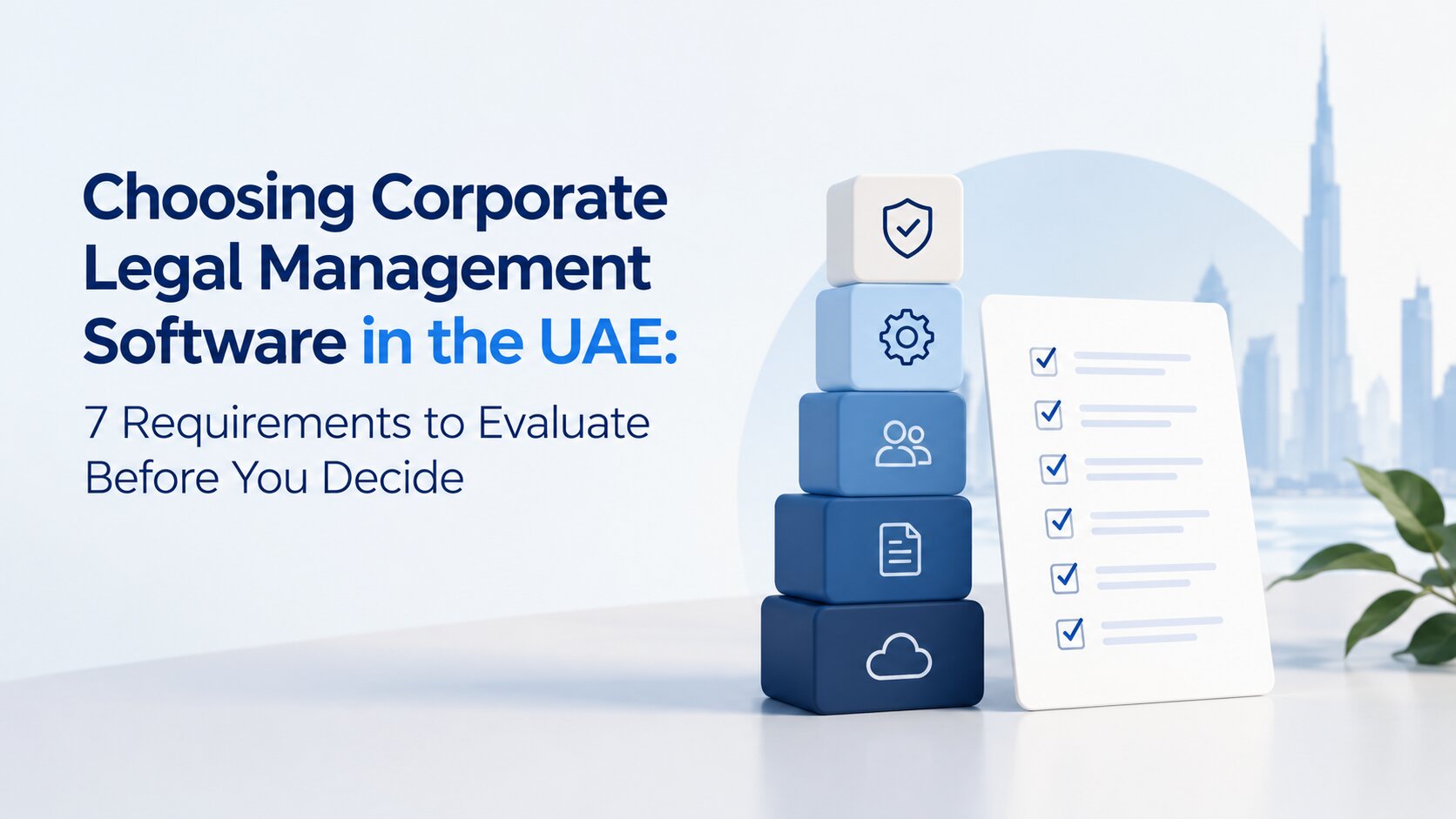
A more useful approach is to assess the software against the way the legal function actually operates. Here are the areas worth examining before making a decision.
Start With What Your Legal Department Needs to Manage
Before comparing legal management software, start by looking at how your legal team actually works. An in-house department may be handling litigation, contracts, compliance requests, legal advice, internal approvals and outside counsel at the same time. When information is spread across emails, spreadsheets, shared folders and separate systems, it can become difficult to know what is happening across the department at any given time.
That makes the first step less about comparing software and more about identifying where the current process is creating friction. Which information is difficult to find? Where are follow-ups being tracked manually? Which deadlines depend on individual reminders? And where does legal leadership lack a clear view of ongoing work?
These gaps provide a practical starting point for defining what the new system actually needs to support.
If your team is already dealing with delays caused by fragmented information, manual workflows or inconsistent processes, our guide on How Saudi Corporate Legal Teams Can Eliminate Bottlenecks explores the common causes of these operational delays and practical ways legal departments can address them.
Where Does the Current Process Fall Short?
The objective is not to replace every existing tool simply because a new platform is available. Instead, identify where the current process creates unnecessary work or limited visibility. For example, a legal team may know that a contract is approaching renewal, but that information may sit in an individual lawyer's inbox or a spreadsheet. A General Counsel may know that several litigation matters are active, but need to request updates from different lawyers before preparing a management report.
These gaps are useful requirements for a software evaluation. They tell the department what the new system actually needs to improve.
Check Whether the Software Fits Core Legal Work
Once the current process is understood, the next question is whether the software can support the department's main areas of responsibility.
Legal Matters and Litigation
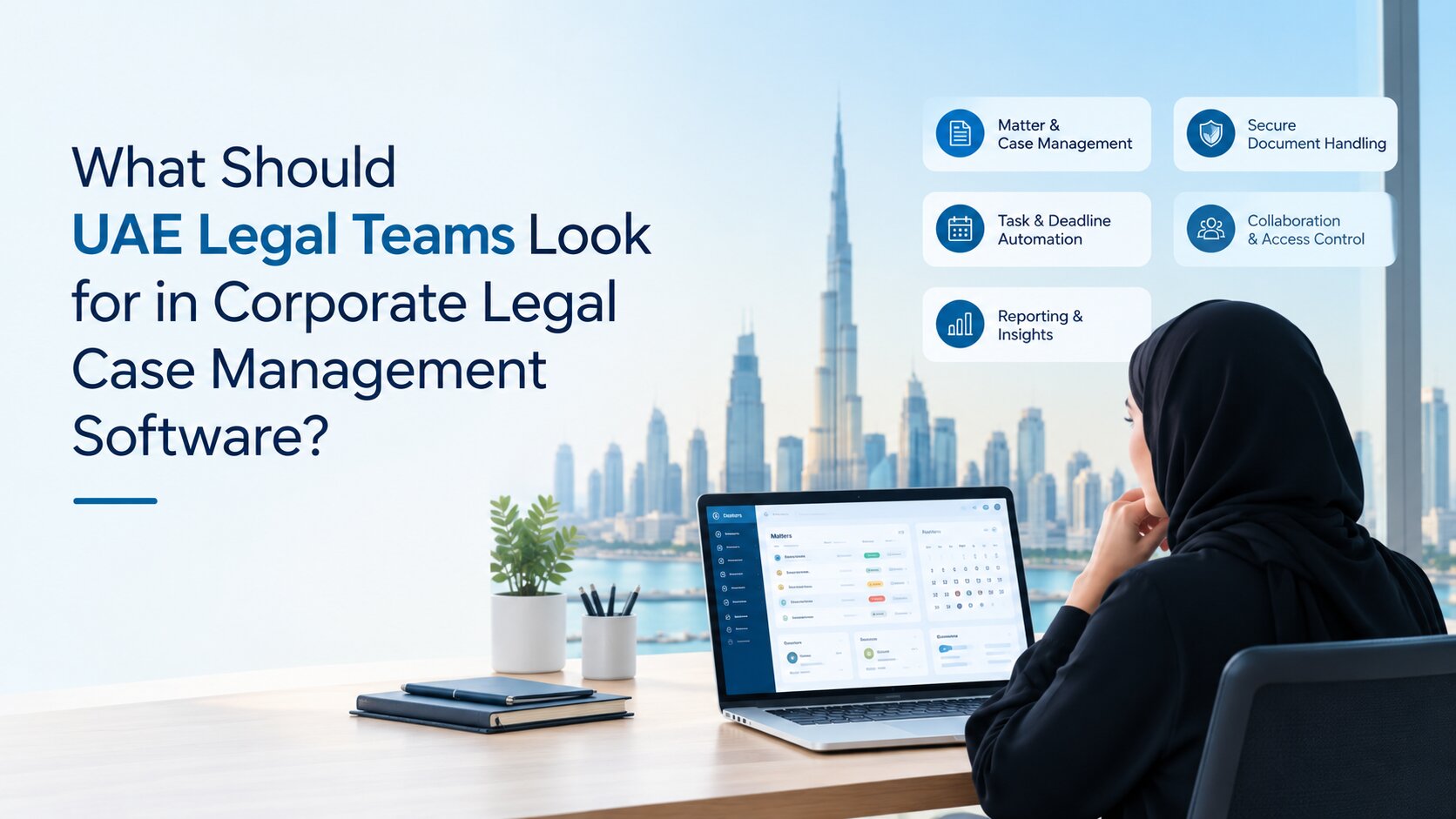
A corporate legal case management system should make it easier to manage a matter from intake through resolution. Depending on the department's requirements, this can include matter creation, assignment, parties, documents, tasks, hearings, deadlines, correspondence and status updates. The important question is not simply whether each feature exists. It is whether lawyers can follow the progress of a matter without having to search through several disconnected sources.
For litigation-heavy teams, the system should also make important dates and case developments easier to monitor. A central record can give legal leadership a clearer view of active matters and upcoming actions.
Contracts and Legal Obligations
Contracts create work long after the document has been signed. Legal teams may need to track approvals, obligations, renewal dates, expiry dates and actions assigned to different stakeholders. A suitable legal management system should therefore provide visibility beyond the initial review.
For example, if a legal department manages a large number of supplier or commercial agreements, it should be possible to identify which contracts are approaching renewal and which obligations require attention without relying on individual reminders.
For a more detailed look at structuring document approvals, managing contract versions and creating clearer approval workflows, see our guide on modern document approval workflows for Saudi corporate legal teams.
Compliance and Risk
Legal departments may also be responsible for monitoring regulatory obligations, internal compliance activities and legal risks. The software should make it possible to record relevant actions, assign responsibility, monitor deadlines and retain supporting information. This is particularly useful when legal leadership needs to understand not just the number of matters being handled, but also where unresolved obligations or risks require attention.
What Saudi-Specific Requirements Should You Check?
A legal management system used in Saudi Arabia needs to be evaluated in the context of the organisation's local obligations and operating environment.
Arabic and English Requirements
Many corporate legal teams operate across Arabic and English documentation and communication. The practical requirement is therefore broader than simply asking whether a platform has an Arabic interface. Consider how the system handles Arabic and English records, documents, searches, correspondence and reporting within the department's actual workflows.
The right question is: Can our team work with the information in the languages and formats it uses every day?
Data Protection and Information Handling
Data protection deserves particular attention because legal departments may hold employee information, customer details, identification records, contracts, dispute information and other sensitive material. Saudi Arabia's Personal Data Protection Law (PDPL) applies to processing personal data in the Kingdom and, in specified circumstances, to processing personal data of individuals residing in the Kingdom by parties outside the Kingdom. SDAIA's guidance also highlights requirements and principles relating to lawful processing, purpose limitation, data minimisation, accuracy, storage limitation, security and accountability.
For this reason, a legal department should ask a prospective provider how its platform supports the organisation's own data protection responsibilities.
Questions should cover:
- Where is data stored?
- Who can access sensitive matters?
- How are permissions managed?
- What audit records are available?
- How is information protected?
- What happens to data when it is no longer required?
- How are external data transfers handled where applicable?
These questions should be assessed alongside the organisation's legal and privacy requirements rather than treating software as automatically “PDPL compliant”.
Local Operational Fit
Saudi localisation should also be considered from a practical perspective. The platform should fit the organisation's internal approval structures, documentation practices, legal workflows and reporting requirements. A system that works well for a different market may still require significant adjustment if it does not reflect how the Saudi legal team actually operates.
How Secure and Connected Is the System?
Legal information often needs tighter controls than ordinary business information. Security and integration should therefore be assessed before implementation rather than after the software has been selected.
Access and Security Controls
Look for controls that allow the organisation to determine who can view or change information. Depending on the department's requirements, this may include role-based access, authentication, audit trails, document permissions and controls around sensitive matters.
For example, a lawyer handling a confidential investigation may need access to information that should not be visible to every employee using the legal system.
Security should therefore be evaluated in terms of how the department actually works, not just by reading a list of security features.
Existing Business Systems
A legal platform should also fit into the organisation's wider technology environment. Microsoft Office, SharePoint, email and identity systems are common parts of corporate workflows. If legal professionals need to repeatedly download, upload or re-enter information between systems, the new platform may create another layer of administration.
Ask what integrations are available and how they work in practice. Where relevant, capabilities such as Microsoft Office and SharePoint connectivity or Active Directory single sign-on can help a legal platform fit into an existing corporate environment.
What Visibility Should Legal Leadership Expect?
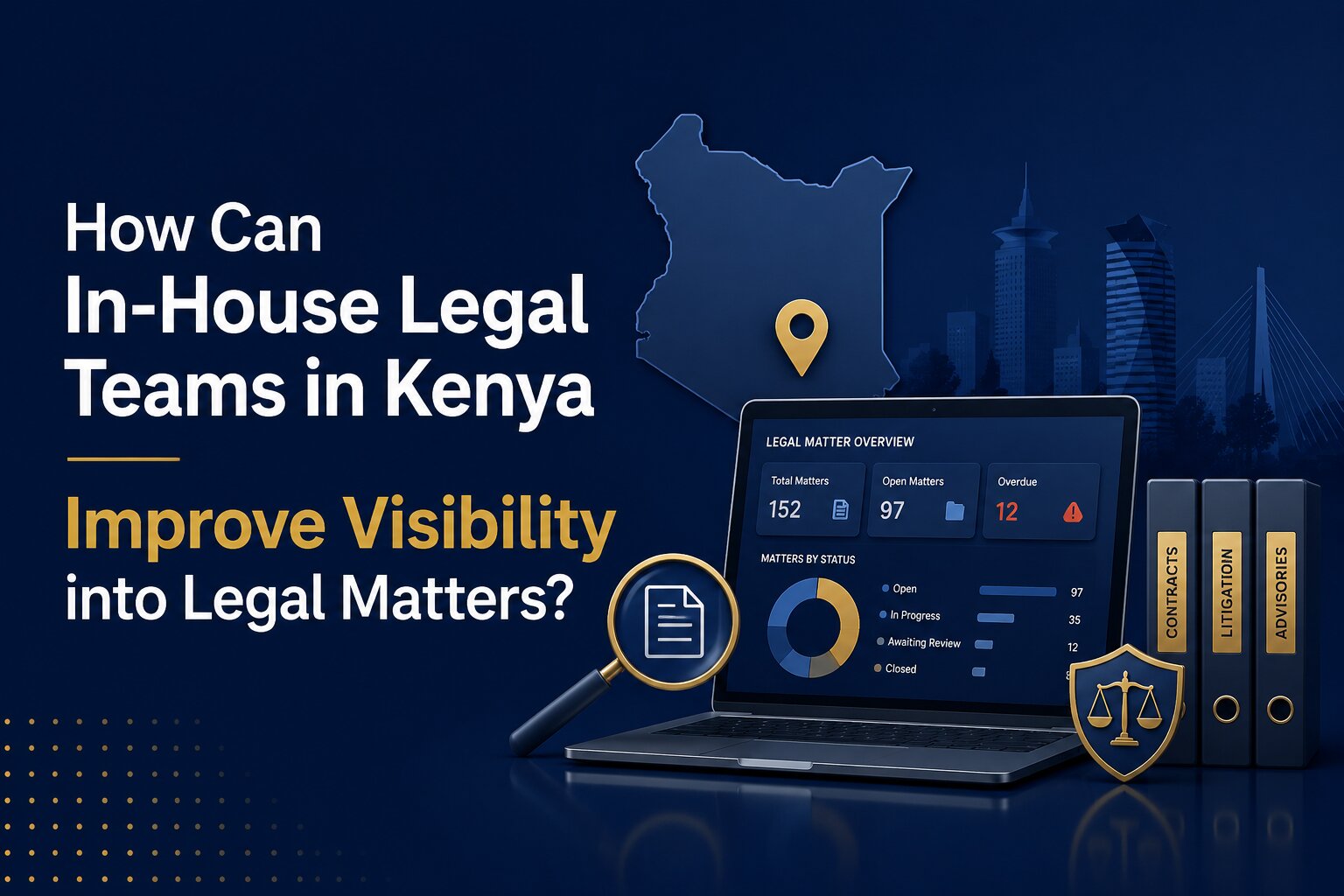
Legal management software should not only help lawyers record work. It should help legal leadership understand that work.
A General Counsel may need to know:
- How many matters are currently open?
- Which litigation matters need attention?
- What is the current workload across the team?
- Which contracts are approaching important dates?
- What compliance actions are outstanding?
- Which matters involve outside counsel?
- Where are legal expenses being incurred?
- Which deadlines are approaching?
Without structured information, answering these questions can require manual updates from several team members. A useful reporting system can bring operational information into a clearer view through dashboards and management reports. The value comes from the quality and consistency of the underlying information, not from having dashboards for their own sake.
What Should You Ask a Legal Software Provider?
Once the department understands its requirements, vendor discussions become much more useful.
For a broader look at the capabilities and considerations involved in selecting Complete Legal Software for In-House Legal Teams in Saudi Arabia, see our guide before comparing providers.
Instead of asking only, “What features do you have?”, ask questions that test whether the platform fits your environment:
- Can the system support our main legal workflows?
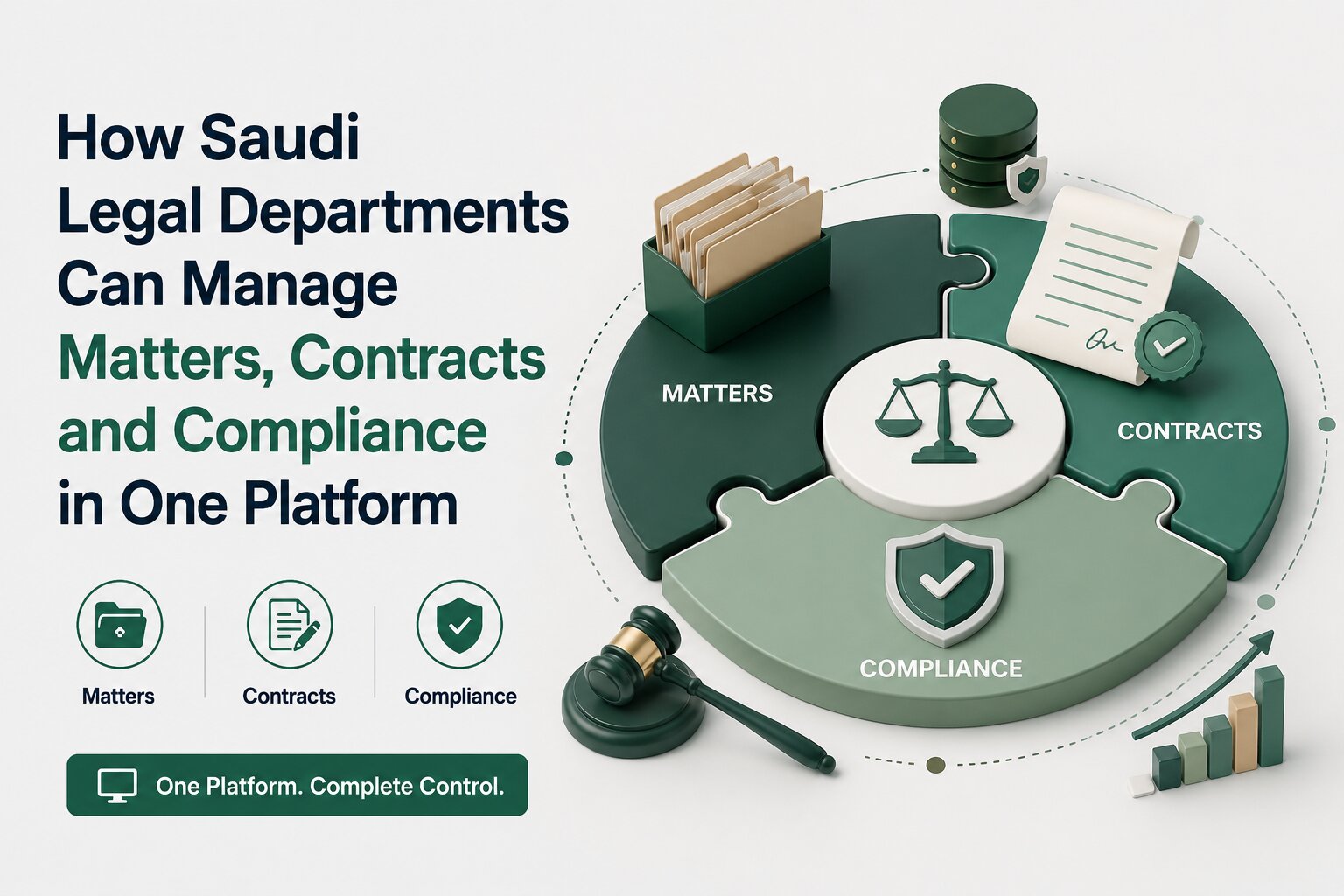
- Can matters, litigation, contracts and compliance be managed within the same environment?
- How does the platform handle Arabic and English information?
- What access and security controls are available?
- Where is legal data hosted?
- What integrations are supported?
- Can workflows be configured around our existing processes?
- What reporting can legal leadership access?
- How will existing data be migrated?
- What implementation and training support is provided?
- Can the platform accommodate future changes in the legal department?
- Can you demonstrate the system using our actual legal scenarios?
The last question is particularly important. A polished product demonstration may show what software can do in theory. A demonstration based on the department's own workflows gives a better indication of whether it will work in practice.
How Should the Legal Team Test the Software Before Choosing It?
A shortlist should ideally be tested against realistic scenarios rather than evaluated through presentations alone.
Use Real Legal Scenarios
Ask the provider to demonstrate a few representative workflows.
For example:
- Open and assign a new legal matter.
- Track a litigation matter and its upcoming hearing.
- Review and monitor a contract approaching renewal.
- Assign a compliance action and track its completion.
- Find documents and information connected to an existing matter.
- Produce a management report for the legal department.
This approach exposes gaps that may not be obvious from a feature list.
Involve the People Who Will Use It
The General Counsel or legal head should not be the only person evaluating the system.
Lawyers, legal operations staff, relevant business users and, where appropriate, IT or security representatives may have different requirements. Bringing those perspectives together can reveal practical issues around permissions, usability, integrations and adoption.
Evaluate Adoption, Not Just Functionality
A system can technically support a process and still be difficult for people to use. Consider how easily lawyers can find information, update matters, complete tasks and generate the reports they need. Also consider the training required and who will maintain the system after implementation.
The objective is not to introduce another place where information can be stored. It is to create a system that the legal team will actually use consistently.
How Can Legal Management Software Support In-House Legal Teams?
For organisations looking to bring core legal operations into a more structured environment, Beveron's Smart Legal Counsel is designed to support in-house legal teams across areas such as matters, litigation, contracts, compliance, risk, legal expenses and outside counsel management. It provides a central environment for managing legal work and can provide dashboards and reporting for greater visibility into department activity. Its connectivity with Microsoft Office and SharePoint, along with Active Directory single sign-on, can also support organisations that want their legal technology to work within an existing corporate environment.
The relevance of these capabilities depends on the organisation's own requirements. A legal department should still assess the platform against its workflows, security expectations, local requirements and user needs before making a decision.
Conclusion: Choose Software That Fits the Legal Function
Choosing legal management software should start with the legal department, not the product catalogue. First understand how legal work is currently handled. Then identify the gaps, define the requirements that matter most, and test shortlisted platforms against real matters, contracts, compliance activities and reporting needs.
For Saudi legal departments, the evaluation should also consider Arabic and English workflows, information security and the organisation's responsibilities under the Saudi data protection framework.
The most useful question is therefore not simply, “Which legal software has the most features?”
It is:
“Which system fits the way our legal department works, protects the information we manage, and gives the organisation the visibility it needs?”
If your organisation is evaluating corporate legal case management software in Saudi Arabia, you can assess Smart Legal Counsel against these requirements through a practical demonstration based on your legal team's workflows.
Ready to Evaluate Your Legal Management Software?
See how Smart Legal Counsel can help Saudi in-house legal teams manage matters, litigation, contracts, compliance, risk and outside counsel in one connected platform.
Request a personalised demo and explore how the platform can fit your legal department's existing workflows, reporting needs and operational requirements.
Frequently Asked Questions
1. What is legal management software for an in-house legal department?
Legal management software helps corporate legal teams organise and manage areas such as legal matters, litigation, contracts, compliance, documents, legal requests and reporting within a structured system.
2. What should Saudi companies look for in legal case management software?
They should consider workflow fit, matter and litigation management, Arabic and English requirements, security controls, data handling, integrations, reporting, implementation and user adoption.
3. Can legal management software manage litigation, contracts and compliance together?
Some platforms are designed to bring these areas into a connected legal environment. When evaluating a system, the key consideration is whether it can manage workflows effectively without creating unnecessary duplication across functions.
4. What security considerations matter when choosing legal software in Saudi Arabia?
Legal departments should examine access controls, authentication, audit trails, data protection, hosting arrangements, retention practices and how the provider handles data transfers and security. These should be assessed against the organisation's obligations under the Saudi PDPL and related requirements.
5. How should a legal department evaluate a software provider before purchasing?
Start by defining internal requirements, then ask providers to demonstrate real legal scenarios rather than relying only on feature lists. Involve the people who will use the system, assess integrations and security, and consider implementation, training and ongoing support before making the final decision.
Best corporate legal management software in Saudi Arabia
Best legal department software in Saudi Arabia
Best in-house legal department software in Saudi Arabia
If you need a free demo of the best corporate legal management software in Saudi Arabia, please fill out the form.