Choosing Corporate Legal Management Software in the UAE: 7 Requirements to Evaluate Before You Decide
Corporate legal teams in the UAE handle a wide range of responsibilities, from reviewing contracts and managing disputes to monitoring compliance obligations and controlling legal spending. As a business grows, keeping track of these activities through separate spreadsheets, email conversations and document folders can become increasingly difficult. Important information may be scattered across different systems, deadlines may be harder to monitor, and management may struggle to get a clear picture of ongoing legal work.
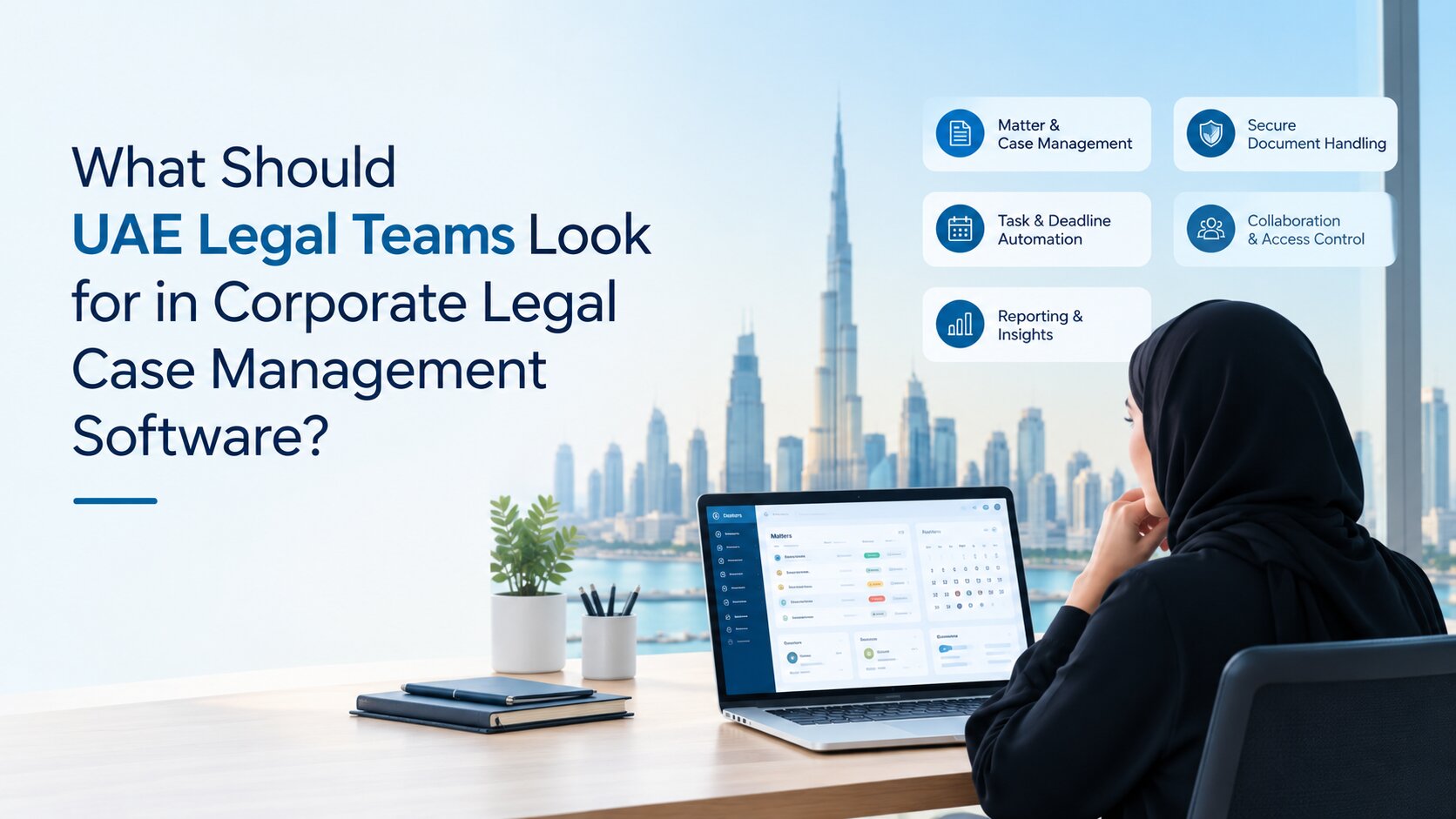
Corporate legal management software can help bring these activities into a more organised working environment. However, choosing a solution requires more than comparing feature lists. The software must support the way your legal team operates, protect confidential information, work with existing business systems and provide useful information for decision-making.
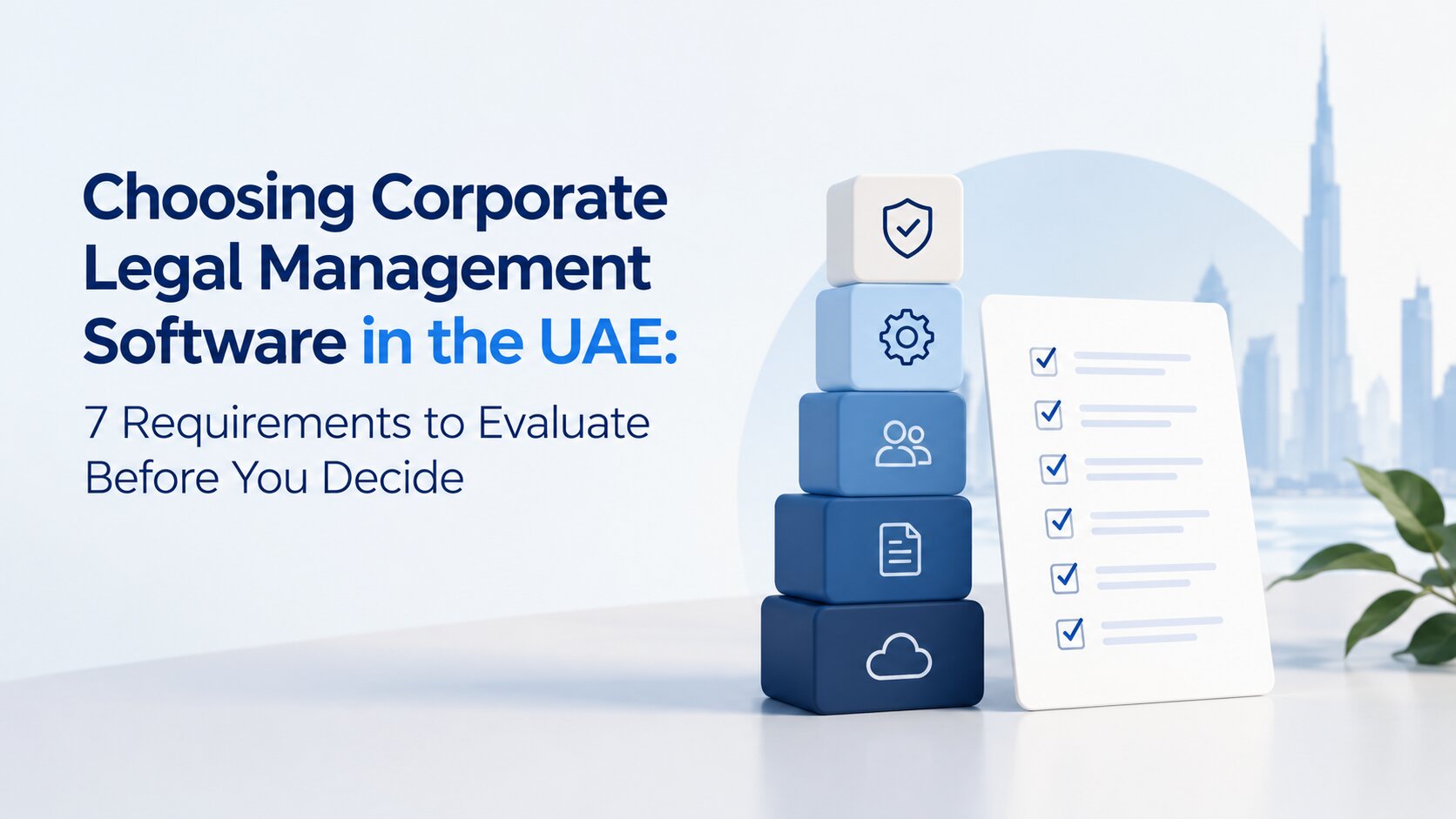
For businesses in the UAE, the following seven requirements provide a practical basis for choosing a system that meets their legal department's needs.
1. Coverage of Your Corporate Legal Work
Before comparing software providers, identify the responsibilities your in-house legal team manages regularly. These may include legal matters, litigation, contract reviews, compliance activities, risk management, legal expenses and coordination with external law firms. Some organisations need software primarily for managing legal cases, while others require a broader system that connects several areas of legal work. Choosing a solution that addresses only one part of the workload may leave the team dependent on additional tools to manage everything else.
Look for a system that allows legal professionals to maintain matter records, assign responsibilities, monitor progress and access relevant information from one place. It should also help the team understand which matters are active, which require attention and which have been completed. Beveron Smart Legal Counsel supports corporate legal activities such as matter management, litigation, contracts, compliance, risk and legal expenses. These capabilities may be relevant to in-house teams seeking a more connected way to manage their daily responsibilities.
2. Control Over Contracts and Legal Documents
Contracts and legal documents often pass between legal teams, business departments, management and external advisers. Without a consistent way to organise them, finding the correct document, checking its status or confirming the latest version can take longer than expected. Look at how documents are stored, categorised, retrieved and linked to the relevant legal matter or contract. Authorised users should be able to find the information they need without searching through lengthy email conversations or multiple folders.
Document version control is another important consideration. Teams should be able to identify the latest version of a document and understand the changes made during the review process. Depending on the organisation's needs, it may also be useful to track contract review progress and keep related correspondence and records accessible.
Integration with existing document tools matters as well. If your legal team already uses Microsoft Office or SharePoint, check whether the proposed software supports the required connections and how documents will be accessed and managed across these systems. The aim is to establish a reliable way to handle legal documents throughout their working life, from initial review to storage and future reference.
3. Compliance Tracking and Risk Visibility
Compliance responsibilities can involve several departments, different deadlines and changing business requirements. Legal teams need a clear way to understand what must be completed, who is responsible and which issues require further attention. Check how the software records compliance activities, tracks deadlines and assigns responsibility for outstanding actions. It should help legal professionals monitor progress and identify missed deadlines or unresolved issues before they create larger problems.
Risk management also deserves attention. The system should help the team record legal risks, monitor related matters and provide management with a clear view of issues that may affect the business. Useful reporting makes it easier to identify areas requiring attention rather than simply displaying large amounts of information.
For UAE businesses, compliance requirements depend on their activities and operating environment. These may include applicable federal requirements, sector-specific rules or obligations arising from operating in mainland UAE, the DIFC or the ADGM. As these frameworks differ, businesses should ensure that their processes reflect the rules relevant to their operations. During a product demonstration, ask the provider to show how a compliance task is recorded, assigned, monitored and reported. This will give your team a clearer picture of how the system could support its day-to-day work.
4. Data Security and Access Permissions
Corporate legal teams work with confidential contracts, dispute records, internal investigations, commercial information and sensitive correspondence. Access to these records must be controlled carefully, particularly when several departments or external advisers are involved. Start by identifying who needs access to different categories of information. A legal department head may require a broad view of matters and reports, while an employee in another department may need access only to a particular contract or request.
Ask providers how user permissions are configured and whether access can be limited according to roles and responsibilities. It is also worth checking what activity records are available to help the organisation review access and changes to important information. Data storage and protection require equal attention. Ask where information will be hosted, how it is backed up, what security measures are available and how the provider handles incidents, data transfers and the end of the service agreement. Confirm that the available controls align with your company's internal policies and applicable UAE data protection obligations.
A general statement that a platform is secure is not enough. Request clear answers about the controls available, each party's responsibilities and any limitations that may affect your organisation.
5. Integration With Existing Business Systems
Introducing new software should make legal work easier, not create another isolated system that employees must maintain separately. If the legal team regularly works with document platforms, office applications, identity systems and other business tools, integration should be part of the selection process. Begin by listing the systems your legal department uses every day. Identify where information is copied manually, where employees switch between applications and where disconnected processes create delays.
Ask providers which integrations are available, whether they are included in the proposed solution and whether additional configuration or licensing is required. A system may advertise an integration without supporting every function your team expects, so the details matter.
For example, businesses using Microsoft Office and SharePoint may want to understand how the software supports their document-related work. Organisations using Active Directory may also want to assess whether single sign-on is available. Single sign-on allows employees to access supported applications through an existing organisational login, reducing the need to manage separate passwords. Smart Legal Counsel lists Microsoft Office, SharePoint and Active Directory single sign-on among its integration capabilities. Confirm which connections your organisation needs and whether they are supported in the proposed setup.
The objective is to reduce unnecessary manual work while maintaining appropriate control over information moving between systems.
6. Reporting and Management Visibility
Legal teams need more than a record of completed tasks. They also need to understand the current workload, identify delays, monitor expenditure and provide management with reliable information. Consider the questions your organisation needs to answer regularly.
How many legal matters remain open?
Which disputes require immediate attention?
How much is being spent on external legal services?
Are contract reviews progressing as expected?
Which legal activities are consuming the most resources?
Look for dashboards and reports that provide these answers without requiring employees to compile information manually from several sources. The system should support views of individual matters as well as the wider legal department, subject to access permissions. Check whether reports can be filtered by matter type, status, responsible team or period. Ask how frequently the underlying information is updated and whether reports can be exported or shared with authorised stakeholders. Useful reporting helps legal teams explain their workload, plan resources and give business leaders a clearer understanding of legal operations. The most valuable reports are those that answer real management questions, rather than simply presenting large amounts of data.
7. Implementation, Usability and Long-Term Fit
Even a capable software system can fall short if employees find it difficult to use or the implementation process does not suit the organisation. Consider how the software will be introduced, adopted and maintained over time.
Start with usability. Ask for a demonstration that follows a typical working day for your legal team. For example, the provider could show how a new legal matter is created, how responsibility is assigned, how documents are attached and how progress is monitored. This is more useful than a presentation that moves quickly through features without showing how they work together.
Next, discuss implementation requirements. Understand how existing legal records will be transferred, what information must be cleaned or reorganised beforehand, what training is provided and who will support the team during the transition. Clarify the expected timeline and the responsibilities of both your organisation and the software provider.
Costs should extend beyond the initial licence or subscription fee. Ask about implementation charges, additional users, integrations, training, support and any other costs that may apply as usage grows. Finally, consider future requirements. Your legal department may expand, take on additional responsibilities or need to support new reporting processes. The software should accommodate your anticipated workload without introducing unnecessary complexity today.
Questions to Ask Before Selecting Corporate Legal Management Software
A consistent set of questions makes it easier to compare providers and identify whether their solutions meet your organisation's needs.
Consider asking:
- Can the software support our existing legal processes, including matters, litigation, contracts and compliance?
- How are confidential records protected, and how can user access be restricted?
- Which integrations are available for the systems we already use?
- Can the platform provide the reports our legal team and senior management require?
- What is involved in transferring existing records and training employees?
- What are the full implementation and ongoing costs?
- What support is available after implementation?
- Can the provider demonstrate our actual workflows using realistic examples?
Where possible, involve the people who will use the software regularly, along with the IT, information security, procurement and finance teams. Each group may identify a different requirement that affects the final decision. It is also helpful to distinguish essential requirements from features that would simply be useful. This keeps the selection process focused on the problems the organisation needs to solve.
How Beveron Smart Legal Counsel Supports Corporate Legal Teams
For in-house legal departments looking to manage legal matters, litigation, contracts, compliance, risk, legal expenses and outside counsel in a shared system, Beveron Smart Legal Counsel is one option to consider. A practical demonstration can help your team understand how the solution handles everyday activities, such as creating a legal matter, monitoring progress, managing related documents and reviewing information through reports or dashboards. It is also an opportunity to discuss integration requirements, security controls, implementation, support and commercial terms.
You can explore Beveron Smart Legal Counsel to learn more about its capabilities and discuss your corporate legal management needs with the team.
Choose Software That Fits Your Legal Team's Needs
Choosing corporate legal management software in the UAE starts with understanding how your legal department works and where its current processes fall short. Coverage of legal activities, document handling, compliance tracking, data security, integrations, reporting and implementation all influence whether a solution will be useful in practice. Compare providers against your team's actual requirements, involve relevant stakeholders and test realistic workflows before making a commitment. Clarifying the long-term costs and support arrangements will also help avoid unexpected challenges after implementation.
The right solution should make legal information easier to manage, improve visibility across the department and support the way your organisation operates. A focused review of Beveron Smart Legal Counsel can help determine whether it meets those needs.
Where Beveron Smart Legal Counsel Fits
For in-house legal departments managing legal matters, litigation, contracts, compliance, risk, legal expenses and outside counsel, Beveron Smart Legal Counsel offers a shared system for organising these activities. Its suitability depends on your existing processes, integration needs, security requirements and reporting priorities. Reviewing these areas against your team's day-to-day responsibilities can help you determine whether the solution meets your needs.
See How Beveron Smart Legal Counsel Fits Your Legal Operations
Looking for a more organised way to manage corporate legal work? See how Beveron Smart Legal Counsel could fit your team's requirements.
Request a personalised demonstration to explore relevant features, discuss your current challenges and understand how the solution could support your legal operations. Explore Beveron Smart Legal Counsel
Frequently Asked Questions
1. What is corporate legal management software?
Corporate legal management software helps in-house legal departments organise legal matters, litigation, contracts, compliance activities, legal expenses and external counsel. Depending on the solution, it may also provide document management, reporting and workflow tools.
2. Why do UAE businesses need corporate legal management software?
As businesses grow, legal work can become harder to coordinate across departments, documents and systems. The software can help centralise information, track responsibilities and deadlines, and improve visibility into ongoing legal work.
3. Which features should businesses look for in corporate legal management software?
Important features include legal matter management, contract and document handling, compliance tracking, risk management, access permissions, integration with existing business systems and management reporting. Businesses should prioritise features that address their actual operational needs.
4. How should UAE businesses assess data security when choosing legal software?
Businesses should ask where data is hosted, how access is controlled, what security measures are available, how backups are managed and how incidents are handled. They should also confirm whether the arrangements meet their internal policies and applicable UAE data protection requirements.
5. Can corporate legal management software integrate with existing business tools?
Integration depends on the software and the systems already in use. Businesses should check compatibility with document platforms, office applications and user access systems, including any additional configuration or licensing costs.
6. What should businesses consider before implementing corporate legal management software?
Key considerations include ease of use, data migration, staff training, implementation timelines, integration requirements, ongoing support and total cost. Involving legal, IT, finance and information security teams early can help identify potential challenges.
7. How does Beveron Smart Legal Counsel support in-house legal teams?
Beveron Smart Legal Counsel is designed to support corporate legal activities, including legal matters, litigation, contracts, compliance, risk, legal expenses and outside counsel management. Businesses can explore its capabilities to determine whether they align with their workflows.
Conclusion
Choosing corporate legal management software starts with understanding your legal team's responsibilities, current challenges and future requirements. Consider how each solution handles daily legal work, protects confidential information, connects with existing systems and provides useful management reports. A structured selection process helps businesses make informed decisions based on operational needs rather than feature lists alone. The right choice should support your legal team in managing its responsibilities effectively as the organisation grows.
Best corporate legal case management software in the UAE
Best legal management software for in-house legal teams in the UAE
Best legal matter management software for corporates in the UAE
If you need a free demo of the Best corporate legal case management software in the UAE, please fill out the form.