A Practical Checklist for Selecting Debt Collection Software
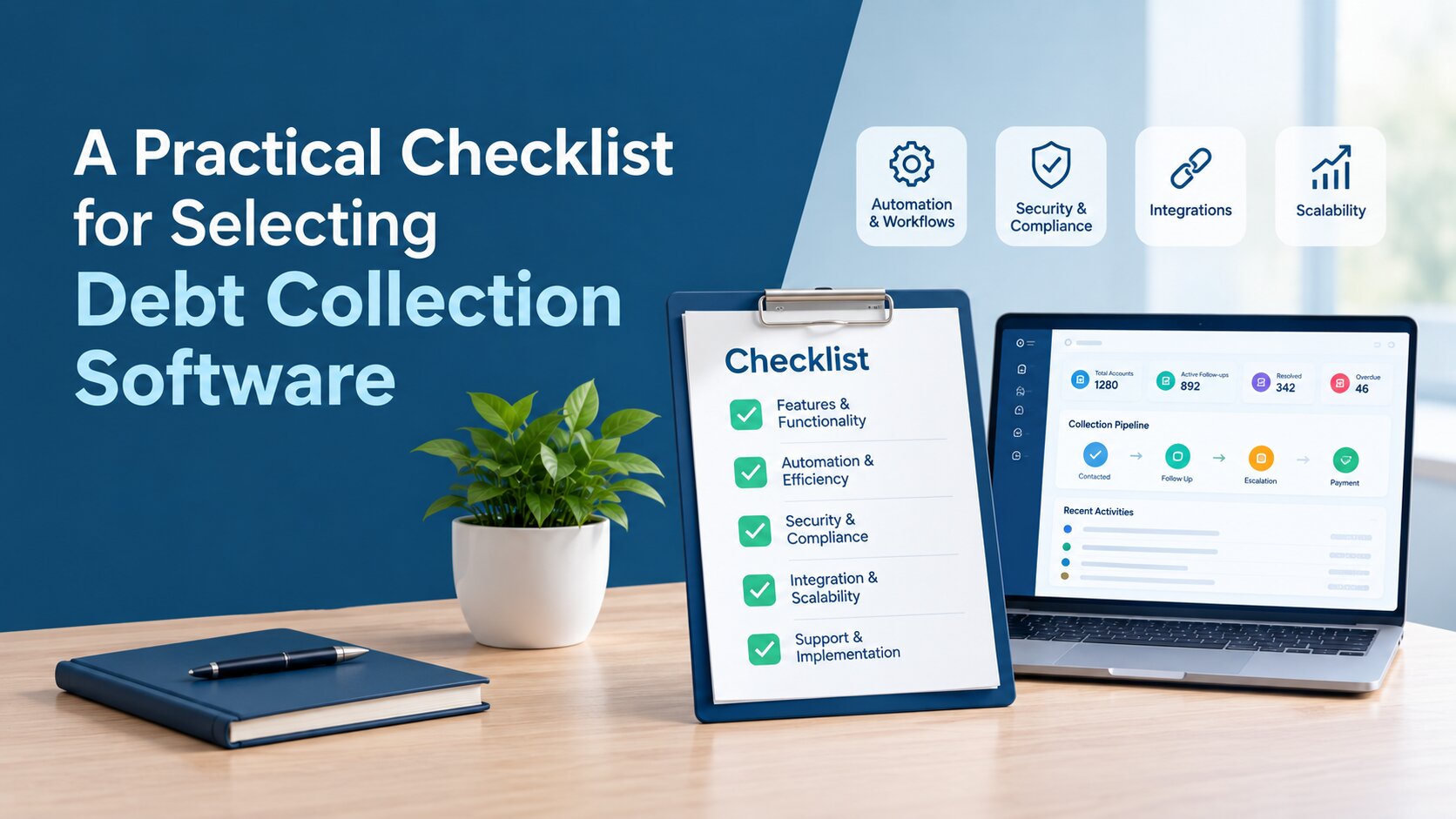
Choosing debt collection software is not simply about finding a platform with the longest feature list. The right system should fit the way your team works, support your collection strategy, connect with your existing systems, and give you enough visibility to manage accounts effectively.
This is particularly important for banks, NBFCs, collection agencies, and corporate finance teams managing large or growing portfolios. A platform that looks impressive in a demo may still create problems if it is difficult to configure, lacks the integrations you need, or does not support your compliance requirements.
A practical evaluation checklist can make the process easier. Instead of comparing software based only on price or individual features, you can assess each platform against the requirements that matter to your organisation.
1. Define Your Debt Collection Needs
Before looking at vendors, start by understanding what you actually need the software to handle. Consider the size of your portfolio, the number of accounts your team manages, and the types of debt you collect. Your requirements may be very different if you manage a small internal portfolio compared with a collection agency handling accounts for multiple clients.
It is also useful to document your current workflow. Where do delays happen? Are agents spending too much time on manual follow-ups? Is payment information spread across different systems? Are managers struggling to see the status of individual accounts or the overall portfolio?
Also consider:
- Portfolio and account volume
- Types of customers and debt handled
- In-house or third-party collection operations
- Existing collection processes
- Geographic markets and regulatory requirements
- Number of collection agents and managers
- Current CRM, ERP, accounting and payment systems
This gives you a clear starting point before you begin comparing software.
2. Use a Practical Checklist for Choosing Debt Collection Software
Once your requirements are clear, assess each platform across the areas below.
Core Collection and Workflow Features
Start with the everyday work your collection team needs to manage.
The software should make it easy to organise accounts, assign work, record collection activity and track follow-ups. Look for features such as:
- Account and case management
- Automated collection workflows
- Task and follow-up management
- Payment and promise-to-pay tracking
- Agent queues and assignments
- Customer and account history
- Escalation workflows
The important question is not simply whether a feature exists. Ask how it works in a real collection scenario. For example, if a debtor misses a promised payment, can the system automatically trigger the next action? Can an account be moved to another queue based on defined rules? Can managers see which accounts require attention?
These practical details often have more impact than a long feature list.
Communication Capabilities
Collection teams often communicate with customers through several channels. Depending on your market and customer preferences, this may include SMS, email, voice calls, WhatsApp or other approved communication methods. Look for software that can help your team manage these interactions in a structured way.
Useful capabilities include:
- Automated reminders and notifications
- Multi-channel communication
- Two-way communication where supported
- Communication history
- Message templates
- Follow-up scheduling
- Records of customer interactions
Having communication activity connected to the account record can also make it easier for agents to understand what has already happened before contacting a customer again.
Payment and Recovery Management
Payment management is another area that deserves close attention. The platform should give your team a clear view of payments, outstanding balances and agreed payment arrangements. Depending on your operation, you may also need support for payment plans, settlements, recurring payments or integration with existing payment systems.
Ask vendors about:
- Payment tracking
- Promise-to-pay management
- Payment plans
- Settlement workflows
- Payment reconciliation
- Payment gateway integrations
- Outstanding balance visibility
Also clarify which payment functions are built into the platform and which depend on third-party systems.
Automation and AI
Automation can help collection teams reduce repetitive administrative work and respond more consistently to account activity. However, the value depends on whether automation can be configured around the organisation's actual collection strategies. Look for capabilities such as rules-based account segmentation, automated reminders, task creation, prioritisation and escalation. Some platforms may also use AI to identify patterns in account behaviour, support prioritisation or provide recommendations based on historical information.
When evaluating these capabilities, focus on how much control the collection team has over the process. Ask:
- Can workflows be configured for different portfolio segments?
- Can rules trigger specific actions when account conditions change?
- Can staff review or override automated actions?
- Can managers adjust strategies without extensive development work?
- Is there a clear record of automated actions and changes?
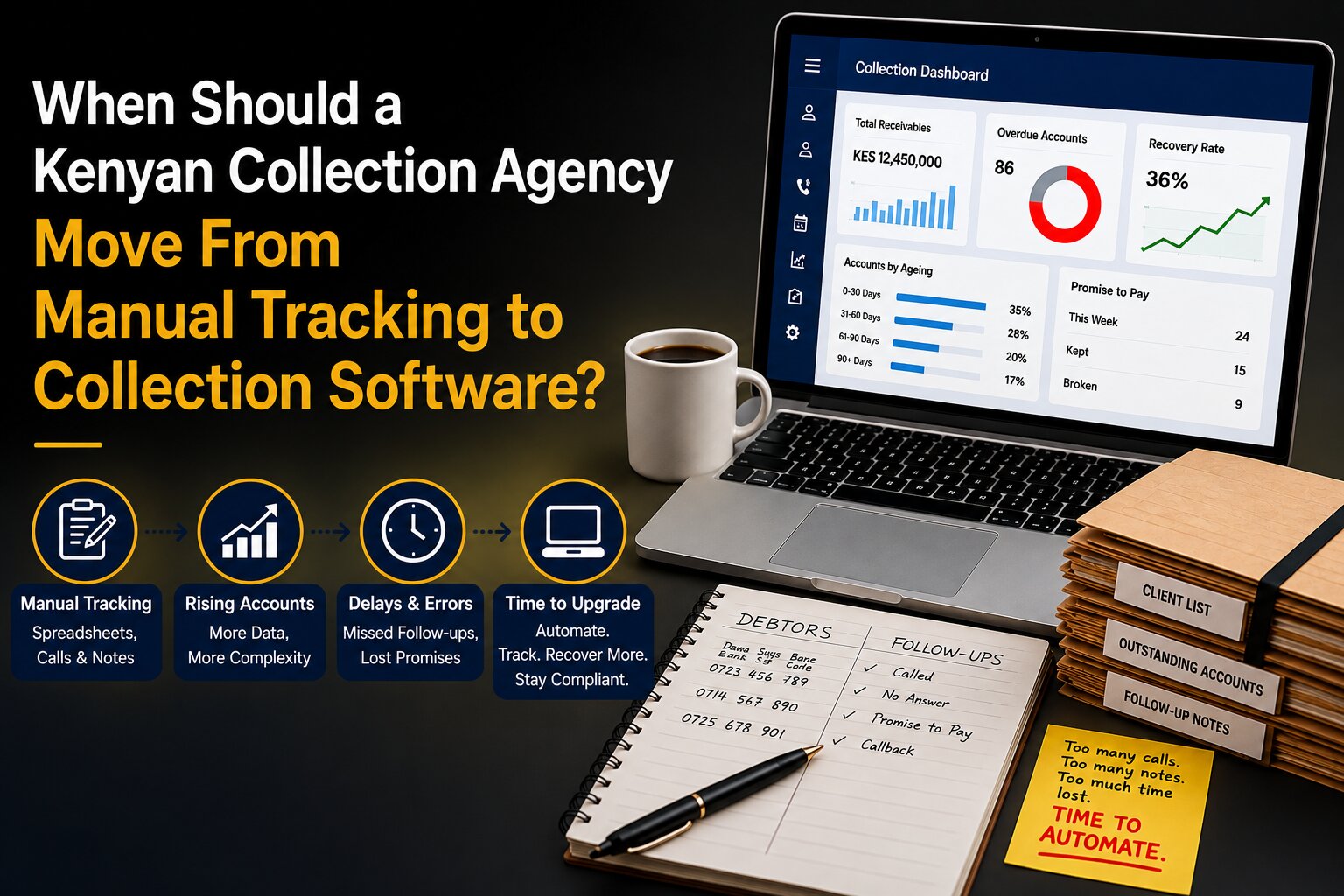
The objective is not to automate every collection decision. It is to reduce routine work while allowing staff to handle situations that require judgement or individual attention. Look for software that can automate repetitive collection activities such as reminders, follow-ups, account prioritisation and communication. Automation can help teams reduce manual work while maintaining consistent collection workflows. For a deeper look at moving from manual processes to automated collections, see Debt Collection Automation Basics: From Manual to AI-Powered in 5 Steps.
Compliance and Security
Debt collection platforms can contain personal, financial and communication records, making security and information governance important parts of the selection process. The relevant obligations will depend on the organisation, jurisdiction and type of collection activity. Rather than relying on broad claims such as "secure" or "compliant", ask vendors to explain the controls available within the platform.
Key areas to examine include:
- Role-based permissions
- Encryption
- Audit trails
- User activity monitoring
- Data retention and deletion controls
- Communication and consent records
- Backup and recovery procedures
- Security certifications or independent assessments
- Regulatory reporting capabilities, where applicable
For UAE operations, organisations should also establish how the proposed solution handles their applicable data protection and confidentiality requirements.
Security should be assessed at both the application and operational levels. A firm should understand not only how the software protects information, but also who can access it, how access is managed and what procedures apply when users, vendors or systems change.
Integrations
Debt collection operations often depend on information from several business systems. A collection platform should therefore fit into the organisation's existing technology environment rather than requiring teams to rebuild their processes around a new application.
Before selecting a vendor, identify the systems that need to exchange information with the collection platform. These may include CRM, ERP, accounting, banking, payment or customer-service systems.
Evaluate:
- Available native integrations
- API availability
- Data import and export options
- Webhooks, where required
- Integration documentation
- Data synchronisation frequency
- Ownership of integration maintenance
It is also important to establish responsibility for implementation. Ask whether integrations are configured by the vendor, an internal IT team or a third-party provider, and clarify any additional development or maintenance charges. A technically compatible integration is not necessarily a useful one. During evaluation, confirm what information can actually be transferred and how that exchange would affect the team's day-to-day workflow.
Reporting and Analytics
Managers need more than a list of accounts. They need to understand what is happening across the portfolio.
A useful debt collection platform should provide visibility into areas such as:
- Collection and recovery performance
- Outstanding balances
- Payment activity
- Agent performance
- Promise-to-pay outcomes
- Portfolio-level trends
- Collection strategy performance
Custom dashboards can be particularly useful because different users need different information. A collection agent may need a daily task view, while a manager may need portfolio-level performance data. Ask whether reports are available in real time, can be customised, and can be exported when necessary.
3. Evaluate Usability
A collection platform needs to work efficiently for the people who use it every day. An interface that requires too many steps to complete routine activities can reduce the practical value of otherwise capable software. During a demonstration, ask the vendor to show a complete agent workflow rather than individual features. For example, observe how an agent searches for an account, reviews its history, records a customer interaction and moves on to the next assigned activity.
Pay attention to:
- Number of steps required for common tasks
- Ease of finding account information
- Clarity of the agent workspace
- Manager visibility
- Search and filtering
- Ease of configuring routine processes
- Mobile or remote access requirements
It is also worth involving actual end users in the evaluation. Agents can identify workflow friction that management may not notice during a demonstration, while managers can assess whether the interface provides the operational visibility they need. If possible, give a small group of users access to a trial environment and ask them to complete representative tasks. Their experience can provide a more realistic assessment than a feature presentation alone.
4. Assess Scalability
A collection operation can change significantly as the organisation grows. Account volumes may increase, new teams may be added, or the business may begin managing additional portfolios and markets. When assessing scalability, consider both technical capacity and operational flexibility.
Ask vendors:
- What account and transaction volumes can the platform support?
- Can additional users and teams be added without major restructuring?
- Can separate portfolios or client accounts be managed within the same environment?
- Can new collection strategies be introduced as business requirements change?
- How are system performance and support handled as usage increases?
For collection agencies, multi-portfolio management may be particularly important because different clients can have different rules, strategies and reporting requirements.
A scalable platform should allow the organisation to expand without forcing it to replace the system or undertake extensive redevelopment every time its operating model changes.
5. Compare Vendors and Total Cost of Ownership
Price is important, but the subscription fee is only one part of the total cost.
When comparing vendors, consider:
- Licensing or subscription fees
- Implementation costs
- Integration costs
- Training
- Support
- Maintenance
- Customisation
- Additional users
- Additional modules or features
- Usage-based charges, where applicable
A lower-cost platform may become more expensive if it requires extensive customisation or manual work. Similarly, a platform with more features may not provide additional value if your team does not need them. Compare the total cost against the requirements you identified at the beginning.
6. Questions to Ask During a Software Demo
A good demo should be more than a presentation of product features. Ask the vendor to demonstrate your actual collection scenarios where possible.
Useful questions include:
- Can you demonstrate our typical collection workflow?
- Which tasks can be automated?
- How are accounts prioritised and assigned?
- Which communication channels are supported?
- How are payments and payment promises tracked?
- What integrations are available?
- How does the platform support our compliance requirements?
- What reporting can managers customise?
- What does implementation involve?
- How long does implementation typically take?
- What training and support are included?
- Which features require additional fees?
The answers will help you understand how the software would work in practice rather than simply what it can do.
7. Run a Proof of Concept Before Buying
If the software will play a central role in your collection operation, consider running a proof of concept before making a final decision. Start with a small set of realistic workflows. Use representative account scenarios and ask collection staff to complete common tasks using the platform.
Evaluate:
- Ease of use
- Workflow automation
- Account management
- Communication
- Payment tracking
- Reporting
- Integrations
- User feedback
- Required customisation
Document any gaps you discover. If a vendor says a feature can be added later, clarify what that means, how long it may take and whether it will involve additional cost. A proof of concept gives your team an opportunity to validate the platform before committing to a larger implementation.
8. Debt Collection Software Evaluation Checklist
Use the following checklist when comparing platforms:
- ☐ Core collection and account management
- ☐ Workflow automation
- ☐ Communication channels
- ☐ Payment and recovery management
- ☐ Automation and AI capabilities
- ☐ Compliance controls
- ☐ Security
- ☐ Integrations
- ☐ Reporting and analytics
- ☐ Usability
- ☐ Scalability
- ☐ Pricing and total cost
- ☐ Implementation
- ☐ Training and support
You can turn these criteria into a simple comparison matrix and score each vendor internally based on your own requirements.
9. Common Mistakes to Avoid
Several mistakes can make software selection more difficult than it needs to be.
- Choosing based only on price: The cheapest subscription may not be the lowest-cost option over the long term.
- Ignoring integrations: A platform that cannot connect with your existing systems may create additional manual work.
- Buying more functionality than you need: More features do not automatically mean a better fit. Focus on the problems your team actually needs to solve.
- Leaving end users out of the decision: Collection agents and managers will use the system every day, so their feedback matters.
- Treating compliance as a checkbox: Requirements differ by market and business model. Validate the controls that apply to your operation.
- Skipping practical testing: A polished demo does not necessarily show how the software performs in your real workflow.
10. Make the Final Selection Based on Your Requirements
By this stage, you should have enough information to compare shortlisted platforms consistently. Separate your requirements into three groups: must-have, important and nice-to-have. This prevents less important features from influencing the decision too heavily. You can then create a requirements matrix covering areas such as workflow, communication, payments, automation, compliance, integrations, reporting, usability, scalability and cost.
Ask each shortlisted vendor to demonstrate the relevant requirements and record any gaps or additional costs. Most importantly, look beyond the initial purchase price. Consider how the software could affect manual work, collection processes, reporting, integrations and the ability to manage a growing portfolio.
Choosing Debt Collection Software for UAE Operations
For banks, NBFCs, collection agencies and corporate finance teams in the UAE, Beveron Smart Debt Collection provides a central platform for managing collection accounts, recovery workflows, customer communication and follow-ups. It brings key collection activities into one system, helping teams reduce manual work and maintain better visibility across their portfolios.
The platform supports automated collection workflows, SMS, email, WhatsApp, IVR and push notifications, along with payment and promise-to-pay management, collection queues and reporting. For organisations evaluating these requirements, Beveron Smart Debt Collection brings collection accounts, recovery workflows, customer communication, follow-ups and reporting into a central platform
Conclusion
Choosing debt collection software is easier when you start with your own operational requirements rather than a vendor's feature list. A structured evaluation should cover collection workflows, communication, payments, automation, security, compliance, integrations, reporting, usability, scalability and total cost. Testing shortlisted platforms with realistic workflows can also reveal issues that are difficult to identify from a product demo alone.
Before making a purchase, turn these criteria into a requirements matrix, involve the people who will use the platform and validate the most important capabilities through a demo or proof of concept.
With a clear checklist, you can compare debt collection software more consistently and identify the platform that fits your organisation's operational needs.
Ready to Streamline Your Debt Collection Operations?
Beveron Smart Debt Collection brings collection accounts, workflows, customer communication, follow-ups and recovery activities into one platform. Designed for banks, NBFCs, collection agencies and corporate finance teams, it can help teams reduce manual work and manage collection processes more efficiently.
Explore Beveron Smart Debt Collection and see how it can fit your collection workflow.
Frequently Asked Questions
1. What should I consider when choosing debt collection software?
Consider account management, collection workflows, communication, payment tracking, automation, reporting, integrations, security, compliance, usability, scalability and the total cost of ownership. Your choice should reflect the size and complexity of your collection operation.
2. What features should debt collection software have?
Key features can include account and case management, automated workflows, agent task management, payment and promise-to-pay tracking, multi-channel communication, reporting, dashboards, integrations and configurable collection strategies.
3. How does automation improve debt collection?
Automation can reduce repetitive manual work by triggering reminders, assigning accounts, scheduling follow-ups, segmenting portfolios and moving accounts through predefined workflows. This allows collection teams to spend more time on cases that require direct attention.
4. Is debt collection software useful for banks, NBFCs and collection agencies?
Yes. These organisations can use debt collection software to organise portfolios, manage collection teams, track customer interactions, monitor payments and standardise recovery workflows. The specific requirements will vary depending on portfolio size, collection strategy and regulatory obligations.
5. How can Beveron Smart Debt Collection help collection teams?
Beveron Smart Debt Collection provides a central platform for managing collection accounts, workflows, customer communication, follow-ups and recovery activities. It is designed to support banks, NBFCs, collection agencies and corporate finance teams looking to manage debt recovery operations more efficiently.
Best debt collection software for agencies in the UAE
Best debt collection software for banks in the UAE
Best debt collection software for NBFCs in the UAE
If you need a free demo of the best debt collection software for agencies in the UAE, please fill out the form.