Legal Management Software: What Should Companies Evaluate Before Buying?
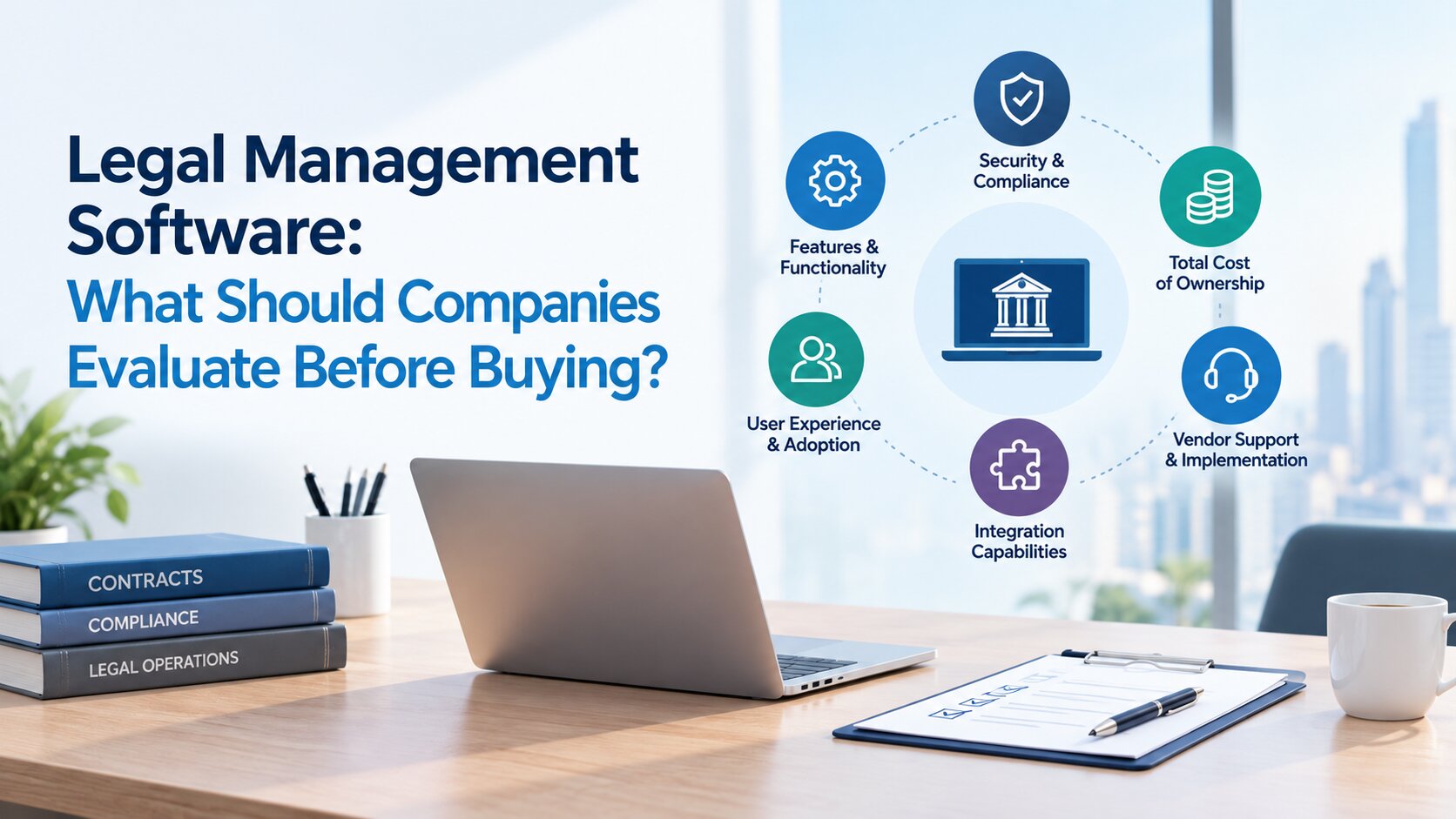
Choosing legal management software is an important decision for companies that need better oversight of legal matters, contracts, compliance responsibilities and internal requests. The right platform should fit the way the legal department operates, provide reliable information for decision-making and support the organisation's security requirements.
However, comparing software can be difficult when vendors offer different capabilities, pricing models and implementation arrangements. A platform may look impressive during a demonstration but still fall short of the team's everyday requirements.
For companies in the UAE, the evaluation may also involve data protection obligations, Arabic and English workflows, hosting arrangements and integration with existing business systems. Before committing to a solution, legal leaders need to understand what their department requires and how each shortlisted platform meets those needs.
1. Define Your Legal Department's Requirements Before Shortlisting Software
The first step is to understand where the current legal management process falls short. Buying software before identifying these gaps can lead to unnecessary features, avoidable costs and a system that does not fit the team's working practices.
Identify the workflows that need improvement
Start by mapping the activities your legal department handles regularly. These may include litigation, contract reviews, legal research, compliance obligations, external counsel coordination and requests from other business units. Consider how information moves through each process. Are matter updates recorded in spreadsheets while supporting documents sit in shared folders? Do employees follow up through email because there is no central view of pending approvals? Does preparing a management report require collecting information from several people?
These details help distinguish genuine operational problems from features that would simply be convenient to have.
For example, a legal department managing matters across several business units may struggle to identify the person responsible for each task or determine which deadlines need attention. A central system with clear ownership and status tracking could address that problem more directly than a platform with numerous unrelated features.
Prioritise requirements by business importance
Once the main gaps are clear, classify requirements as essential, desirable or future needs. Essential requirements might include confidential matter access, deadline tracking, document retrieval and reliable reporting. More advanced capabilities may be useful later, depending on the organisation's size and plans.
Involve the people who will use the software, along with IT, information security, compliance and procurement where appropriate. Their input helps ensure that operational requirements and internal controls are considered before vendor demonstrations begin.
The result should be a written list of requirements against which every shortlisted solution can be assessed.
2. Assess Whether the Software Covers Your Core Legal Workflows
Legal management software can cover several connected activities, but the scope varies between platforms. Some focus primarily on matter tracking, while others support a broader range of corporate legal responsibilities.
The important question is whether the available capabilities match your department's actual work.
Legal matter and case management
Legal matters often involve multiple documents, internal stakeholders, external lawyers, deadlines and ongoing decisions. When this information is scattered across different systems, maintaining an accurate view of a matter becomes more difficult. Evaluate whether the software can maintain centralised matter records, assign responsibility, track key dates, record updates and link relevant documents. Where litigation is involved, check whether the system supports the hearing schedules, case milestones and reporting requirements relevant to your organisation.
Legal case management software for corporate legal teams should also help authorised users understand the current status of a matter without having to contact several colleagues for updates.
Contract and legal document management
Contracts create work throughout their lifecycle, from initial review and approval to execution, renewal and termination. A legal team may need to retrieve a supplier agreement quickly, confirm its current status or identify a renewal approaching its deadline. Assess how the software stores and organises contracts, supports document search, maintains version history and controls access to sensitive records. Renewal notifications and structured contract information can also help teams identify upcoming obligations before they become urgent.
If contract volumes are high or the organisation has complex approval requirements, assess whether dedicated contract lifecycle management capabilities are necessary alongside broader legal management functions. A general document repository should not automatically be treated as a complete contract management solution.
Legal workflows and compliance obligations
Legal departments receive requests from across the organisation, including contract reviews, policy questions, dispute support and compliance-related work. Without a defined process, requests may arrive through several channels, making priorities and responsibilities difficult to track. Legal workflow management software should support the processes the organisation needs, such as request assignment, approval routing, task tracking and escalation. For compliance activities, check whether the platform can record obligations, assign responsible owners, track due dates and maintain evidence of completed actions.
The evaluation should establish whether these workflows can be configured to match the company's approval structure and responsibilities. Avoid assuming that a system can support a particular process until the vendor has demonstrated it.
Legal risk visibility and reporting
Legal leaders need more than a list of open matters. They may also need to understand workload, external counsel expenditure, overdue activities, significant disputes and emerging issues that require management attention. Assess the reports and dashboards available, the underlying data they use and whether users can filter information by matter type, business unit, owner or status. Ask whether reports can be exported or adapted to internal management requirements.
Legal risk management software can help teams identify, monitor and review relevant risks, while AI can support the analysis of legal information and emerging risk indicators. Read more about the role of AI in legal risk management for enterprises to explore how these capabilities can support enterprise risk oversight. Reporting alone, however, does not replace professional judgement or a structured risk assessment. The value lies in making reliable information easier to review and act upon.
3. Verify Security, Data Handling and UAE Compliance Requirements
Corporate legal records may contain commercially sensitive agreements, employee information, dispute details and confidential advice. Security therefore needs to be evaluated as a core purchasing requirement, not left until implementation.
Examine access controls and audit records
Ask how the platform controls access to matters and documents. Different users may require different permissions depending on their roles, responsibilities and involvement in a particular matter. Check whether the software supports role-based permissions, appropriate authentication, activity logs and restrictions on confidential records. Understand how access is updated when employees change roles or leave the organisation.
An audit trail can help authorised reviewers establish who performed an action and when it occurred. During the vendor demonstration, ask to see how these records are accessed and what activities they cover rather than relying on a general statement that the platform is secure.
Clarify hosting, data location and recovery arrangements
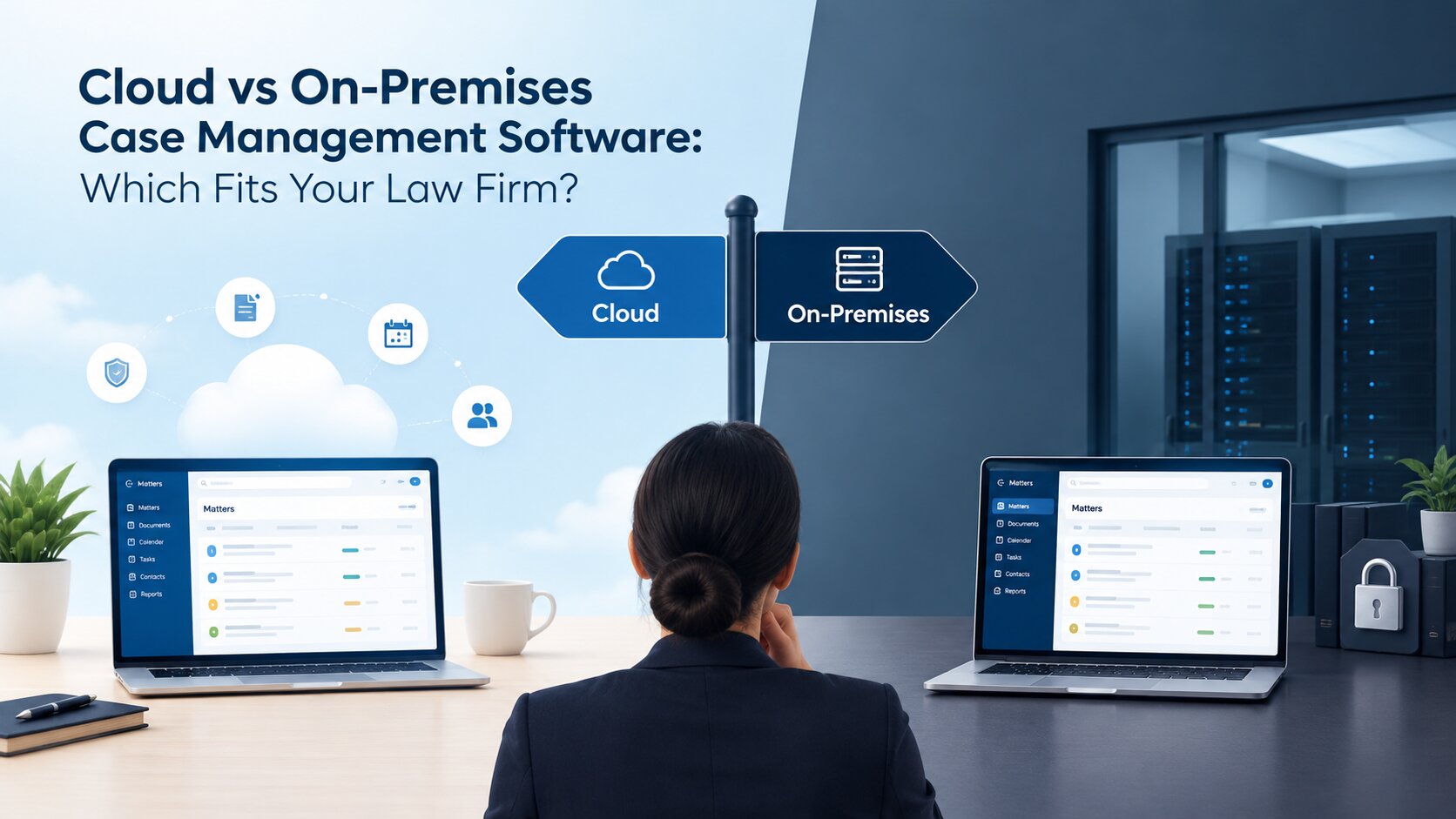
Understand where the organisation's information will be stored, who can access the hosting environment and which parties are responsible for maintaining it. Ask about backups, recovery arrangements, incident handling and the process for retrieving or exporting data if the organisation changes providers. Cloud, private cloud and on-premises deployment arrangements may have different implications for cost, maintenance, access and internal responsibilities. The appropriate option depends on the company's security policies, regulatory obligations, IT resources and risk assessment.
A vendor should be able to explain its arrangements clearly enough for the company's IT and security teams to review them.
Check the UAE regulatory requirements that apply
Companies operating in the UAE should assess the data protection and confidentiality obligations relevant to their activities. The UAE Personal Data Protection Law may apply to personal data processing, subject to its scope and exceptions. Certain organisations may also need to consider sector-specific rules, contractual commitments or requirements applicable in particular UAE jurisdictions.
Ask vendors to explain how their data handling arrangements, access controls and security measures support the organisation's obligations. Where relevant, confirm the implications of cross-border data transfers, retention requirements and contractual arrangements with service providers.
Do not treat a vendor's compliance statement as proof that the company's own obligations have been met. Legal, compliance and IT teams should review the applicable requirements and determine whether the proposed arrangement is suitable for their circumstances.
4. Check Integration, Language Support and Day-to-Day Usability
Even a capable platform can create difficulties if it does not fit the organisation's existing technology or working practices. Legal teams should assess how the software will be used alongside the systems employees already rely on.
Review compatibility with existing systems
Legal work rarely happens in isolation. Teams may use email to communicate with stakeholders, shared repositories to store documents and identity management systems to control employee access. Check whether the proposed platform integrates with the systems your organisation uses, including Microsoft 365, SharePoint or other relevant business applications. Ask which integrations are available as standard, which require additional configuration and whether any involve extra costs.
It is also worth understanding how information moves between connected systems. An integration that only transfers basic records may not meet the requirement if the team needs documents, updates or other information to remain accessible across its existing workflow.
Confirm Arabic and English workflow requirements
For companies operating in the UAE, language support can affect how effectively employees and legal professionals use the system. Identify where Arabic and English are needed. Requirements may include the user interface, matter records, contract information, document search, reporting or communication with internal stakeholders. If the organisation handles Arabic legal documents, confirm how the platform manages those documents and whether search functions work as expected.
A bilingual interface does not necessarily mean every feature supports both languages equally well. Ask the vendor to demonstrate the specific language-related tasks your team performs.
Test usability with realistic legal tasks
During a demonstration, ask users to complete ordinary tasks rather than simply watch a presentation of the software's capabilities. For instance, ask a legal executive to retrieve a supplier contract, check an upcoming obligation and identify the person responsible for the next action. Observe how easily they can find the information and whether the process matches their working practices.
This is also an opportunity to identify unnecessary steps, confusing screens or features that may require additional training. Involving future users before purchase can help the company assess whether the platform is practical for everyday work.
5. Compare Implementation Requirements, Support and Total Cost
The purchase price is only one part of the investment. Implementation effort, data preparation, training and ongoing support can influence both the overall cost and the time required to start using the system effectively.
Understand migration and implementation responsibilities
Before signing a contract, establish how existing legal records will be transferred into the new platform. These records might include matter histories, contract information, supporting documents, deadlines and user details. Ask how the vendor handles data mapping, duplicate records, incomplete information and validation after migration. Clarify which tasks the vendor will perform and which will remain the responsibility of your internal team.
A company with years of records spread across spreadsheets, email and shared folders may need more preparation than one introducing software for a smaller, well-organised set of matters. Understanding this early helps avoid unrealistic expectations about implementation timelines.
Review training and ongoing support
Legal teams should know what assistance will be available after the system goes live. Ask about initial training, administrator guidance, support hours, response commitments and the process for reporting technical issues. Consider how the vendor will support new employees, changes to workflows and future system updates. If the company operates across locations or time zones, check whether the available support arrangements suit its working hours.
These details matter because the legal department will need to manage its responsibilities while adapting to the new system. A clear support arrangement can help users resolve problems without unnecessary disruption.
Calculate the total cost of ownership
Request a breakdown of the costs associated with adopting and maintaining the platform. Depending on the agreement, these may include licences, implementation, data migration, integrations, additional modules, training, maintenance and future expansion. Also clarify the pricing model. Determine whether fees depend on the number of users, matters, storage requirements or selected capabilities. Ask how pricing may change if the legal department grows or additional business units begin using the system.
The objective is not simply to select the lowest-priced option. It is to understand the full financial commitment and determine whether the proposed solution provides the capabilities the organisation actually needs.
6. Use a Consistent Checklist to Evaluate and Compare Vendors
Once the requirements are clear, use the same assessment criteria for every shortlisted vendor. This makes comparisons more objective and helps decision-makers identify gaps that may not be obvious during demonstrations.
The following checklist can be adapted to the organisation's needs.
| Evaluation area | Questions to ask |
|---|---|
| Workflow coverage | Can the platform support our priority legal processes? |
| Matter and document management | Can users track matters, retrieve records and manage relevant deadlines? |
| Reporting | Can we obtain the information needed for operational and management decisions? |
| Security and compliance | Are access controls, hosting arrangements and relevant compliance requirements documented? |
| Integration and language | Does the system fit our existing technology and Arabic/English requirements? |
| Implementation | Are migration, configuration, training and responsibilities clearly defined? |
| Commercial terms | Are recurring fees, additional costs and future expansion requirements understood? |
| Data portability | Can we retrieve our records in a usable format if we change providers? |
Assign each requirement a priority and record the evidence provided by each vendor. For critical requirements, ask for a practical demonstration, supporting documentation or confirmation in the contract. A feature described in a sales presentation should not automatically be marked as satisfactory. The company needs to understand whether the capability is available, how it works and whether it meets the intended requirement.
Where appropriate, involve legal, IT, security, procurement and finance representatives in the final review. Each team can assess the areas relevant to its responsibilities before a purchasing decision is made.
7. Establish How You Will Measure the Results
The evaluation should not end when the software is purchased. Before implementation, decide what the company expects to improve and how those improvements will be measured. The measures should reflect the problems identified during the initial assessment rather than generic software performance indicators.
For example, if retrieving matter information currently takes considerable time, record the existing process and establish a reasonable target for improvement. If contract renewals are difficult to track, measure whether the new system improves visibility into upcoming dates and assigned responsibilities.
Other useful measures may include:
- The number of overdue legal tasks.
- Time spent preparing recurring management reports.
- Visibility into contract renewals and upcoming obligations.
- Distribution of matters and tasks across the legal team.
- User adoption and completion of key workflows.
Not every measure will suit every organisation. A smaller department may prioritise document retrieval and deadline visibility, while a larger team may also need reporting on external counsel expenditure, workloads and matter exposure. Assign responsibility for reviewing the results and agree on when the first assessment will take place. Comparing performance before and after implementation gives the organisation a more meaningful basis for deciding whether the investment is meeting its objectives.
Choosing Legal Management Software That Fits Your Organisation
The right legal management software should address the challenges your legal department actually faces, fit the organisation's security and technology requirements, and provide a clear path for implementation. A long feature list cannot compensate for a poor fit with existing workflows. Before committing, document your requirements, compare vendors against consistent criteria, test realistic scenarios and confirm the commercial and contractual arrangements. Involving the people who will use and maintain the system can also help uncover practical issues before they become costly problems.
For UAE companies looking to bring legal matters, contracts, compliance activities and related legal operations into a more structured environment, Beveron's Smart Legal Counsel is one platform worth evaluating. Its suitability should be assessed against your department's specific workflows, integration requirements, reporting needs and security expectations.
Explore Beveron's corporate legal case management software to review the platform's relevant capabilities. You can also request a demonstration to discuss your legal team's requirements and assess how the system may fit your organisation.
Frequently Asked Questions
1. What is the difference between legal management software and legal matter management software?
Legal management software can cover several areas of corporate legal work, including matters, contracts, compliance and reporting. Legal matter management software focuses more specifically on organising individual matters, tracking their progress, assigning responsibilities and maintaining related records. The right scope depends on the organisation's needs.
2. What should companies look for in corporate legal management software?
Companies should assess workflow coverage, matter and document management, reporting, access controls, integration, usability, implementation support and total cost. UAE organisations should also verify applicable data protection obligations and any Arabic or English workflow requirements relevant to their operations.
3. Is legal management software suitable for small and medium-sized businesses?
Yes, it can be suitable when the organisation's legal workload justifies it. Businesses managing recurring contracts, disputes, compliance obligations or substantial document volumes may benefit from more structured processes. The choice should reflect actual requirements, available resources and expected growth rather than company size alone.
4. How should UAE companies assess legal software security and compliance?
They should review user permissions, audit records, hosting and data location, backups, incident handling, data export arrangements and contractual protections. Legal and IT teams should also determine which UAE data protection and sector-specific requirements apply. Vendor assurances should be supported by appropriate documentation and review.
5. How long does legal management software implementation take?
There is no single timeline that applies to every organisation. Implementation depends on the number of workflows involved, the condition of existing records, migration requirements, integrations, configuration and staff readiness. Companies should ask vendors for a phased implementation plan with clear responsibilities, milestones and acceptance criteria.
Best corporate legal management software in the UAE
Best legal department management software in the UAE
Best legal operations software for legal teams in the UAE
If you need a free demo of the best corporate legal management software in the UAE, please fill out the form.