Choosing the Right Legal Technology for Your Law Firm

However, choosing legal technology is not simply about finding software with the most features. Different law firms have different working methods, team sizes and operational requirements. A small legal practice may need a straightforward system to organise cases and client records, while a larger firm may require connected tools for case management, billing, document handling and team coordination. The challenge is to identify a solution that addresses these requirements without making everyday work more complicated.
Before investing in legal software, law firms should understand the available options, assess their existing processes and consider how a new system will support their operations over time. Here are some important factors to consider when choosing the right legal technology for your law firm.
1. Identify Your Law Firm's Operational Challenges
The first step in choosing legal technology is understanding where your current processes are falling short. Introducing new software without identifying the actual problems may result in investing in features your team rarely uses. Start by looking at how your firm handles its daily responsibilities and identify the tasks that consume the most time or create unnecessary difficulties.
For example, are lawyers spending too much time searching for case documents? Are important court dates being tracked manually? Does the administrative team struggle to maintain updated client records? Are billing details spread across multiple spreadsheets? These situations can indicate where a more organised system may help.
It is also important to consider how information moves between different people in the firm. When client details, case updates and documents are stored in separate places, employees may need to contact one another repeatedly to find the information they need. This can slow down work and make it harder for everyone to stay informed about ongoing matters. Understanding these challenges gives your firm a clearer starting point and helps you identify which technology will address the most pressing requirements.
2. Understand the Different Types of Legal Technology
Legal technology covers several types of software, each designed to support particular activities within legal practice. Understanding these categories helps law firms avoid choosing a solution that does not match their actual requirements. Some systems focus on managing cases, while others are designed for contracts, documents or financial activities.
Legal Case Management Software
Case management software helps law firms organise information and activities related to their legal matters. It can provide a central place to maintain client profiles, case details, legal documents, court schedules and important deadlines. Instead of checking multiple files or relying on individual employees for updates, authorised team members can access relevant information through a shared system.
For firms handling several cases simultaneously, this can make it easier to monitor progress, assign responsibilities and keep track of upcoming hearings. It also helps lawyers and administrative staff maintain a clearer picture of ongoing work.
Contract Management Software
Contract management software supports the preparation, review, approval, storage and renewal of agreements. Law firms dealing with a high volume of contracts can use these systems to organise documents, manage different versions and track approval stages.
It can also help teams monitor important contract dates, including renewals and expiry deadlines. Having these details organised in one place reduces the risk of overlooking important obligations and makes it easier to retrieve agreements when required.
Legal Billing and Time Tracking Software
Accurate billing is an important part of managing a law firm's financial operations. Legal billing and time tracking software helps lawyers record the time spent on different matters, distinguish between billable and non-billable activities, prepare invoices and monitor payments.
Without a consistent process, recording working hours and calculating charges can become time-consuming, particularly when several lawyers are handling different matters. A suitable system helps maintain organised billing records and gives the firm better visibility into its financial activities.
Legal Document Management Software
Legal work involves handling large numbers of documents, including agreements, pleadings, client records, evidence and correspondence. Document management software helps organise these files so that authorised employees can store, retrieve and manage them more efficiently.
Features such as document categorisation, version tracking and access permissions can make document handling more organised. This is particularly useful when multiple team members need to work with the same documents while maintaining control over confidential information.
3. Evaluate the Essential Features Before Choosing
Once you understand the type of software your firm needs, the next step is to look more closely at its features. Two legal software solutions may appear similar at first, but their actual capabilities can differ considerably. Rather than comparing the number of features each provider advertises, consider how those features will support your team's daily work.
Start with information management. The software should make it easy to maintain client records, access case details and retrieve relevant documents without searching through multiple folders. Task management is equally important, particularly for firms where several lawyers and administrative employees work on the same matters. The ability to assign responsibilities, monitor progress and receive reminders about important deadlines can help everyone stay organised.
Workflow automation is another feature worth considering. Many law firms handle repetitive activities such as sending routine notifications, updating case records, preparing standard documents and following up on pending tasks. Software that can automate suitable activities may reduce manual work and allow employees to spend more time on responsibilities that require their attention.
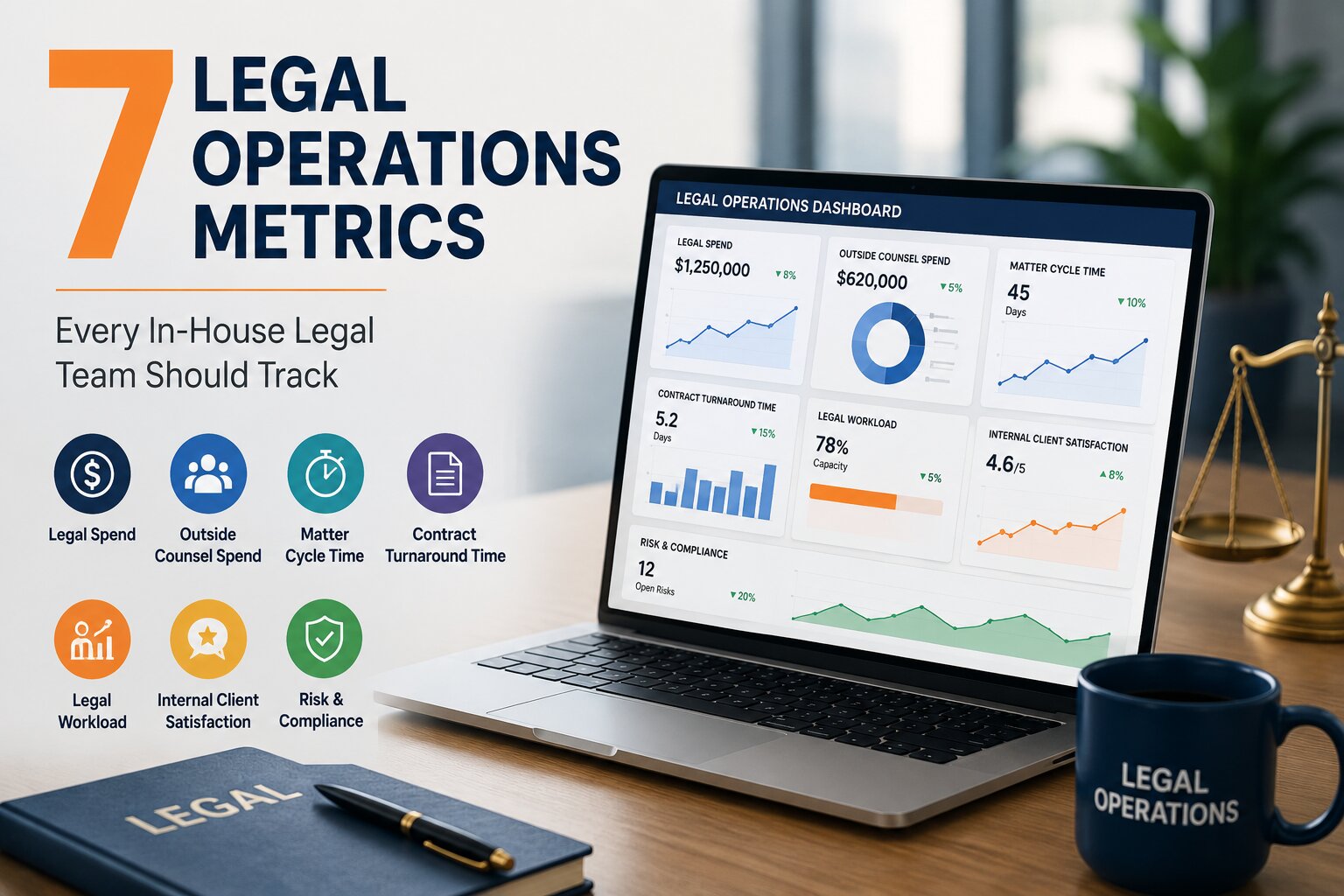
Reporting is also useful when evaluating the overall performance of a firm. Managers may need to understand how many matters are active, how workloads are distributed, how much time is spent on different cases and whether invoices are being paid on time. A system that provides clear reports can make this information easier to review and support better operational decisions.
AI capabilities are becoming another consideration in legal technology selection. Depending on the software, AI-assisted features may help with document summarisation, drafting, information extraction and legal research. However, firms should examine what these tools actually do, how they handle confidential information and whether lawyers can review and verify their outputs. AI should support professional judgement, not replace it.
Ultimately, prioritise the features your firm will use regularly. A system with a manageable set of relevant tools may be more valuable than a complicated platform filled with functions that do not address your actual requirements.
4. Consider Data Security and Confidentiality
Law firms handle sensitive information every day, including client identities, financial records, legal opinions, contracts and case-related documents. Protecting this information is not simply an IT responsibility; it is an important part of maintaining client trust and meeting professional obligations. Therefore, data security should be one of the main considerations when evaluating legal technology.
Begin by understanding how the software controls access to information. Not every employee needs permission to view every client file or legal matter. User roles and access permissions allow firms to decide who can view, edit or manage particular records. This is especially important for firms where lawyers, assistants, finance teams and management have different responsibilities.
It is also worth asking how the provider stores and protects information, whether regular backups are maintained and what procedures are available if data is lost or a technical issue occurs. If the software is cloud-based, understand where the information is hosted and what security measures the provider follows. If your firm is considering an on-premise system, clarify who will manage the servers, updates, backups and ongoing security responsibilities.
Do not rely only on general statements such as secure storage or advanced protection. Ask providers about their actual security arrangements, relevant certifications, data recovery procedures and policies for handling security incidents. The right technology should give your firm confidence that confidential information is being managed responsibly.
5. Check Integration and Ease of Use
A legal technology solution should fit into the way your firm already works. Introducing software that requires employees to change every existing process can create resistance, particularly when the team is already comfortable with its current tools. This is why ease of use and integration deserve careful attention before making a decision.
Consider the applications your firm currently uses for communication, document preparation, scheduling and financial activities. Check whether the proposed software can connect with these tools or support a practical way of sharing information between them. For example, integration with email and document applications can reduce the need to download, upload or enter the same information repeatedly.
Ease of use is just as important as technical compatibility. Lawyers should be able to find case information, review documents and manage their responsibilities without spending unnecessary time learning complicated processes. Administrative employees should also be able to perform their tasks without depending on technical assistance for routine activities.
Before choosing a provider, request a demonstration and ask the team members who will use the system to participate. Let them explore the features that relate to their responsibilities. It is also important to understand the training and onboarding support available, particularly if the firm plans to move information from existing spreadsheets or another software system. A solution may offer useful capabilities, but its real value depends on whether employees can use them comfortably in their everyday work.
6. Choose Technology That Can Grow with Your Firm
The requirements of a law firm are unlikely to remain the same forever. A practice that currently has a small team may add more lawyers, handle additional matters or open another office as its operations expand. Choosing software based only on present requirements may create limitations later, so it is important to consider whether the system can support future changes.
Look at how the provider handles additional users, growing volumes of case information and changes in team responsibilities. Can the firm add employees without replacing the entire system? Can different teams or office locations work within the same environment? Can workflows be adjusted as the firm's processes become more complex? These are practical questions worth asking during the evaluation.
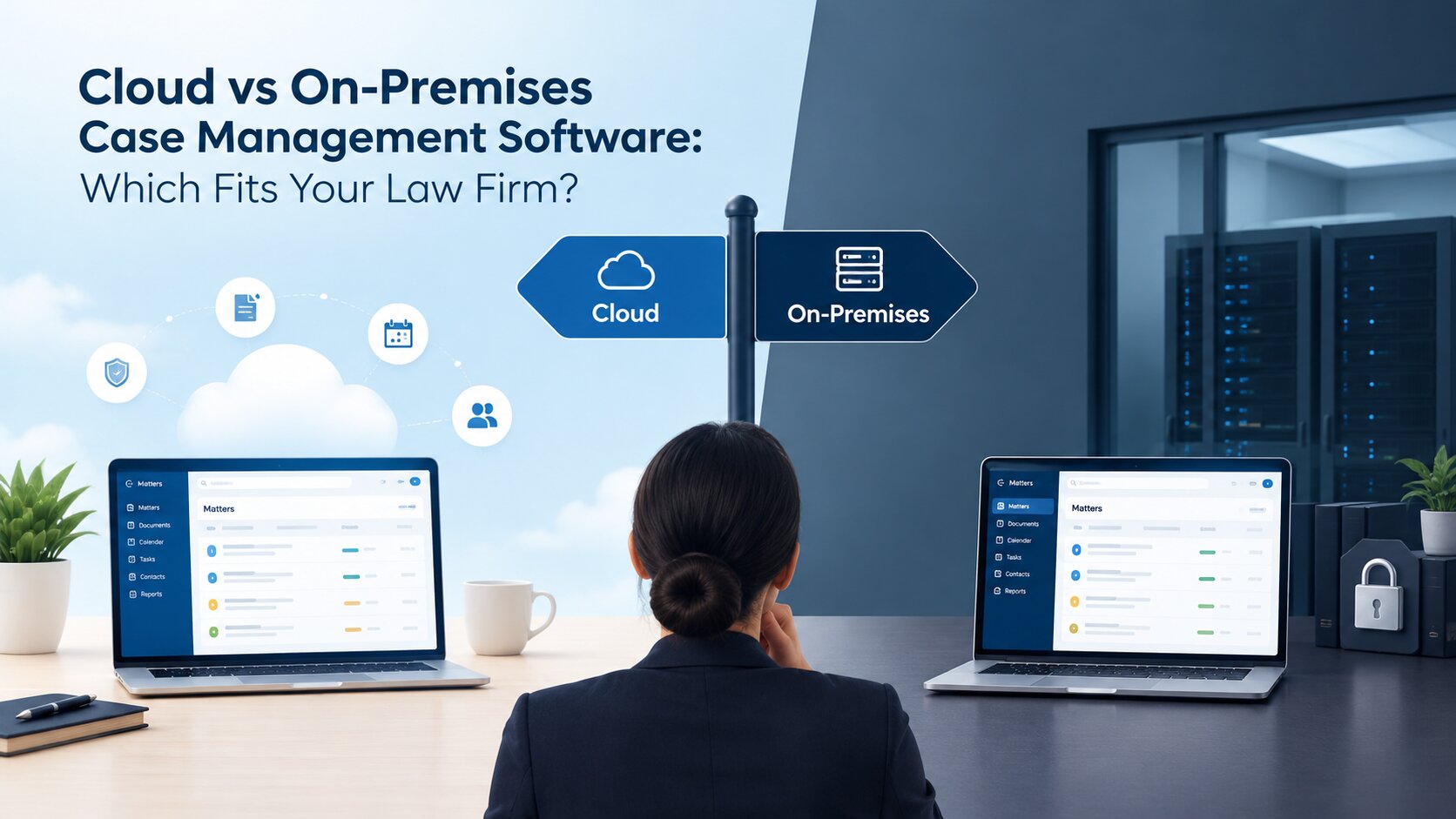
Deployment options also deserve consideration. Cloud-based legal software allows authorised users to access the system through the internet, depending on the provider's arrangements and access controls. This can be useful for firms with employees working from different locations. On-premise software, on the other hand, is installed and managed within the firm's own infrastructure, giving the organisation more direct responsibility for its hosting environment.
Neither option is automatically better for every firm. The decision depends on the firm's IT resources, security requirements, budget and preferred way of working. Choose a solution that meets your current needs while leaving enough flexibility to accommodate future growth.
7. Compare Software Providers, Costs and Support
After identifying your requirements and shortlisting suitable solutions, it is time to evaluate the providers themselves. The software's features are important, but the company supplying and maintaining it also plays a significant role in the overall experience. A provider should be able to explain how the system works, what is included in the price and what support is available after implementation.
Start by understanding the complete cost rather than looking only at the initial licence fee or subscription. Depending on the solution, additional expenses may include implementation, data migration, customisation, training, maintenance and technical support. Ask providers to explain their pricing structure so that you can estimate the actual cost of using the software over time.
A product demonstration can help you understand whether the solution matches your firm's requirements. Instead of requesting a general presentation, ask the provider to demonstrate specific activities that your team performs regularly. For instance, you could ask them to show how a new client record is created, how a case is assigned, how a hearing date is tracked and how billing information is recorded. This gives you a clearer picture of how the software would work in practice.
Customer support is another factor that should not be overlooked. Find out how users can report problems, what support channels are available and whether training is provided during implementation. You can also review customer feedback and ask whether the provider has experience working with law firms of a similar size or operating in a similar environment.
A good technology decision involves more than selecting the cheapest option. Consider the features, total cost, reliability, implementation process and ongoing support together before making your final choice.
8. Why an Integrated Legal Management System Matters
As law firms introduce different software solutions, they may end up using separate applications for case records, documents, schedules, billing and client communication. Although each application may serve a particular purpose, managing information across several disconnected systems can create additional work. Employees may need to enter the same details more than once, switch between applications and spend time checking whether records are up to date.
An integrated legal management system can help address this challenge by bringing related activities into a connected working environment. Client information, case details, documents, hearing schedules, assigned tasks and billing records can be managed through a central system, depending on the software's capabilities. This makes it easier for authorised employees to access relevant information and understand what needs attention.
For example, when a law firm receives a new legal enquiry, the team may need to collect client information, complete initial checks, prepare an engagement agreement and create a matter record. As the matter progresses, lawyers may need to manage documents, schedule hearings, record working hours and prepare invoices. Having these activities supported within one system can reduce unnecessary movement between separate tools and help maintain continuity throughout the matter.
This is where solutions such as Beveron Smart Lawyer Office can be considered. Designed for law firms and legal consultancies, it brings several legal practice activities together, including client management, KYC, case and matter tracking, hearing schedules, document management, task workflows, timesheets and billing. Its purpose is to help legal teams manage their day-to-day activities through a more organised working environment.
However, an integrated system is not automatically the right choice simply because it includes multiple functions. Law firms should still evaluate whether the available modules match their requirements, whether the system is easy to use and whether it can accommodate their existing processes. The goal is to find technology that makes work more manageable, not introduce another layer of complexity.
Conclusion: Make Your Legal Technology Decision Based on Your Firm's Needs
Choosing the right legal technology requires a clear understanding of how your law firm operates and what it needs to improve. A solution that works well for one firm may not be suitable for another, as requirements can vary depending on the size of the team, the number of cases handled and the complexity of daily operations.
Before making a decision, take the time to assess your existing processes, compare software capabilities, check security arrangements and understand the costs involved. It is equally important to involve the people who will use the system, as their experience can help determine whether the technology is practical for everyday legal work.
The right legal technology should make information easier to manage, improve coordination between team members and reduce the time spent on repetitive administrative activities. Rather than choosing software based on the number of features it offers, focus on finding a solution that supports your firm's working requirements and can adapt as your practice grows.
Looking for a more organised way to manage your firm's legal operations?
Explore Beveron's Smart Lawyer Office and discover how an integrated legal management solution can support your team's everyday work. You can also request a product demonstration to understand its features and suitability for your firm.
Frequently Asked Questions
1. What is the best legal technology for a law firm?
The best legal technology depends on the firm's requirements, team size and working processes. Law firms handling multiple cases may benefit from case management software, while those managing large numbers of agreements may need contract management tools. Firms looking to organise several legal activities within one platform can consider integrated legal management systems.
2. What features should law firms look for in legal software?Important features include client management, case tracking, document storage, hearing and deadline reminders, task allocation, time tracking, billing, reporting and data security. The right combination depends on the firm's daily responsibilities and the areas it wants to improve.
3. How does legal technology improve law firm operations?
Legal technology helps organise information, manage cases, track deadlines and coordinate tasks. It can also reduce repetitive administrative work through automation and make important records easier to access. This allows legal professionals to spend less time managing information manually and more time focusing on their legal responsibilities.
4. Is cloud-based or on-premise legal software better for law firms?
Both options have their advantages. Cloud-based software allows authorised users to access information online and can be suitable for firms with multiple locations or remote teams. On-premise software is installed within the firm's own IT infrastructure and may suit organisations that prefer to manage their hosting environment directly. The right choice depends on security requirements, IT resources, costs and accessibility needs.
5. How much does legal technology cost for a law firm?
The cost varies depending on the software, number of users, selected features, deployment method and provider. Some solutions use monthly or annual subscriptions, while others offer perpetual licensing. Implementation, customisation, training and maintenance may involve additional costs. Law firms should request a detailed quotation and compare the total cost before making a decision.
Best legal technology for law firms in the UAE
Best legal software for law firms in the UAE
Best cloud-based legal software for legal teams in the UAE
If you need a free demo of the best legal technology for law firms in the UAE, please fill out the form