Cloud vs On-Premises Case Management Software: Which Fits Your Law Firm?
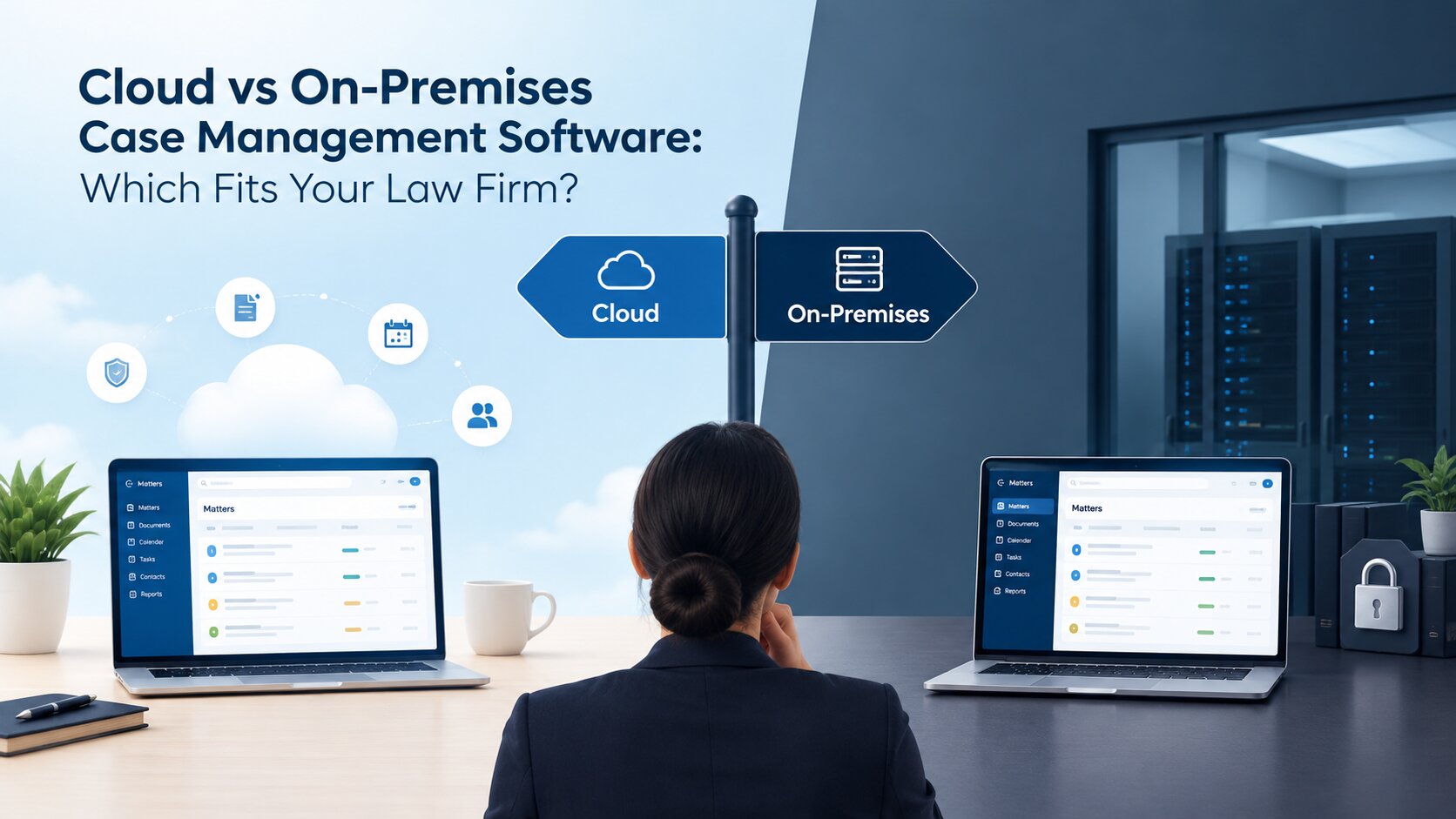
Choosing case management software is not just about finding a system that stores case files and client information. It is also about deciding how your law firm will access its data, manage its IT infrastructure and keep daily work running smoothly. One of the first decisions to make is whether to use cloud-based software or an on-premises system.
Both options can support legal case management, but they work differently. Cloud-based software can make it easier for legal teams to access information across locations, while on-premises software gives firms more direct control over the environment in which their systems operate. The right choice depends on your firm's working arrangements, budget, data requirements and available IT support.
Before investing in a new system, it is worth understanding how these two deployment models differ and what each means for your practice.
What Is Cloud-Based Case Management Software?
Cloud-based case management software runs on computing infrastructure provided or managed by a service provider. Instead of relying entirely on servers located within the firm's office, users access the system through an internet connection using supported devices and applications.
For law firms, this can make case information easier to access when lawyers are attending court, working from home or collaborating across different offices. Depending on the software, teams can use the same system to manage client details, documents, matter updates, hearing schedules and deadlines without relying on files stored on individual computers.
Another consideration is maintenance. With many cloud services, the provider manages much of the underlying infrastructure and software updates. This can reduce the amount of technical work required from the firm's internal team, although the exact responsibilities depend on the service agreement.
Cloud-based software is often offered through a subscription, which may reduce the need for an initial investment in servers. However, firms should look beyond the monthly fee and consider user licences, storage limits, implementation, support and any additional services they may need.
Cloud access also depends on reliable connectivity and the provider's availability. Before choosing this model, a law firm should understand how its data is protected, where it is stored, how access is controlled and what happens if the service becomes temporarily unavailable.
What Is On-Premises Case Management Software?
On-premises case management software is installed and operated on servers managed by the law firm or its IT service provider. Rather than relying entirely on a provider's cloud infrastructure, the firm maintains greater direct control over its operating environment.
This arrangement can appeal to firms with established IT systems or specific internal requirements for managing their data. They may have existing policies governing server access, system configuration, backups and the handling of confidential client information. An on-premises setup can allow these firms to align their case management system with their existing infrastructure.
However, greater control also brings responsibility. The firm or its IT provider may need to manage server maintenance, software updates, security measures, backups and recovery arrangements. These responsibilities require time, technical knowledge and ongoing investment.
The initial cost may also be higher if the firm needs to purchase servers, upgrade its network or arrange additional IT support. Even when the infrastructure is already available, maintenance and replacement costs should be considered over the life of the system.
Remote access is another factor. Lawyers may be able to access an on-premises system outside the office, but this depends on how the network and remote-access arrangements are configured. Security must remain a priority, particularly when staff handle confidential case documents away from the office.
Cloud vs On-Premises Case Management Software: Key Differences
The main difference between cloud-based and on-premises case management software is where the system operates and who manages the underlying infrastructure. That distinction affects costs, maintenance, access and the level of direct control available to the firm.
| Factor | Cloud-based software | On-premises software |
|---|---|---|
| Initial investment | Often requires less investment in local infrastructure | May require servers, installation and setup |
| Ongoing costs | Usually involves subscription or service fees | Includes infrastructure, maintenance and support costs |
| Data control | Depends on the provider agreement and system configuration | Offers more direct control over the firm's operating environment |
| Remote access | Generally available through supported internet-connected devices | Depends on the firm's network and remote-access setup |
| Maintenance | Often managed partly or mainly by the provider | Usually managed by the firm's IT team or service provider |
| Scalability | Capacity can often be adjusted through the provider | Expansion may require additional infrastructure |
| Security | Depends on the provider's safeguards and the firm's configuration | Depends on the firm's security controls and ongoing maintenance |
| Business continuity | Depends on service availability, backups and recovery arrangements | Depends on the firm's backup and disaster recovery plans |
These differences are useful starting points, but neither model is automatically better in every situation. A cloud service may reduce infrastructure management while introducing reliance on a third-party provider. An on-premises system may offer more direct control but require more internal resources to maintain.
Security deserves particular attention. Storing data on a firm's own servers does not automatically make it safer, just as using a cloud service does not guarantee stronger protection. Access permissions, encryption, system updates, monitoring and reliable backups all contribute to the security of a case management system. The important question is not simply which model offers more control or convenience. It is which arrangement the firm can manage effectively while meeting its operational and data protection requirements.
Which Option Suits Your Law Firm?
The best deployment model depends on how your firm works today and how you expect it to develop. A practice with lawyers working across several locations may have different priorities from a firm that operates from one office with an established IT department.
When Cloud-Based Software Makes Sense
Cloud-based case management software may suit firms that need their teams to access case information from different locations. Lawyers often move between the office, courts, client meetings and remote working environments. Having access to the same system from supported devices can make it easier to keep case records updated and reduce dependence on documents stored on individual computers.
It can also be a practical option for firms that want to limit the work involved in managing their own server infrastructure. Smaller practices, in particular, may not have a dedicated IT team to maintain servers, install updates and monitor system performance. Depending on the service arrangement, a cloud provider can take responsibility for much of this infrastructure management.
Firms expecting to grow may also appreciate the flexibility of cloud services. Adding users or adjusting capacity can be simpler than purchasing and configuring additional servers, although pricing and limits vary between providers. However, firms should still evaluate the provider carefully. Data storage locations, security arrangements, service availability, backup procedures and exit options all matter. A convenient system is only useful if it meets the firm's confidentiality obligations and operational needs.
When On-Premises Software Makes Sense
On-premises case management software may be more suitable for firms that already have the infrastructure and technical support needed to operate their own systems. For legal teams that also need to keep AI processing within their own environment, secure on-premise AI solutions for legal teams may be worth exploring. The right setup depends on the firm's data protection requirements, IT capabilities and the level of control it needs over its systems.
These firms may prefer to manage server access, configuration and maintenance directly rather than relying on a cloud provider for those functions.
This model can also be worth considering when internal policies or specific operational requirements call for a locally managed environment. Before making a decision, however, the firm should establish whether those requirements genuinely demand on-premises deployment or whether a suitably configured cloud service could meet them.
The costs need careful assessment as well. Owning the infrastructure does not mean the system will be cheaper in the long term. Hardware replacement, maintenance, security updates, backups and IT support can add up over time. Firms should compare these expenses with the full cost of a cloud subscription over a similar period. On-premises deployment is therefore most appropriate when the firm has a clear reason to manage its own infrastructure and the resources to maintain it reliably.
When Is a Hybrid Setup Worth Considering?
Some firms may need a combination of cloud services and locally managed systems. A hybrid setup can provide a way to balance different operational requirements, such as retaining certain systems within the firm's environment while using cloud services for other tasks.
However, a hybrid arrangement can introduce additional complexity. The firm needs to consider how systems will exchange information, how user access will be managed and who will be responsible for securing each part of the setup. It may also need to account for integration costs and additional support requirements. Hybrid deployment is not automatically a middle ground that offers the best of both options. It is worth considering when the firm has specific requirements that justify the additional planning and management involved.
Five Questions to Ask Before Choosing
Once you understand the differences between the deployment models, the next step is to assess your firm's actual requirements. Answering a few practical questions can help narrow the options before you compare individual software providers.
What Are Our Data Storage Requirements?
Law firms handle confidential client information, contracts, correspondence and other sensitive records. Before selecting a system, establish what your firm's policies and applicable legal obligations require regarding data storage, access, retention and protection. For firms operating in the UAE or Saudi Arabia, relevant local requirements should be considered alongside contractual obligations and internal security policies. If data must be stored in a particular location or handled under specific conditions, confirm that the provider can meet those requirements before proceeding.
How Will Our Team Access Case Information?
Consider where your lawyers and support staff work throughout the day. If your team regularly moves between offices, courts and client locations, remote access may be an important requirement. If most work takes place within a single office, other factors may carry more weight. Also consider whether the system supports appropriate user permissions, so team members can access the information they need without exposing confidential records unnecessarily.
What Is the Total Cost Over Time?
The initial price does not tell the whole story. Compare subscription fees, hardware, installation, implementation, staff training, technical support, upgrades and backup arrangements. It is useful to estimate the total cost over several years rather than comparing a monthly subscription with the purchase price of a server. This provides a more realistic picture of what each option may cost your firm.
Who Will Handle Security and Maintenance?
Every case management system needs ongoing attention. Someone must be responsible for managing access, applying updates, checking backups and responding to security or service problems. With cloud software, responsibilities are divided between the provider and the customer according to the agreement. With on-premises software, the firm generally has more responsibility for its own infrastructure. Make sure the division of responsibilities is clear before committing to a solution.
Will the Software Support Our Daily Workflows?
Deployment is only one part of the decision. The system must also support the work your firm needs to carry out every day. Consider whether it can help manage client enquiries, intake, documents, case updates, hearing schedules, deadlines, billing and reporting. A system that suits your hosting preferences but does not support your workflows may create more work rather than reduce it. It is also worth checking how easily staff can learn the system, whether existing records can be migrated and whether the software can accommodate changes as the practice grows.
Explore Case Management Software for Your Law Firm
After deciding which deployment model best fits your requirements, you can begin evaluating individual case management solutions. Look beyond the hosting arrangement and consider how the software will support your firm's work from the first client enquiry through to matter management, hearings, billing and reporting.
Beveron Technologies offers Smart Lawyer Office, a case management solution designed to help law firms organise their operational workflows. Its capabilities include managing enquiries and proposals, client intake and KYC, document collection, matter-related activities, hearing management, billing and reporting.
These functions are relevant when a firm wants to organise information and manage its work through a more centralised system. Instead of focusing only on where the software is hosted, legal teams can assess how well the solution supports their day-to-day processes and information management needs.
Before choosing Smart Lawyer Office or any other system, firms should confirm the available deployment options, hosting arrangements, security measures, implementation requirements and pricing directly with the provider. This is particularly important if your firm has specific requirements for on-premises infrastructure, data location or remote access.
You can explore Beveron Smart Lawyer Office case management software to learn more about its capabilities and assess whether it aligns with your firm's needs.
Frequently Asked Questions
Is cloud-based case management software more secure than on-premises software?
Neither option is automatically more secure. Cloud security depends on the provider's safeguards, system configuration and the firm's access controls. On-premises security depends on how well the firm manages its infrastructure, updates, monitoring and backups. The right choice is the one that meets the firm's security requirements and can be managed consistently.
Can lawyers access on-premises case management software remotely?
Yes, provided the system and network are configured to support secure remote access. The firm may need suitable access controls and a secure connection to its internal environment. The exact options depend on the software and infrastructure.
Is cloud-based case management software cheaper for small law firms?
Cloud software may reduce initial infrastructure costs because the firm may not need to purchase and maintain its own servers. However, subscriptions, user licences, implementation and support can affect the overall cost. Comparing expenses over several years is a more reliable way to evaluate affordability.
Can a law firm migrate from on-premises software to the cloud?
Migration may be possible, depending on the existing system and the cloud provider's capabilities. Before moving, the firm should assess data transfer, compatibility, access permissions, backups, downtime and staff training. A clear migration plan can help reduce disruption and protect the integrity of case records.
Conclusion
Choosing between cloud-based and on-premises case management software comes down to what works best for your law firm. Cloud deployment may suit teams that value flexible access and want to reduce infrastructure management, while on-premises deployment may appeal to firms that need greater direct control over their operating environment and have the resources to maintain it. Neither approach is the right choice for every practice. Assess your data requirements, working arrangements, IT support, long-term costs and daily workflows before making a decision. Once those priorities are clear, you will be better placed to evaluate solutions that fit the way your firm operates.
If you are exploring options for your practice, consider discussing your requirements with Beveron Technologies to understand how Smart Lawyer Office could support your case management workflows and which deployment arrangements may be available for your firm.
Best cloud-based case management software in the UAE
Best on-premises case management software in the UAE
Best case management software for law firms in the UAE
If you need a free demo of the best cloud-based case management software in the UAE, please fill out the form.