Key Features Every Law Firm Should Look for in Legal Practice Management Software (2026 Guide)

Running a law firm today is not just about legal expertise—it’s about managing time, clients, and operations with precision. With growing caseloads, strict deadlines, and rising client expectations, even small inefficiencies can lead to missed opportunities and lost revenue.
Relying on manual processes or disconnected tools only adds to the complexity. This is why legal practice management software has become a must-have for modern law firms. The right solution helps you organize cases, automate routine tasks, improve communication, and stay in full control of your operations.
In this guide, you’ll discover the key features every law firm should look for in legal practice management software in 2026—so you can choose a solution that supports your daily work and drives long-term growth.
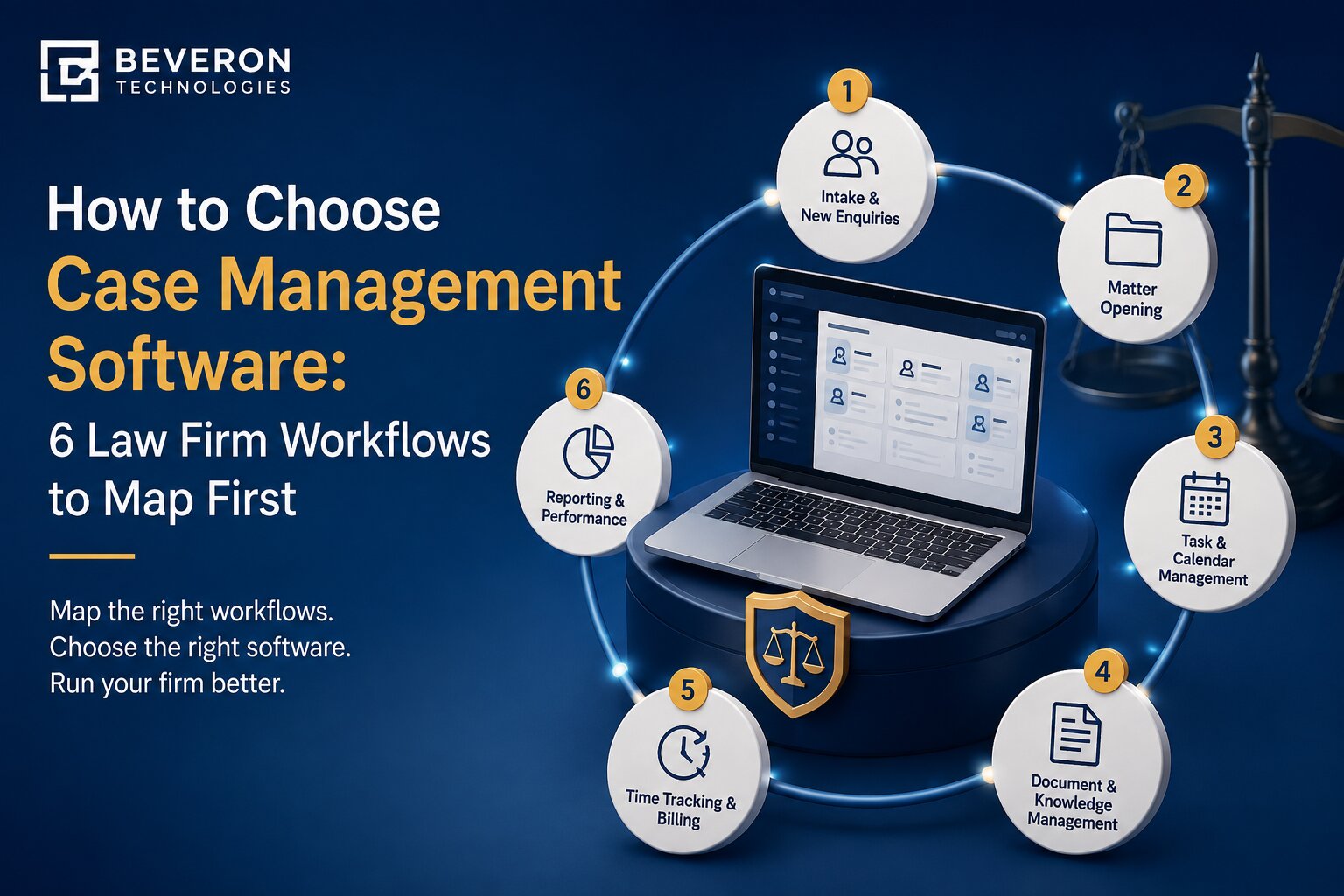
1. Case and Matter Management
Centralized Case Tracking
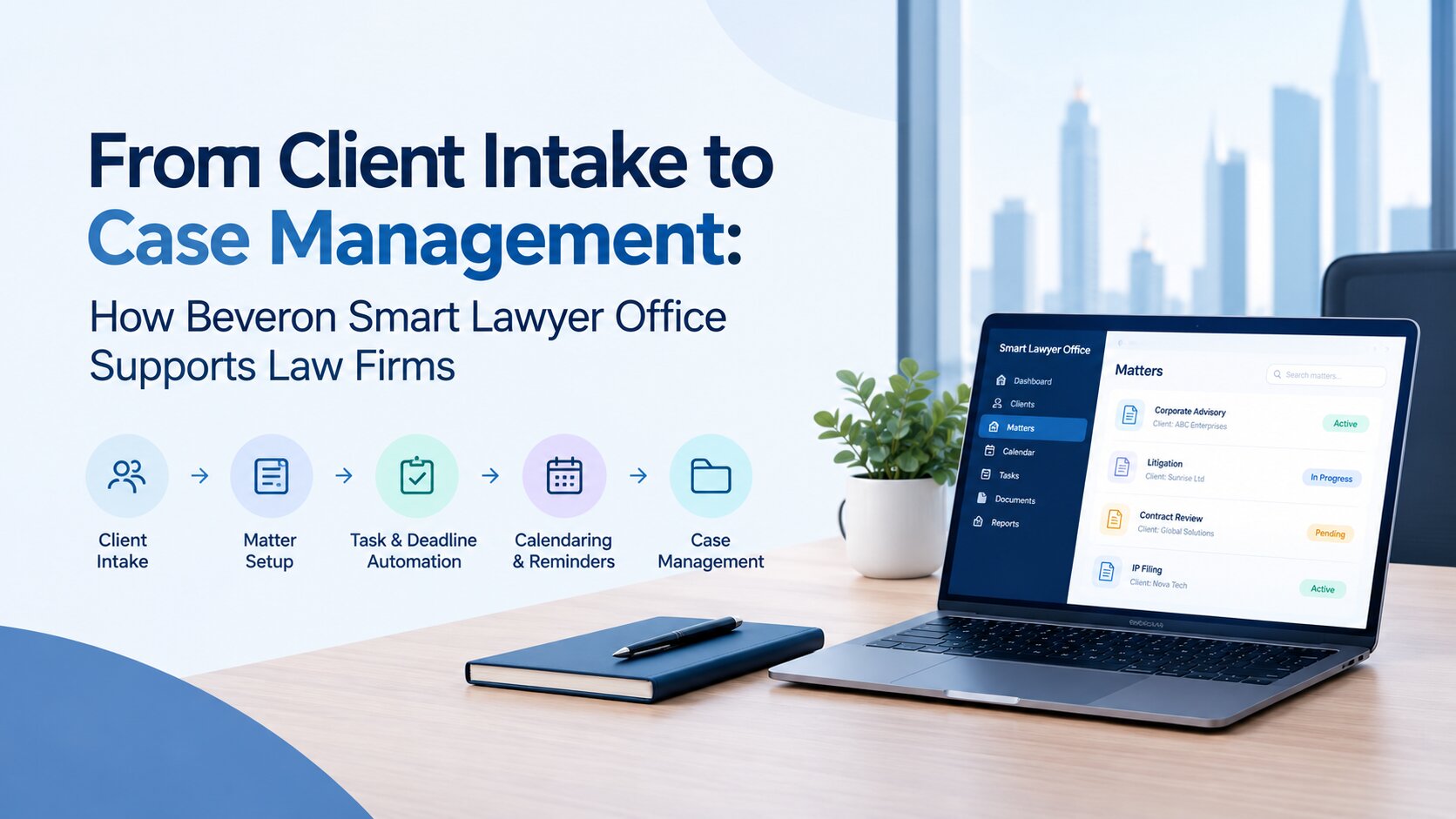
At the core of any legal practice management software is robust case and matter management. Law firms need a centralized system where all case-related information—documents, contacts, notes, deadlines, and activities—is stored and easily accessible.
A centralized dashboard ensures that lawyers and staff can quickly retrieve information, reducing time spent searching through emails or physical files.
Task & Deadline Management
Missing a court date or filing deadline can have serious consequences. Effective software should include built-in calendaring tools with automated reminders for important events such as hearings, filings, and client meetings.
Look for systems that sync with popular calendars and send alerts to keep everyone on track.
Collaboration Across Teams
Legal work often involves multiple stakeholders. A good system allows team members to assign tasks, share updates, and track progress in real time. This improves accountability and ensures smooth collaboration across departments.
2. Document Management and Automation
Secure Document Storage
Law firms handle highly sensitive information, making secure document storage a top priority. Cloud-based solutions with role-based access ensure that only authorized personnel can view or edit documents.
Document Templates & Automation
Repetitive document creation can consume valuable time. Legal software should offer customizable templates for contracts, agreements, and legal forms. Automation features allow firms to generate documents quickly with minimal manual input.
Version Control & Audit Trails
Tracking document changes is important for guaranteeing accuracy and compliance. Version control ensures that the latest document is always accessible, while audit trails provide a clear record of edits and approvals.
3. Time Tracking and Billing
Automated Time Tracking
Accurate time tracking is essential for maximizing billable hours. Modern tools offer automatic tracking features that record time spent on tasks, calls, and meetings without manual effort.
Flexible Billing Options
Different clients require different billing structures. Whether it’s hourly billing, fixed fees, or contingency-based billing, the software should support multiple billing methods to accommodate various cases.
Invoice Generation & Payment Integration
Efficient invoicing reduces delays in payments. Look for software that enables quick invoice generation, automated billing cycles, and integration with online payment systems for faster transactions.
4. Client Communication Tools
Built-in Client Portals
Client expectations have evolved—they want transparency and easy access to case updates. Secure client portals allow clients to view documents, track progress, and communicate with their legal team.
Email & Messaging Integration
Centralized communication ensures that no important conversation gets lost. Integration with email and messaging platforms helps maintain a complete communication history for each case.
Appointment Scheduling
Scheduling meetings manually can be time-consuming. Built-in scheduling tools allow clients to book appointments based on availability, reducing administrative workload.
5. Compliance and Data Security
Data Encryption & Secure Access
Legal data must be protected at all costs. Advanced encryption, multi-factor authentication, and secure access controls are essential features for safeguarding client information.
Regulatory Compliance
Law firms must comply with various legal and data protection regulations. The software should support compliance standards relevant to your region and practice area.
Backup and Disaster Recovery
Unexpected data loss can disrupt operations. Reliable backup systems and disaster recovery features ensure business continuity even in unforeseen situations.
6. Reporting and Analytics
Performance Insights
Data-driven decision-making is key to growth. Legal practice management software should provide insights into case progress, team performance, and operational efficiency.
Financial Reporting
Understanding your firm’s financial health is crucial. Features like revenue tracking, expense monitoring, and profitability analysis help firms make informed financial decisions.
Custom Dashboards
Customizable dashboards allow firms to view the metrics that matter most to them, enabling better planning and strategy execution.
7. Integration and Scalability
Third-Party Integrations
No software operates in isolation. Integration with accounting tools, CRM systems, email platforms, and other business applications enhances overall efficiency and eliminates data silos.
Scalability for Growing Firms
As your firm grows, your software should grow with you. Scalable solutions guarantee seamless handling of growing workloads, adding users, and expanding operations.
8. Mobile Accessibility
Work From Anywhere
Legal professionals are often on the move—whether in court, meeting clients, or working remotely. Mobile-friendly software allows access to case files, documents, and communication tools from anywhere.
Real-Time Updates
Instant updates ensure that lawyers stay informed about case developments, deadlines, and client communications, even outside the office.
9. User Experience and Ease of Use
Intuitive Interface
Complex software can slow down adoption. An intuitive, user-friendly interface ensures that legal teams can quickly learn and use the system effectively without extensive training.
Customization Options
Every law firm operates differently. Customizable workflows, dashboards, and features allow firms to tailor the software to their specific needs.
Why Smart Lawyer Office is the Right Choice for Law Firms
When it comes to choosing a comprehensive legal practice management solution, Smart Lawyer Office stands out as a powerful and reliable choice.
Designed specifically for modern law firms, it combines all the essential features discussed above into a single, easy-to-use platform. From seamless case management and secure document handling to automated billing and advanced analytics, Smart Lawyer Office empowers legal professionals to work smarter, not harder.
Its intuitive design ensures quick adoption, while its scalability makes it suitable for both small firms and large legal practices. Strong security measures and efficient automation capabilities help firms improve productivity, reduce errors, and deliver better client experiences.
Conclusion
Choosing the right legal practice management software is more than a technology decision—it’s a strategic move that shapes how efficiently your firm operates and grows. The right system helps you save time, reduce errors, improve billing accuracy, and deliver a better experience for your clients.
As the legal industry continues to evolve, firms that invest in the right tools will stand out, scale faster, and stay ahead of the competition. The key is to choose a solution that brings everything together—case management, billing, communication, and analytics—into one seamless platform.
With a trusted provider like Beveron Technologies and a comprehensive solution like Smart Lawyer Office, your firm can move beyond daily chaos and build a more structured, efficient, and future-ready practice.
Stop managing chaos. Start running a smarter law firm.
Streamline your daily operations, enhance client satisfaction, and boost your firm’s productivity with a more efficient way of managing legal work.
Discover how Smart Lawyer Office transforms your practice with powerful, all-in-one tools built for modern law firms.
Start your journey today and take control of your firm’s future.
Best legal practice management software for law firms
Best case management software
Best all-in-one law firm ERP solution