Step-by-Step Guide: Implementing Matter Management Software in Your Firm

Step-by-Step Guide: Implementing Matter Management Software in Your Firm
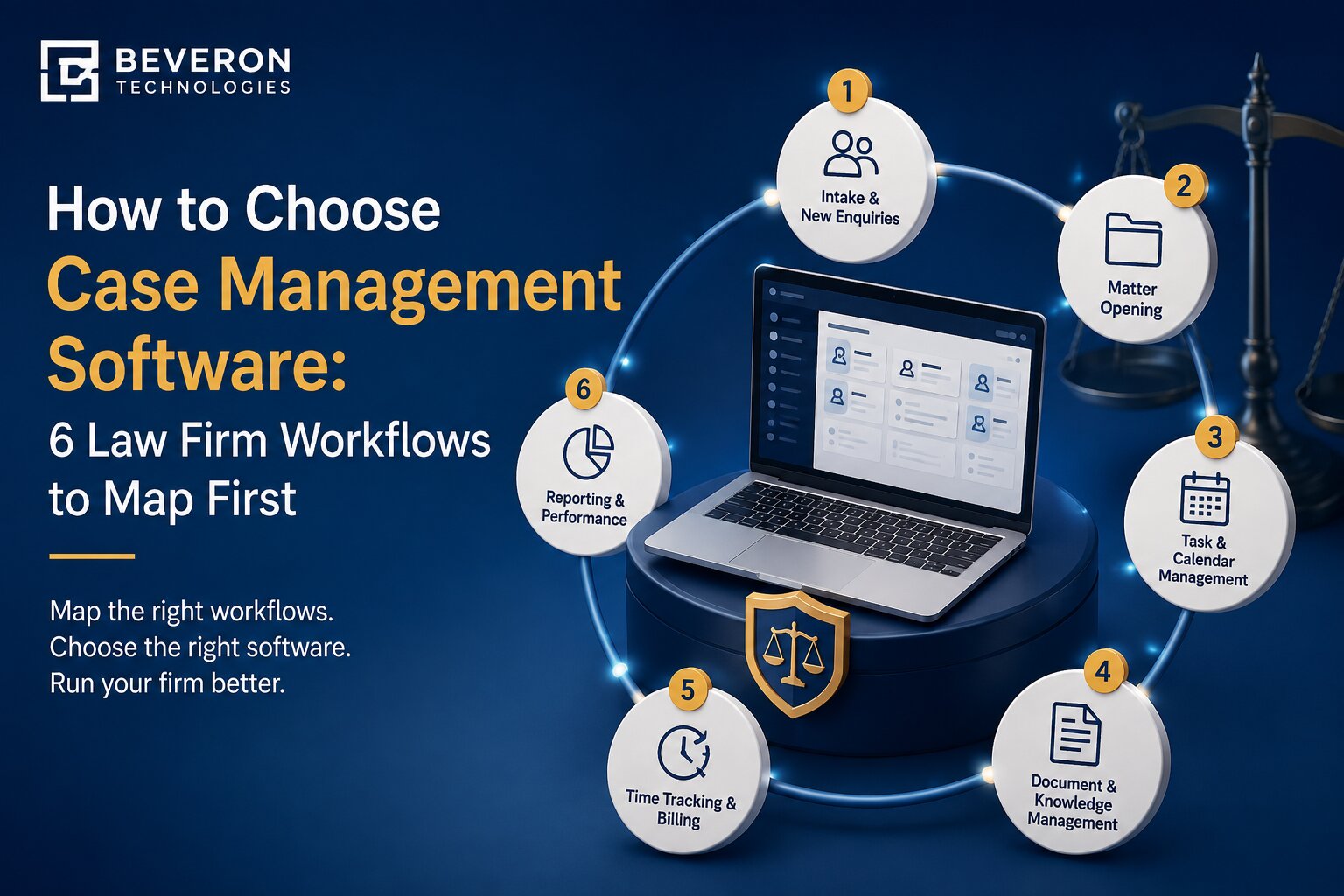
In today’s fast-paced legal landscape, law firms are under increasing pressure to deliver efficient services while managing complex cases, documents, and deadlines. Matter management software has become an essential tool for firms that want to streamline workflows, improve client service, and stay competitive. This guide walks you through the steps to successfully implement matter management software in your firm.
1. Understand the Need for Matter Management Software
Before diving into implementation, it’s crucial to assess why your firm needs matter management software. Common reasons include:
- Difficulty in tracking multiple cases simultaneously
- Missed deadlines due to manual processes
- Inefficient document and file management
- Lack of visibility across case progress
- Poor collaboration between team members
By identifying these challenges, you can set clear goals for what the software should achieve.
2. Choose the Right Matter Management Solution
Selecting the right platform is the foundation of a successful implementation. Consider the following factors when choosing:
- Ease of Use – Is the interface user-friendly for your team?
- Integration – Can it work with your existing tools like email and billing systems?
- Scalability – Will it support your firm’s growth in the future?
- Security – Does it ensure client data confidentiality and regulatory compliance?
- Support & Training – Does the vendor provide ongoing assistance?
3. Plan the Implementation Process
Once you’ve chosen a software solution, create a roadmap for implementation. Key steps include:
- Define a Timeline – Establish milestones for training, migration, and full adoption.
- Assign a Project Leader – Designate someone responsible for overseeing the transition.
- Data Migration – Safely transfer case files, client records, and documents to the new system.
- Testing Phase – Run a pilot test with a small team before full rollout.
4. Train Your Legal Team
Training is critical to ensure smooth adoption. Provide your staff with hands-on sessions to familiarize them with the new features. Consider:
- On-site workshops or webinars
- Training manuals and tutorials
- Ongoing support for troubleshooting
This will help your team maximize the software’s benefits from day one.
5. Monitor and Optimize
After full deployment, continuously monitor how your team uses the software. Collect feedback, track productivity improvements, and identify areas that require adjustments. Regular updates and vendor support will also ensure your system stays efficient and secure.
Matter Management Software for Law Firms in Nigeria
For Nigerian law firms, adopting the right matter management software can be a game-changer. With growing competition and evolving client expectations, firms need a solution that offers efficiency, compliance, and automation.
Smart Lawyer Office Software is designed to meet the unique needs of law firms in Nigeria. It provides:
- Centralized matter tracking and case management
- Automated reminders and deadline monitoring
- Secure document storage and retrieval
- Seamless collaboration across teams
- Scalable features for firms of all sizes
Take the Smart Step Today
Implementing matter management software is not just about technology—it’s about transforming the way your firm operates. Nigerian law firms that adopt Smart Lawyer Office Software can significantly boost productivity, reduce errors, and deliver better client outcomes.
Take the first step today—explore Smart Lawyer Office Software and empower your firm to work smarter, not harder.
Best law firm case management software in Nigeria
Best matter management software for lawyers in Nigeria
Best litigation management software in Nigeria
If you need free demo on best matter management software for lawyers in Nigeria, please fill the form below.